
Hey everyone, welcome back to the channel.
Today I’m going to show you exactly how to download and sign into TurboTax so you can get your taxes filed easily. Whether you’re a first-timer or you’ve used TurboTax before, this video will walk you through everything you need to know. Let’s jump in!
First things first, head over to the official TurboTax website. You can find it by searching for TurboTax directly. Once you’re on the site, you’ll want to pick the right version of TurboTax for your needs. If you’re filing a simple tax return, the free edition might be enough. But if you have deductions, investments, or are self-employed, you might want to choose one of the paid versions like TurboTax Deluxe or Premier.
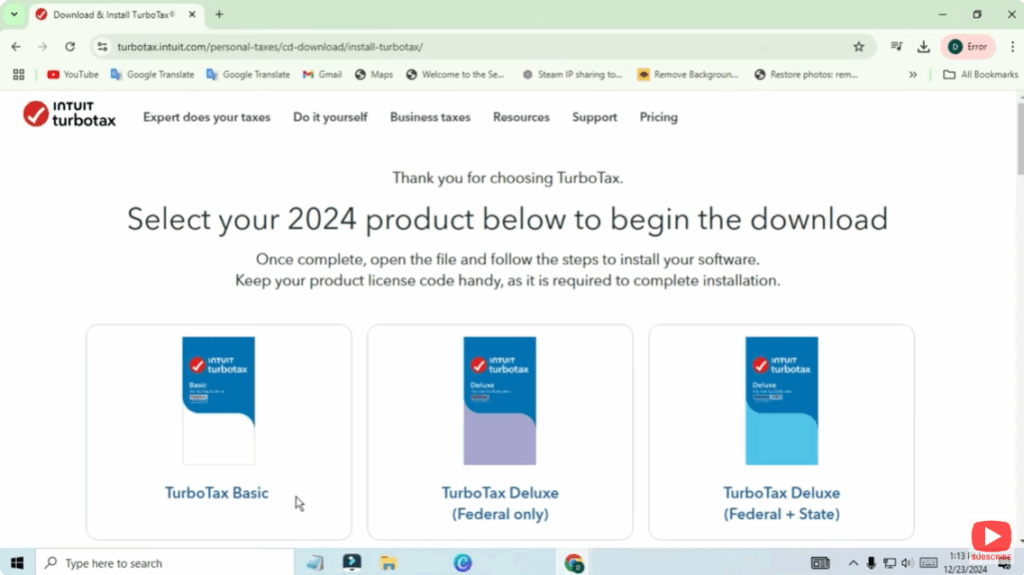
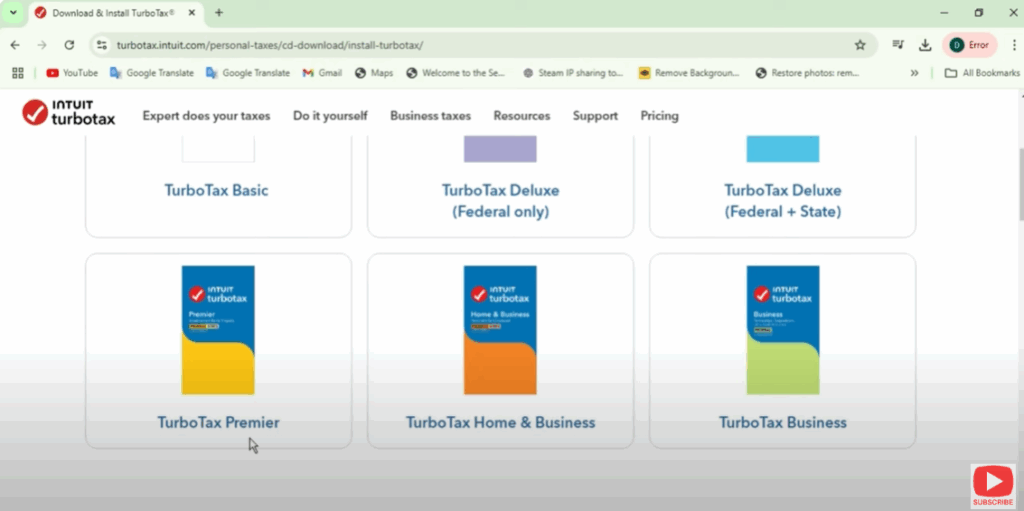
Next, it’s time to create a new account or sign into your existing one. If you’ve used TurboTax in the past, click Sign In. Don’t worry if you’ve forgotten your password—you can easily recover it through the site. If you’re new to TurboTax, click Create an Account and follow the prompts.
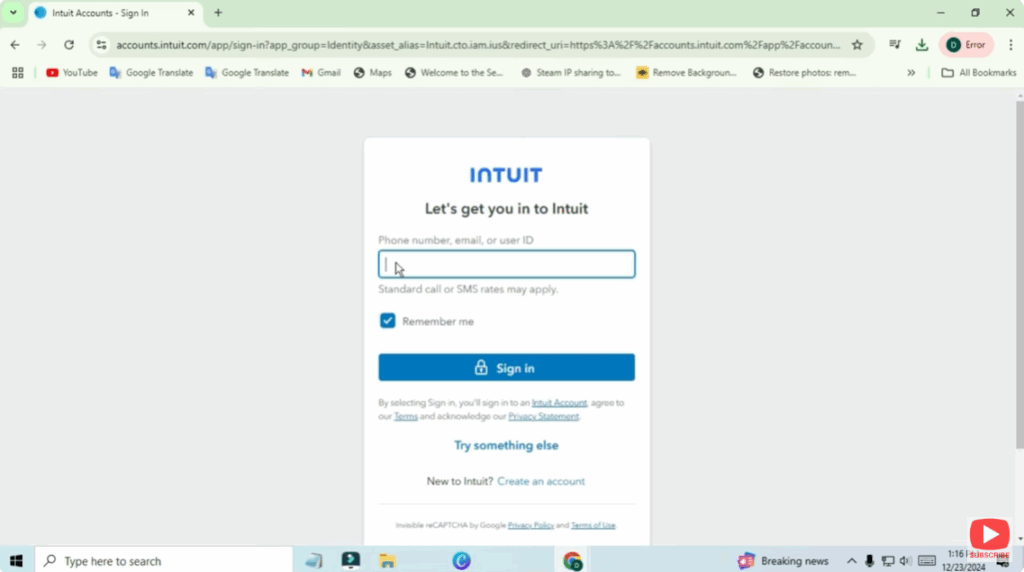
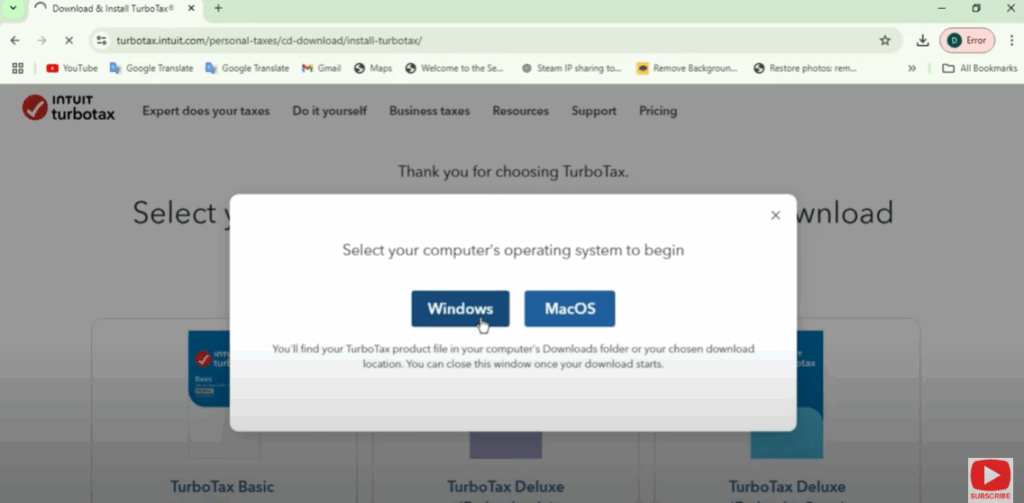
Once you’re signed in or have created an account, you’ll get a prompt to download the software. Depending on your device, you can download a Mac or PC version. Click Download, and the file will start downloading to your computer.
And that’s it! You’re now ready to start filing your taxes with TurboTax.
If you found this video helpful, don’t forget to give it a thumbs up and hit that subscribe button for more tax tips and tech tutorials. If you have any questions, feel free to drop them in the comments below. Good luck with your taxes, and I’ll see you in the next video!






