#ExcelTipsAndTricks
Microsoft Excel Insert Tab & Groups
The Insert tab in Microsoft Excel is your go-to place for adding charts, pictures, tables, shapes, and other objects to make your spreadsheets more...
How to Insert Symbol in Excel? (ALL SYMBOL)
Inserting a symbol in Excel is a simple way to make your spreadsheets clearer and more professional. Whether you need currency signs like ₹...
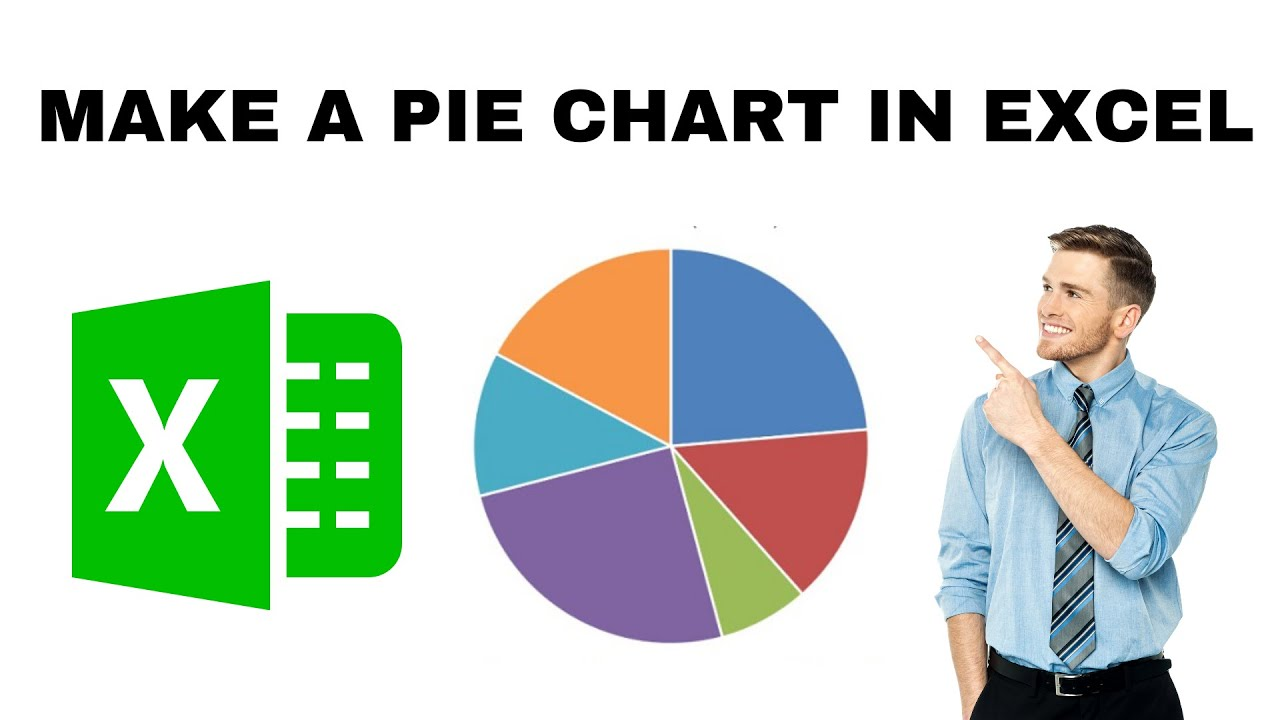
How to Make a Pie Chart in Excel?
Making a pie chart in Excel is an easy way to show how different parts make up a whole using colorful slices. Pie charts...
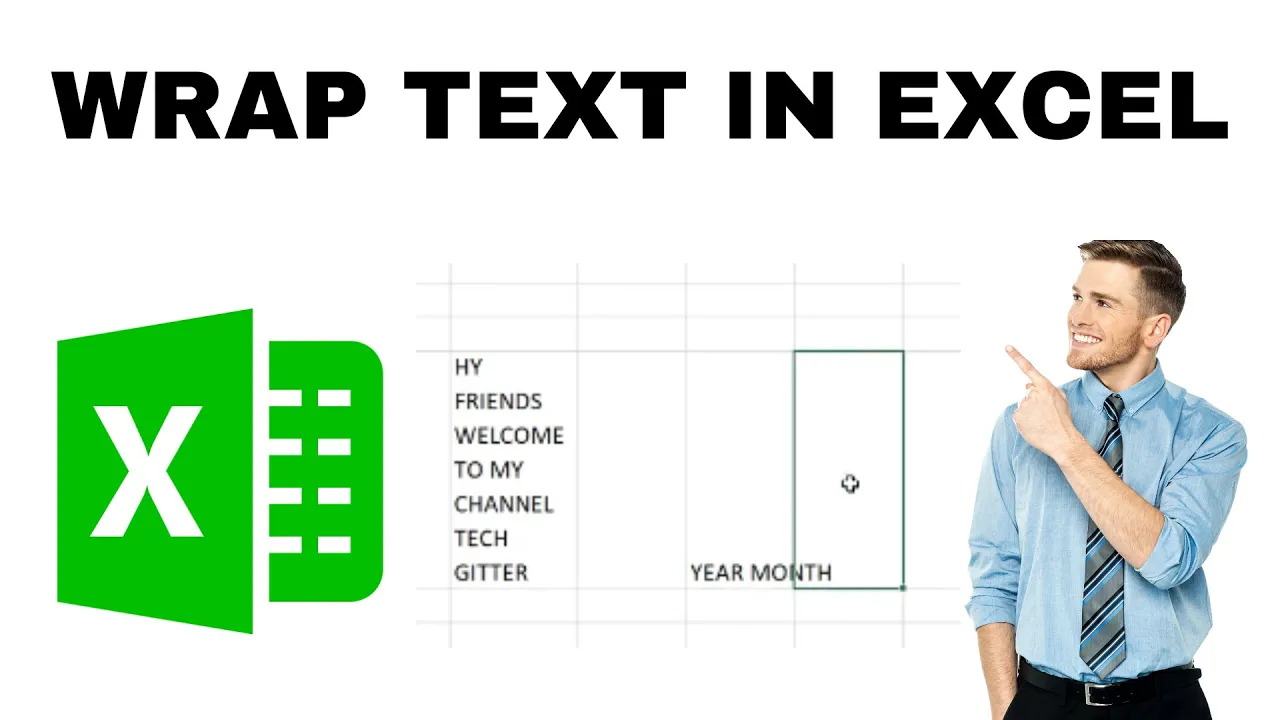
How to Wrap Text in Excel? Fit Longer Text
Wrapping text in Excel helps fit longer text into a cell by displaying it on multiple lines, so nothing gets cut off or hidden....
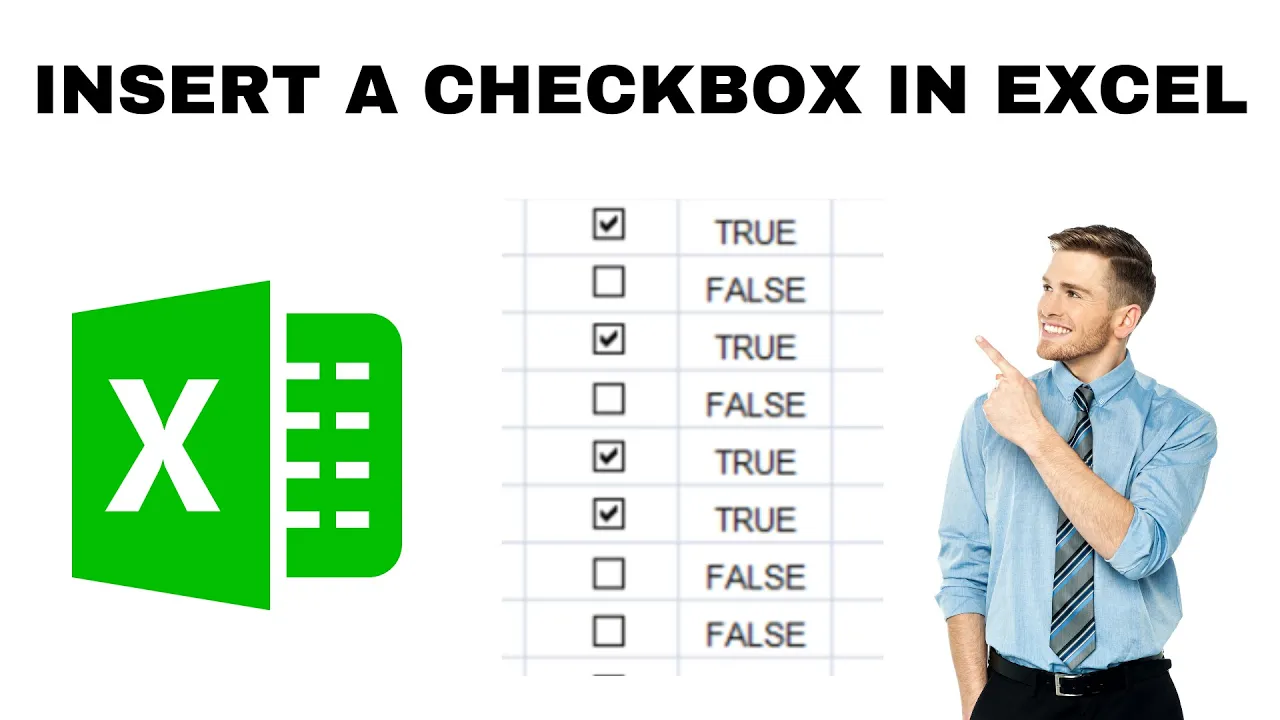
How to Insert a Checkbox in Excel? step by step
Checkboxes in Excel make your spreadsheets interactive for to-do lists, attendance sheets, or task trackers by letting users click to check/uncheck items easily. You’ll...
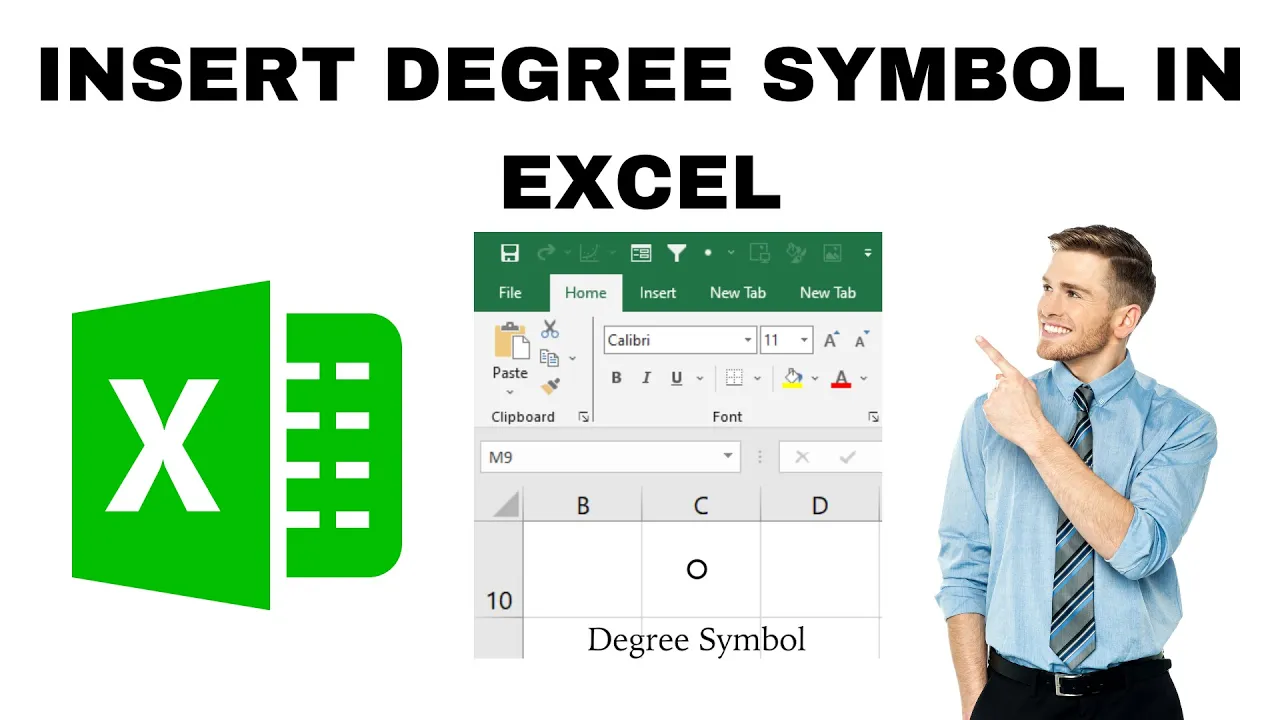
How to Insert Degree symbol in excel?
Adding a degree (°) symbol in Excel is very useful when you’re working with temperatures, angles, or measurements. Many beginners get confused because the...
Microsoft Excel Review Tab
The Review tab in Microsoft Excel is like your toolbox for checking and protecting your work. It helps you spot mistakes, add comments, track...
✅Top 30 Excel Tips and Tricks in Just 30 Minutes
Want to become an Excel expert in just 30 minutes? Whether you’re a student, professional, or just someone who uses Excel occasionally, learning a...
Top 50 most useful excel functions -Everyone Should learn this
Mastering Excel functions can make working with data faster, smarter, and much easier—whether organizing a budget, analyzing trends, or solving everyday problems. Excel comes...





