#ExcelTutorial
How to Merge Cells in Excel?
Merging cells in Excel helps you combine two or more cells into one, making your tables and reports look neat and organized. It’s useful...

How to Create a QR Code in Excel?
Creating a QR code in Excel is easier than you might think! A QR code is a small square image that stores information like...
Microsoft Excel Formula Tab
The Formula tab in Microsoft Excel is your main hub for working with functions, formulas, and advanced calculations that make spreadsheets powerful. Hidden by...
How to Convert an Excel File into PDF (SAVE EXCEL FILE AS PDF )
Sometimes you may need to share an Excel file in a format that looks the same on every computer. 📊 That’s where PDF comes...
How to Calculate Age using a Date of Birth in Excel? Step by step process
Calculating age using a date of birth in Excel is simple and useful for many tasks like keeping track of birthdays or ages in...
How to Number Rows in Excel? (EASY WAY)
Numbering rows in Excel is a simple trick that helps you organize and keep track of your data easily. Whether you want to create...
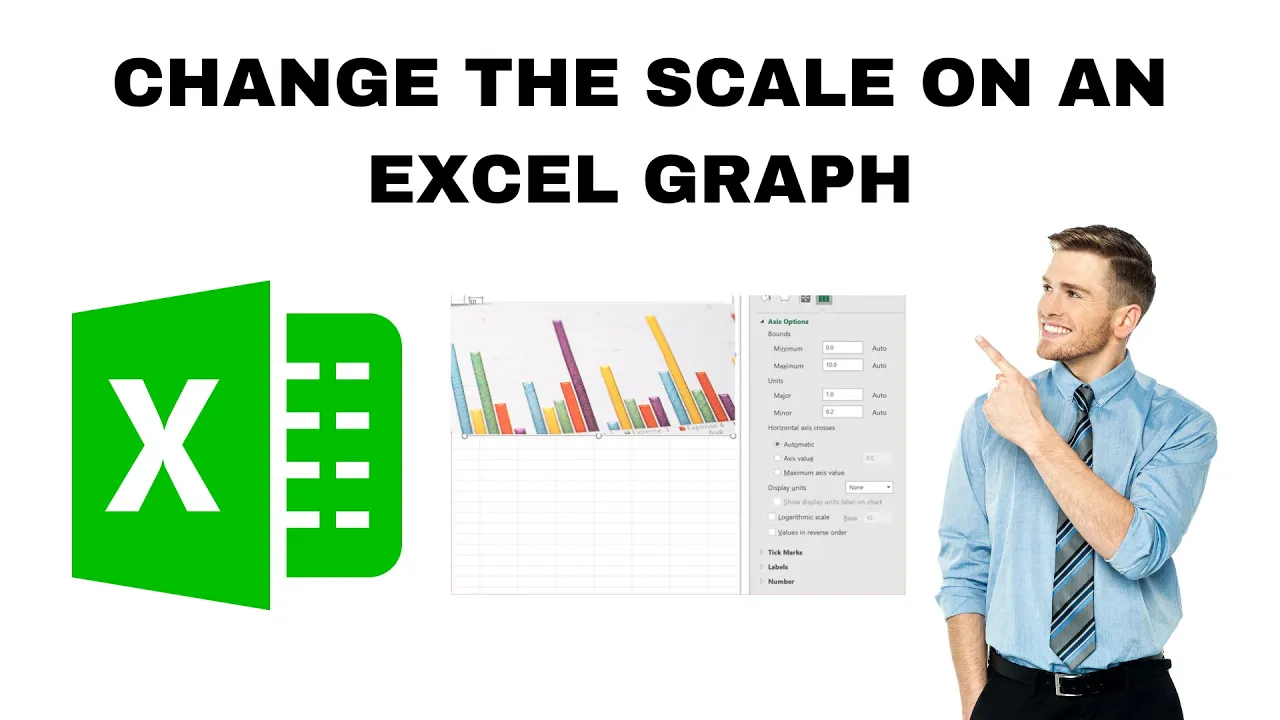
How to Change the Scale on an Excel Graph?
Working with graphs in Microsoft Excel is a great way to understand your data, but sometimes the default scale doesn’t show the information clearly....

Microsoft Excel Tell me What You Want To Do Tab?
Ever felt stuck while using Microsoft Excel and didn’t know where to find a feature? That’s where the “Tell me what you want to...
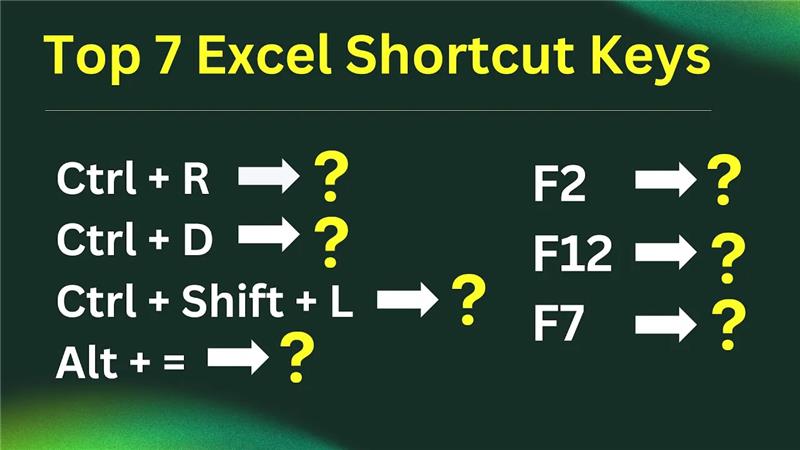
Top 7 Excel Shortcut Keys 2024
Learning a few simple shortcut keys in Excel can save plenty of time and make working with data much faster. Whether adding new data,...





