#DiskManagement
Disk Management Not Working? Open It as Admin!
Disk Management is a vital Windows tool for creating, resizing, or formatting drives, but it sometimes fails to open or shows errors due to...
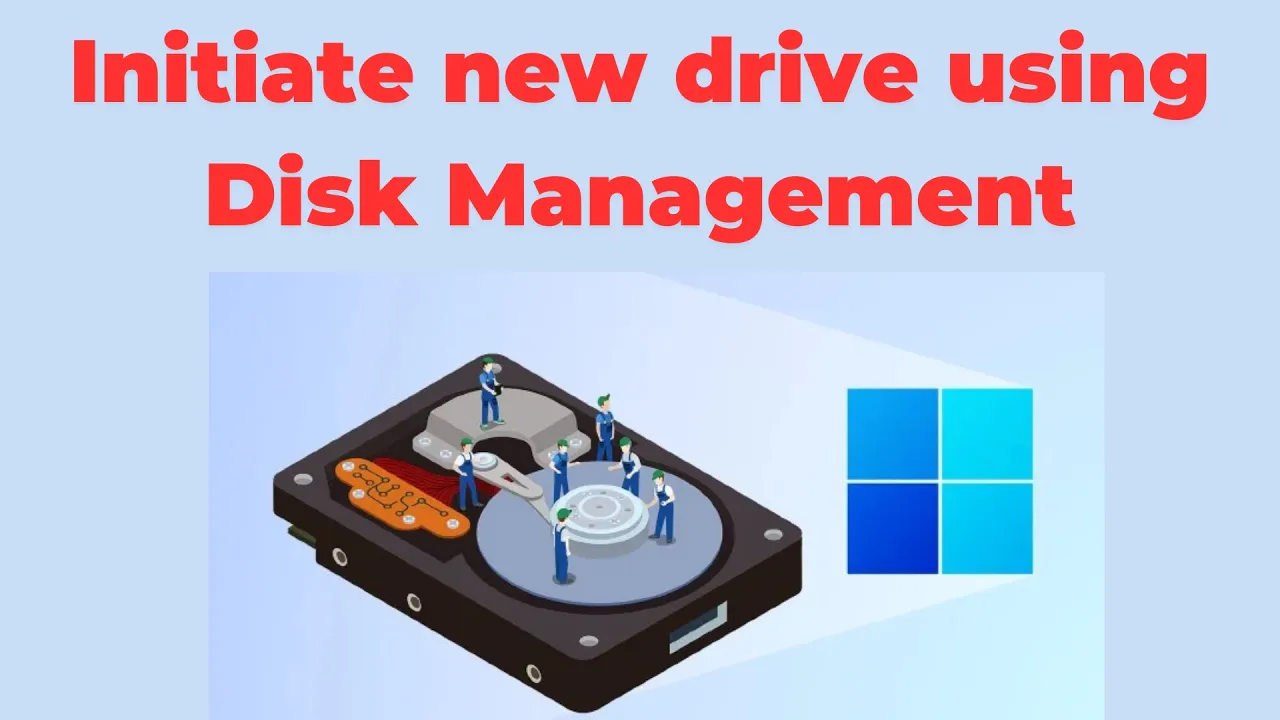
How to initiate new drive using disk management?
When you get a new hard drive, you need to “initialize” it before you can use it on your Windows PC. Initializing means setting...
What is disk management and how to use it ?(Windows 11/10)
Disk Management is a built‑in tool in Windows 10 and Windows 11 that helps you manage your hard drives and storage devices easily. With...
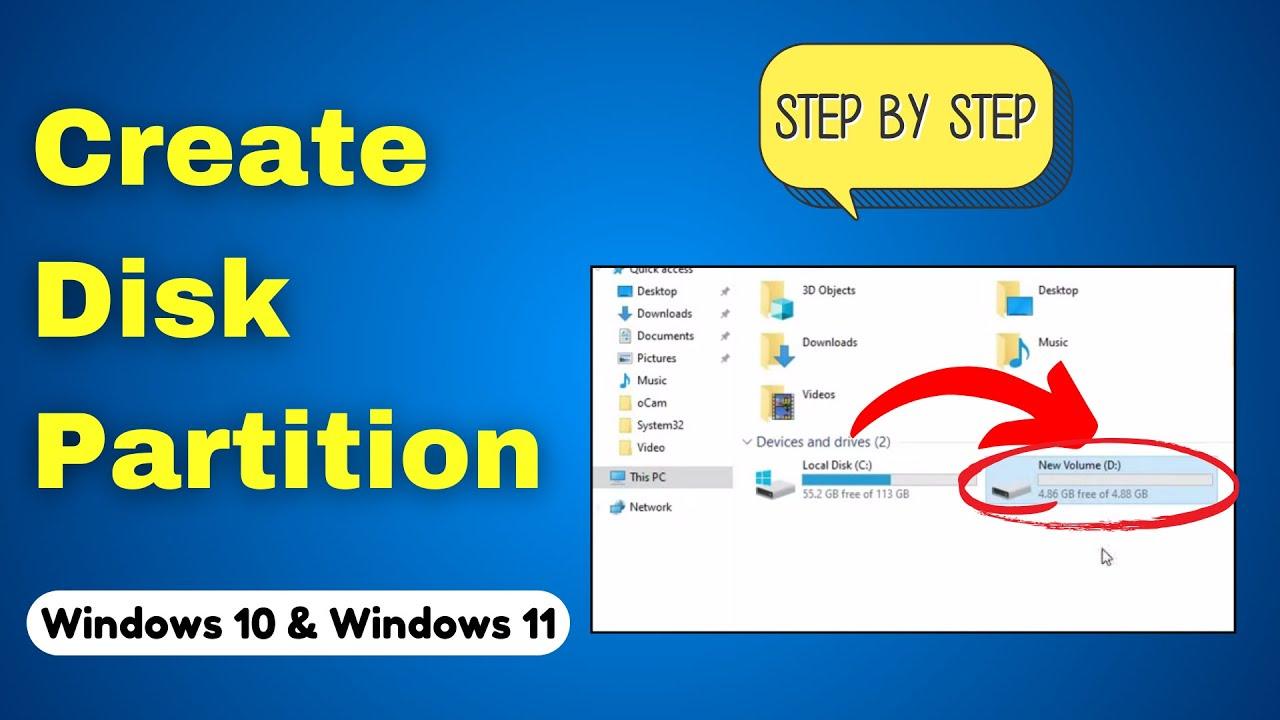
How to create disk partition on Windows 10 and Windows 11| #computer | Create a new drive
Creating a disk partition on Windows 10 or Windows 11 is a smart way to organize your files, install multiple operating systems, or set up a new drive for backups. Thankfully, the process is straightforward and doesn’t...
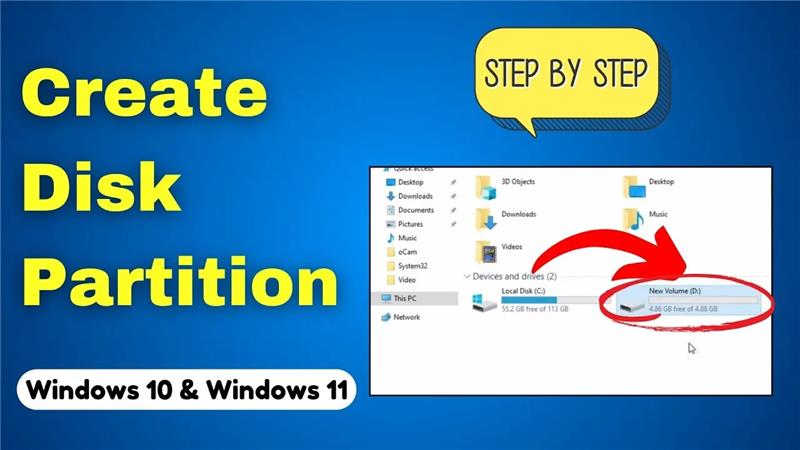
How to Partition Your Hard Drive in Windows 10/11 | Create a New Drive
If your computer has only one big drive, it can sometimes feel messy to store everything in one place. That’s where partitioning your hard...
The System Cannot Find the Drive Specified
You may encounter the error “The system cannot find the drive specified” when attempting to access a drive via File Explorer, Command Prompt, during...
How to run disk management as administrator?
Need to run Disk Management with elevated privileges to manage drives, partitions, or volumes? Here’s how to launch it with the necessary admin rights....





