#PCTroubleshooting
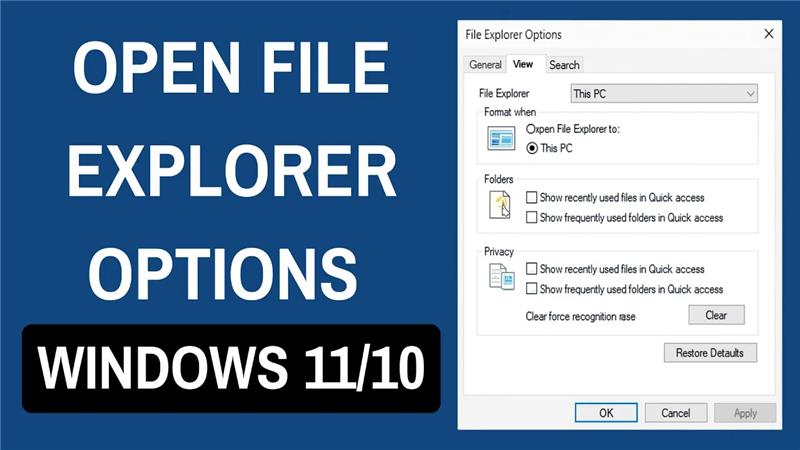
How to Open File Explorer Options in Windows 11/10
Opening File Explorer Options in Windows 10 or Windows 11 is a simple way to customize how your files and folders look and behave....
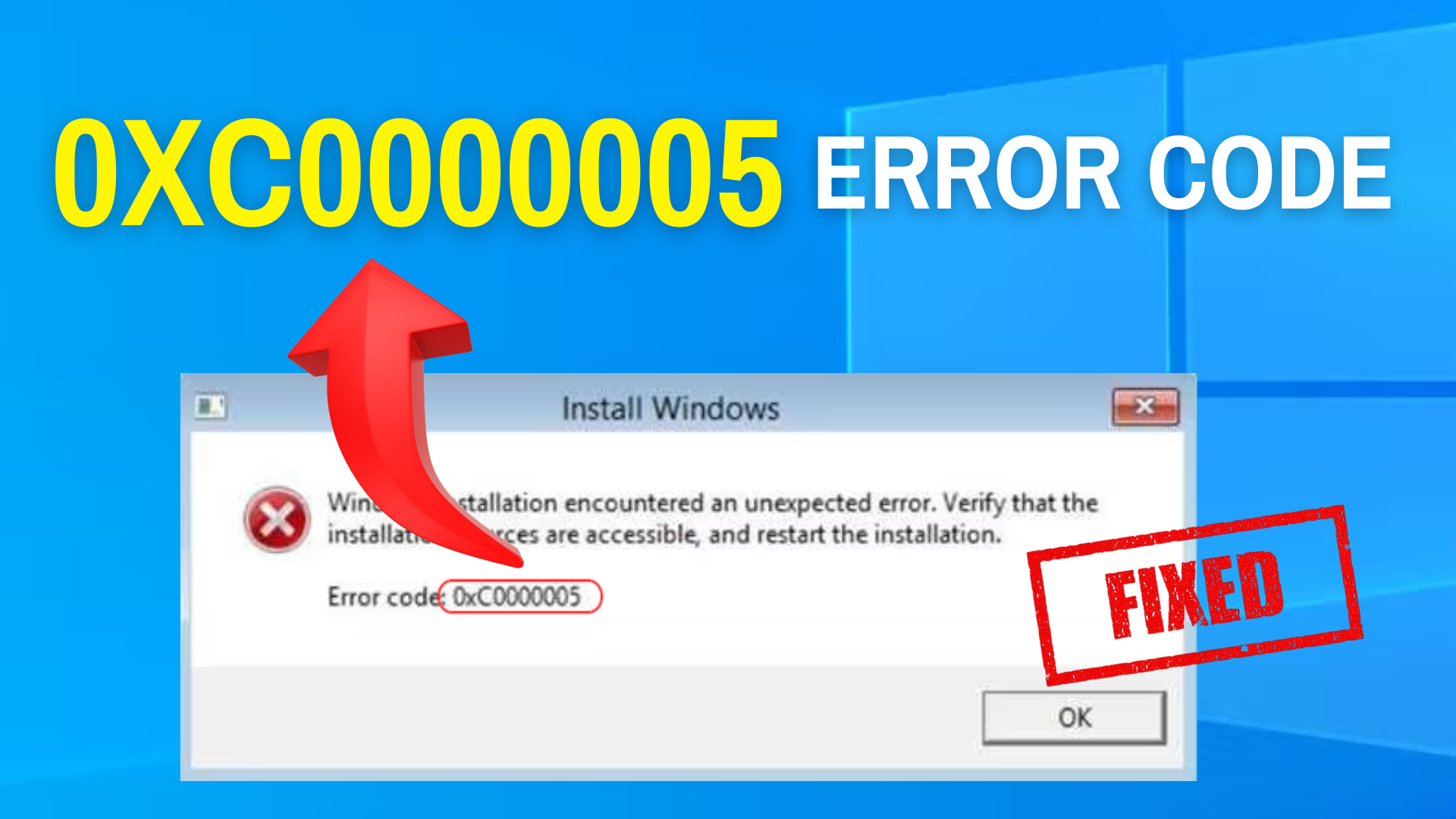
STOP Error 0xc0000005 Now – 100% Working Fix!
The STOP Error 0xc0000005 is one of the most common problems that Windows 10 and Windows 11 users face. It usually appears when you...
How To Edit Hosts File in Windows 10
The hosts file in Windows 10 is a special text file that helps your computer map website names to IP addresses, directing traffic before...
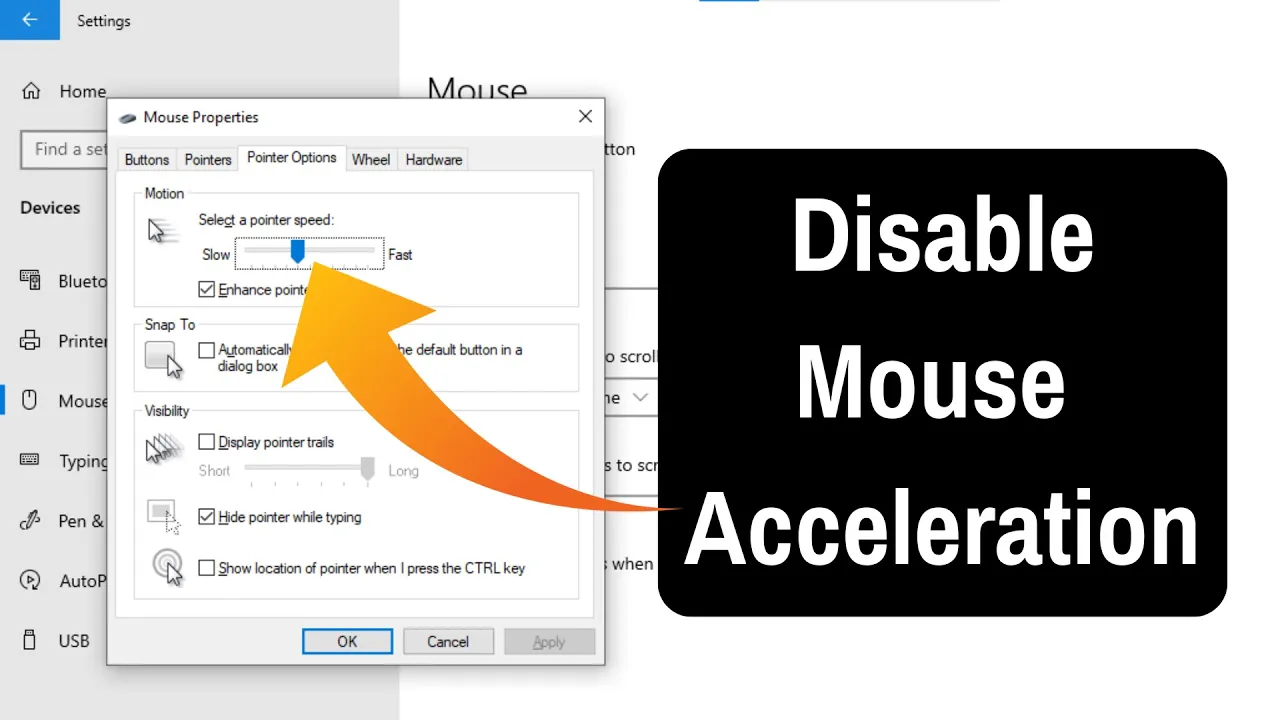
How To Disable or Turn Off Mouse Acceleration in Windows 11
Mouse acceleration in Windows 11 can sometimes make your cursor feel unpredictable. Instead of moving at a steady pace, the pointer speeds up depending...
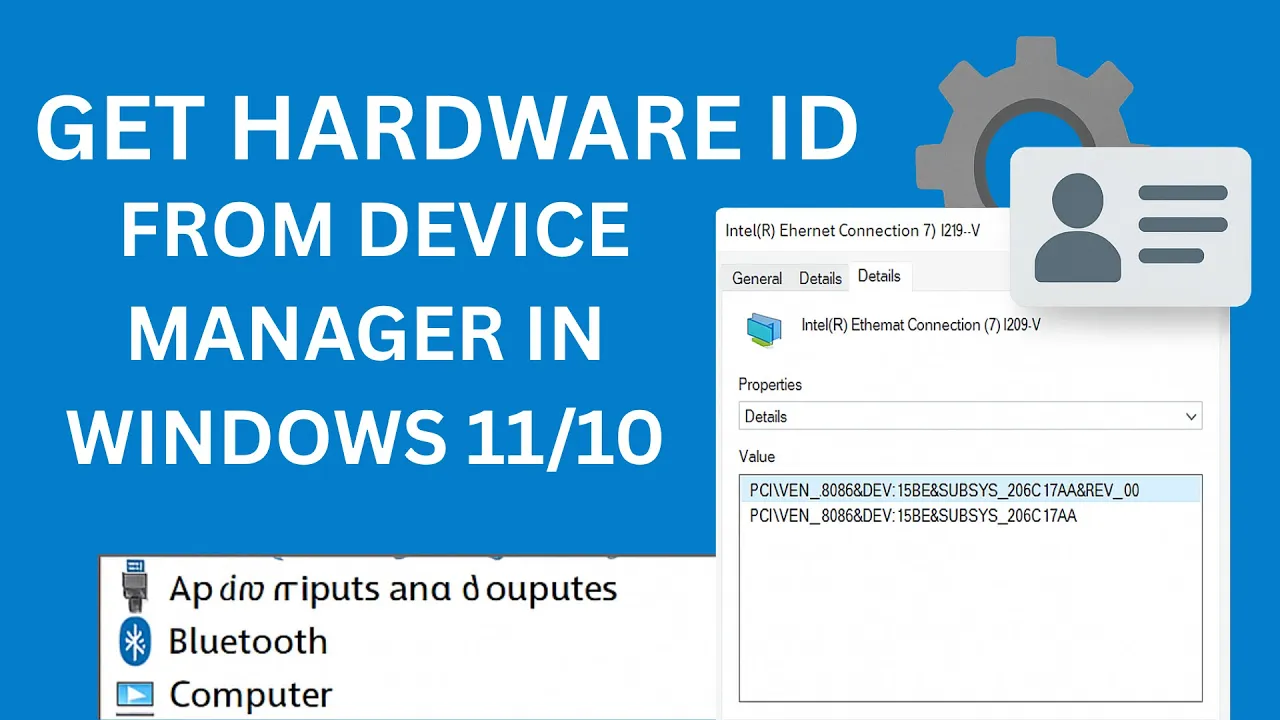
How to Get Hardware ID From Device Manager in Windows 11/10
Need to find your device’s Hardware ID on Windows 10 or 11? It’s easier than you think! A Hardware ID helps your computer recognize...
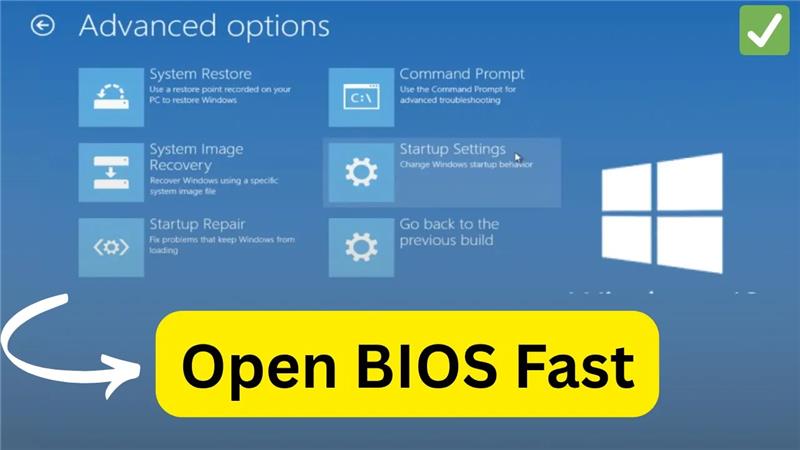
How to Access BIOS Settings on Windows 10
Welcome back to my channel Tech Gitter Official. In today’s video, we will learn how to open BIOS settings in Windows 10 without using...
Black Screen with Cursor in Windows 10/11? Here’s the FIX! (2025)
Hello friends, welcome back to my channel Tech Gitter. In this guide, we’re going to fix the black screen with cursor issue on your...





