
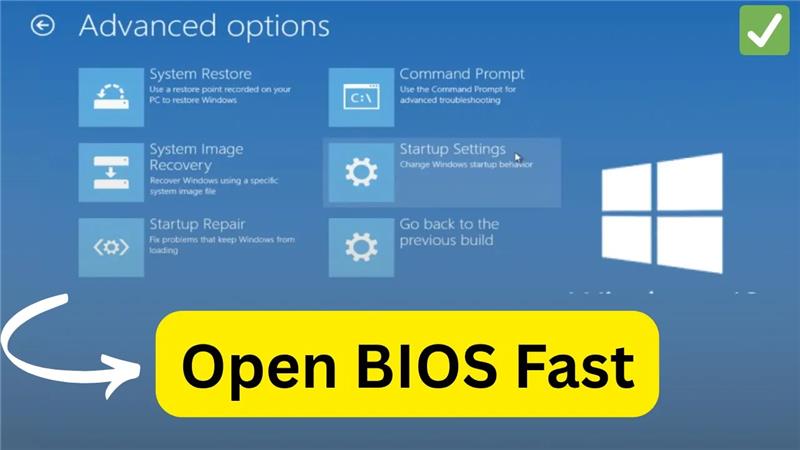
Welcome back to my channel Tech Gitter Official. In today’s video, we will learn how to open BIOS settings in Windows 10 without using any key during startup.
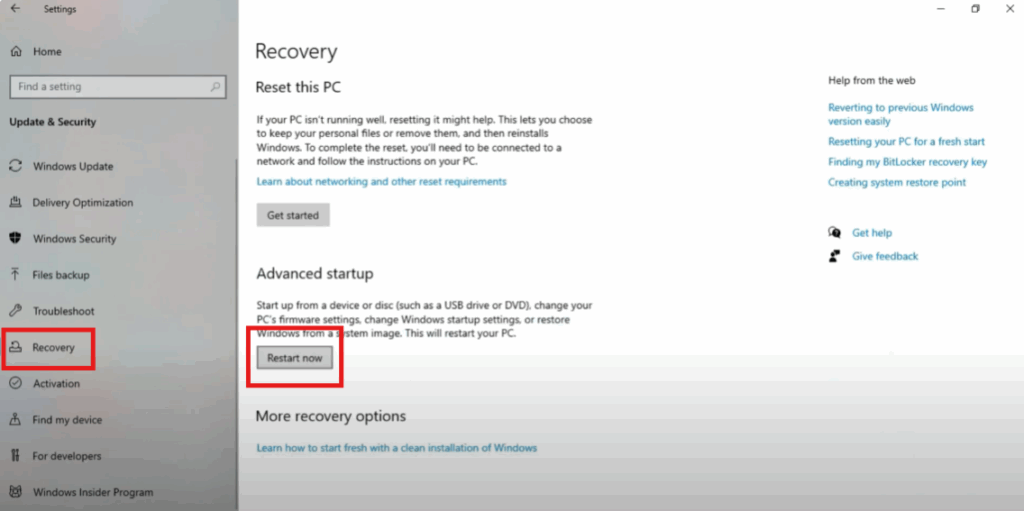
First, click on the Windows icon. Then, click on the settings icon. After that, click on update and security. Now, click on the recovery option from the left menu. Scroll down and click on restart now under the advanced startup section.
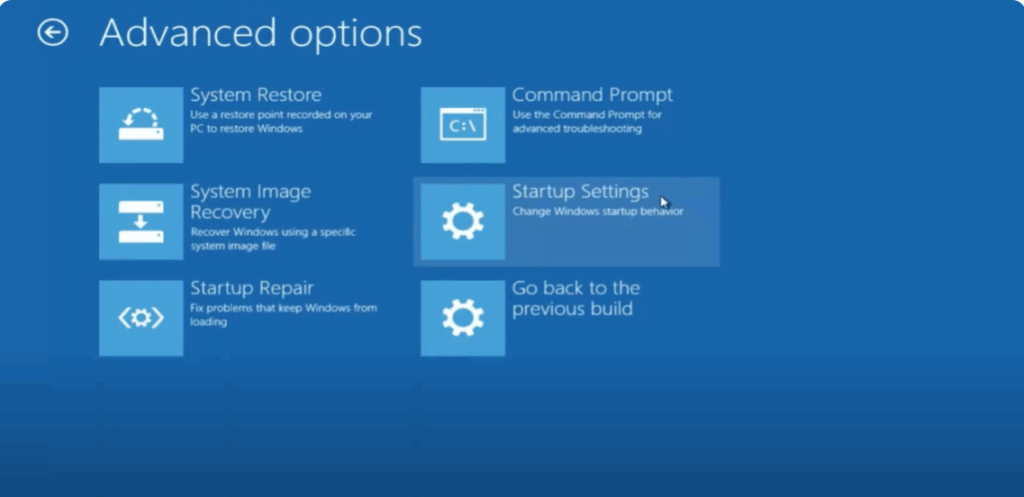
Wait for your system to restart. Once the blue screen appears, click on troubleshoot. Now click on advanced options. You will see a screen with various startup modes. Then click on startup settings. Click on restart again.
Once your PC restarts, press the required key shown on the screen to enter the BIOS setup. You’re now in BIOS.
Thanks for watching. If this video helped you, don’t forget to like, share, and subscribe to Tech Gitter official.






