#ExcelTips
How to Unhide Sheets in Excel? All hide sheet
Sometimes in Excel, sheets get hidden to keep your workbook clean or protect sensitive data. If you want to see or edit those hidden...

How to Change Chart Style in Excel?
Changing the chart style in Excel helps make your data look more attractive and easier to understand. Excel offers many built-in styles you can...
How to Sort by Date in Excel (EASY AND QUICK)
Sorting data by date in Excel is one of the easiest ways to organize your work and find information quickly. Whether you’re managing a...
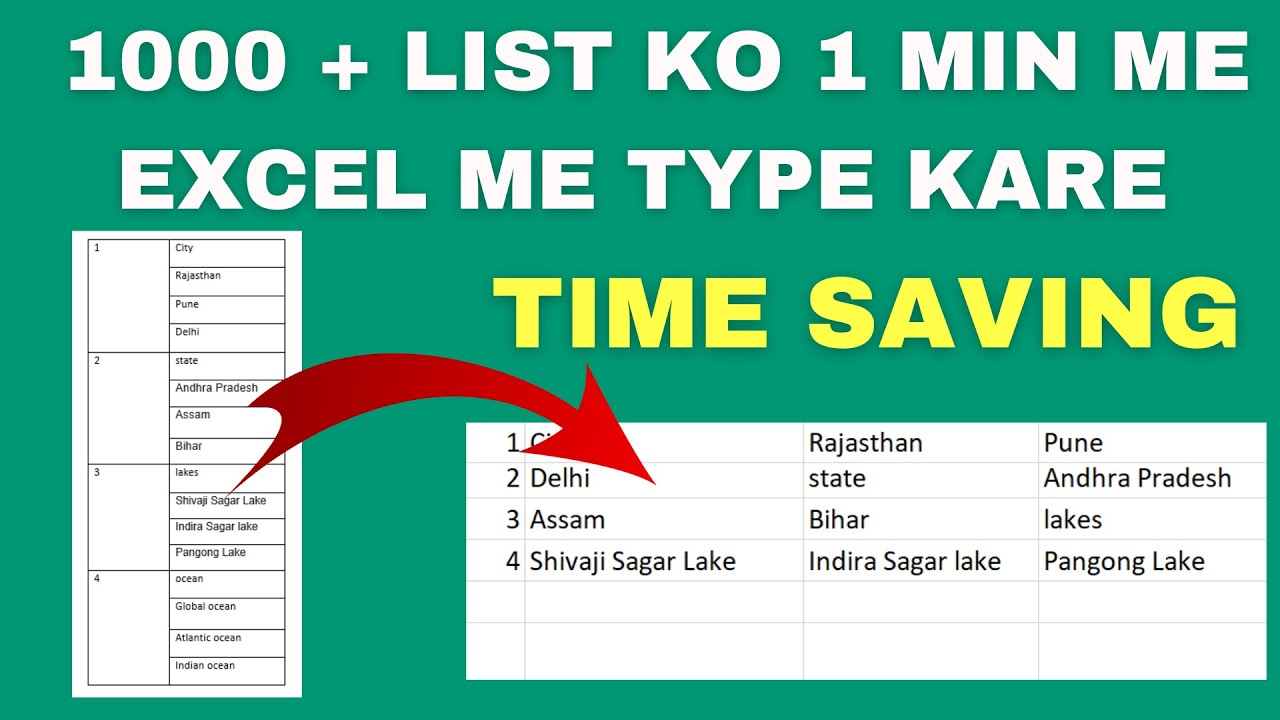
Time Saving Most important MS Excel Tips | Split & Arrange Text Into Different Columns
Working with messy data in Excel? Don’t worry—there’s a quick and easy way to clean it up! If you’ve ever had names, dates, or...
Creating Easy Data Entry Forms in Excel
Tired of typing data into Excel one cell at a time? There’s a faster and easier way—use a data entry form! With Excel, you...

Top 7 Excel Shortcut Keys 2024
Learning a few simple shortcut keys in Excel can save plenty of time and make working with data much faster. Whether adding new data,...
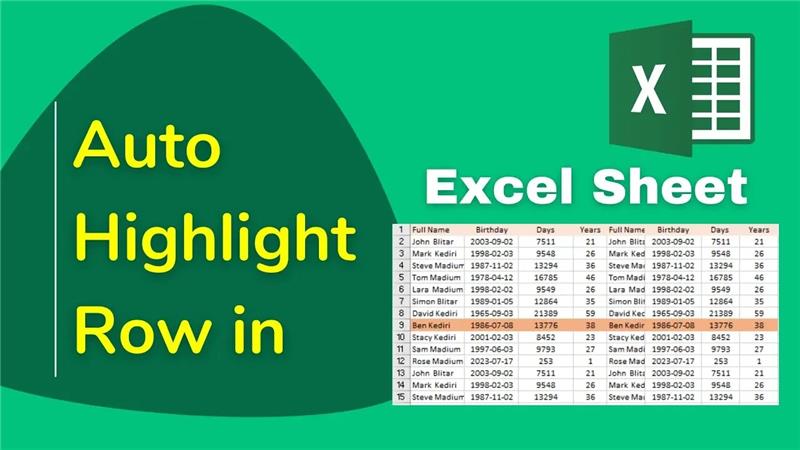
How to Automatically Highlight the Active Row in Excel
Navigating large Excel sheets can get confusing—especially when you lose track of which row you’re on. That’s where highlighting the active row becomes super...





