

Hello friends welcome back to my channel Tech Gitter. In today’s video I will tell you how to activate crunchy roll on your device. So let’s start the video.
To activate crunchy roll follow these steps:
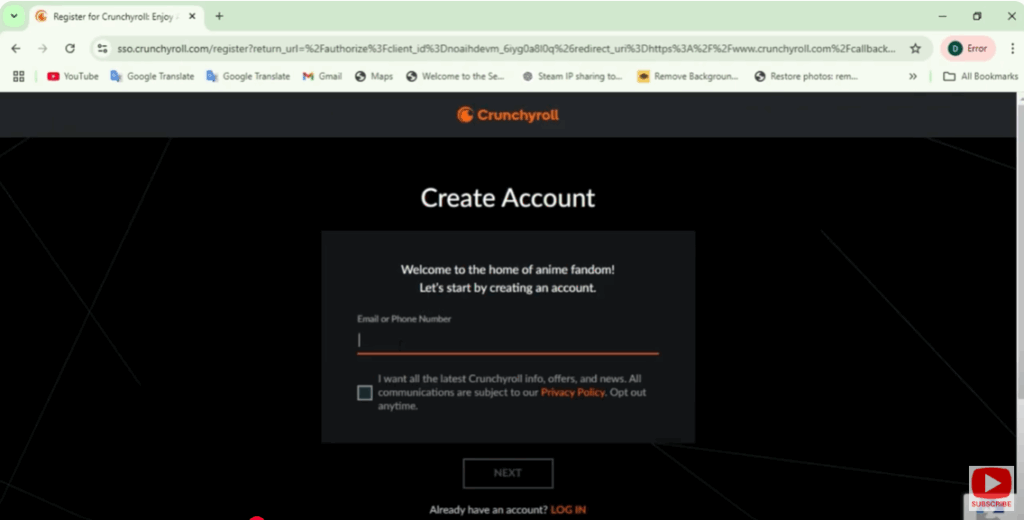
Create a Crunchy Roll Account
If you don’t have an account yet visit crunchy rolls website. Click sign up and enter your information to create an account.
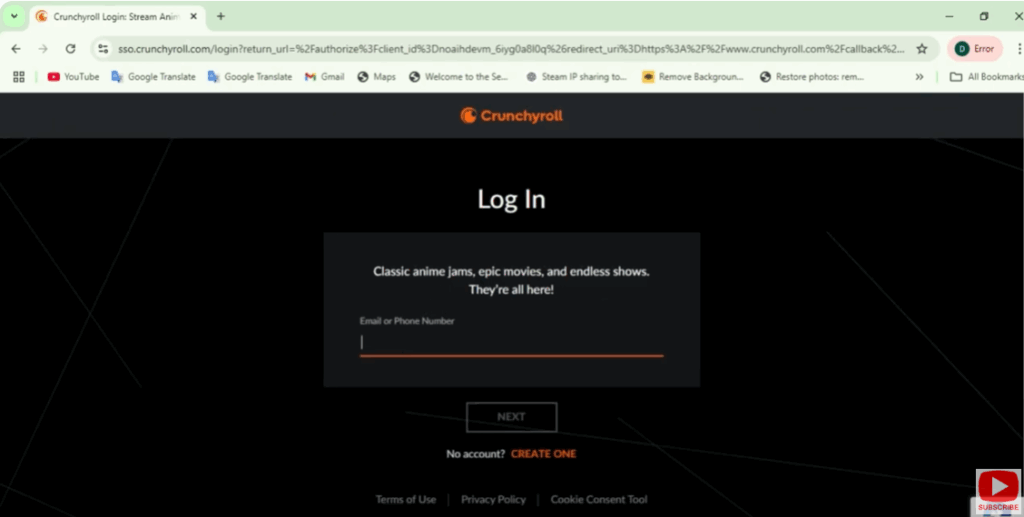
Log Into Your Account
After creating your account account log in with your username and password.
Activate on Device
If you’re using a streaming device such as Roku, Apple TV or Playstation you’ll usually need to link your device to your crunchy roll account.
For Smart TVs and streaming devices:
- Open the Crunchyroll app on your device.
- You’ll be prompted with an activation code on the screen.
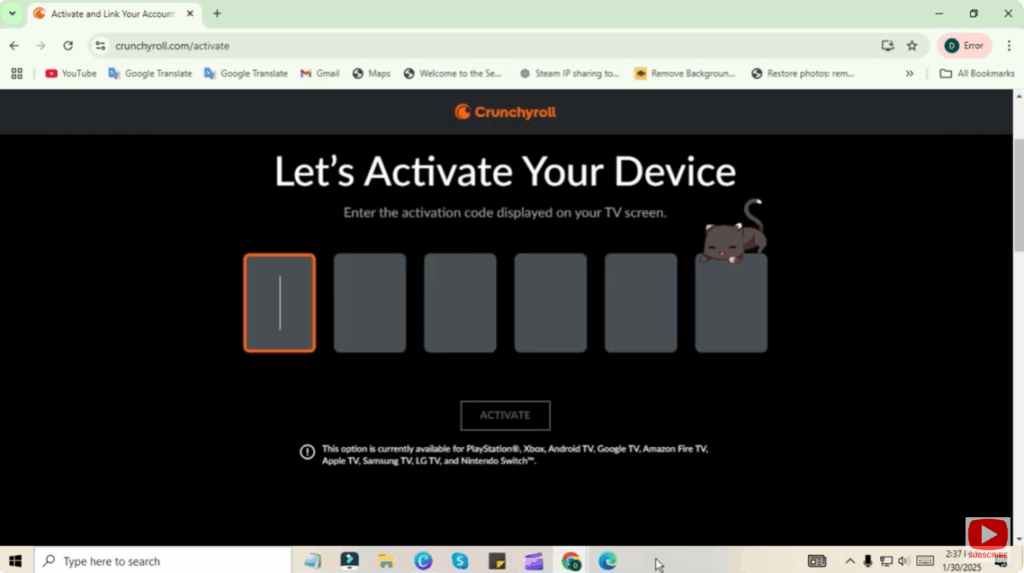
- Visit crunchyroll.com/activate on a web browser.
- Sign into your account if prompted.
- Enter the activation code shown on your TV or device.
- After entering your device will automatically refresh and your account will be activated.
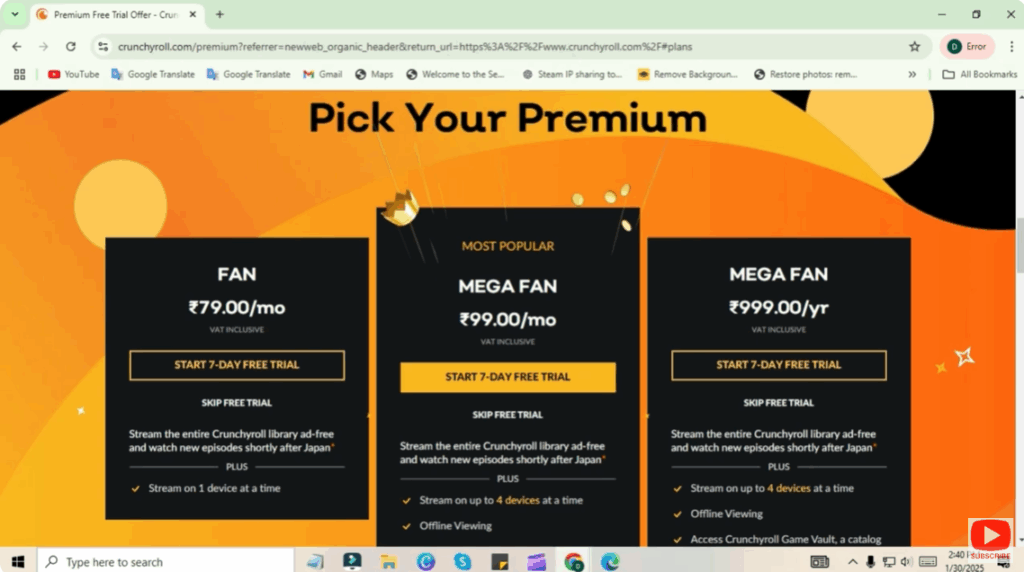
Activate Crunchyroll Premium (Optional)
If you’re upgrading to premium, if you want to upgrade to a Crunchyroll premium subscription for additional features like ad free streaming and early access to episodes, go to the settings or subscriptions section in your account. Choose your subscription plan and follow the steps to add payment details.
Start Streaming
That’s it. After activation you should be ready to start streaming your favorite anime.
If you like the video like it, share it, and subscribe to it if you’re new to the channel. Thanks for watching. Have a nice day.






