

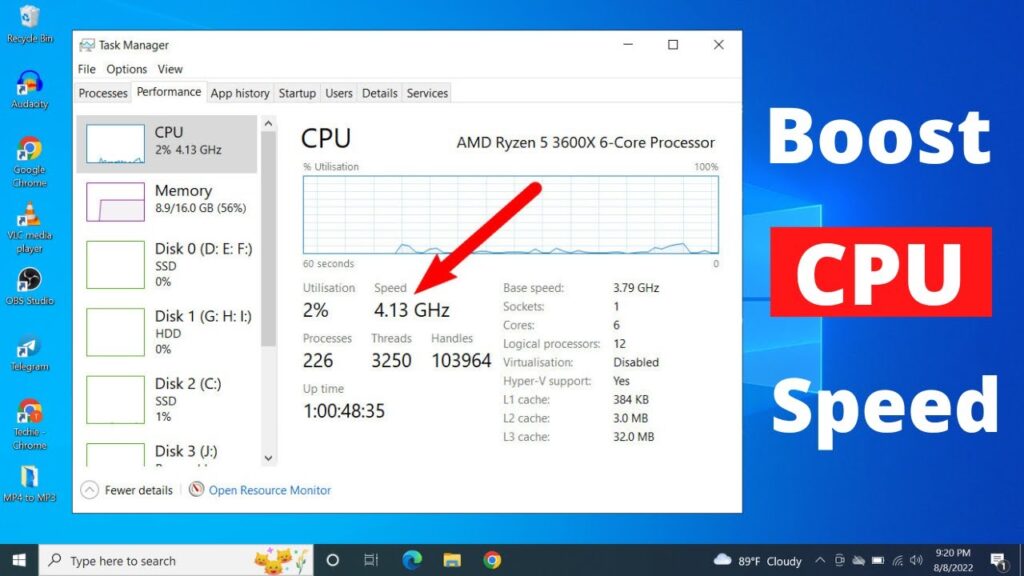
Hi friends welcome to my channel Tech Gitter. Today we will boost CPU processor speed by just following these steps. The performance of your processor will be better than before.
So let’s start.
Step 1: Open Power Options
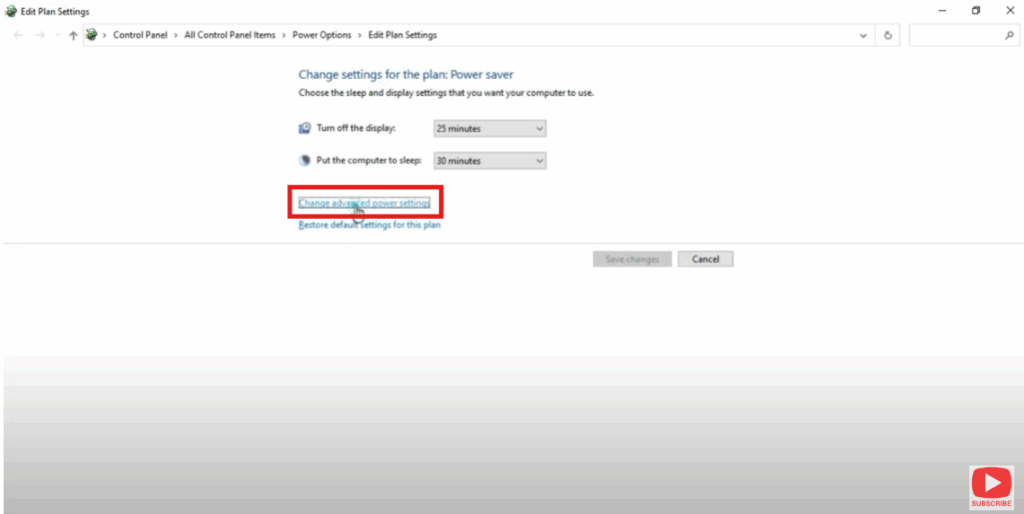
First of all, type power in the search bar at the bottom left and you will get an option to Edit the Power Plan.
Click on Edit Power Plan. You will see a window like this where you click on Change Advanced Power Settings.
Step 2: Select High Performance
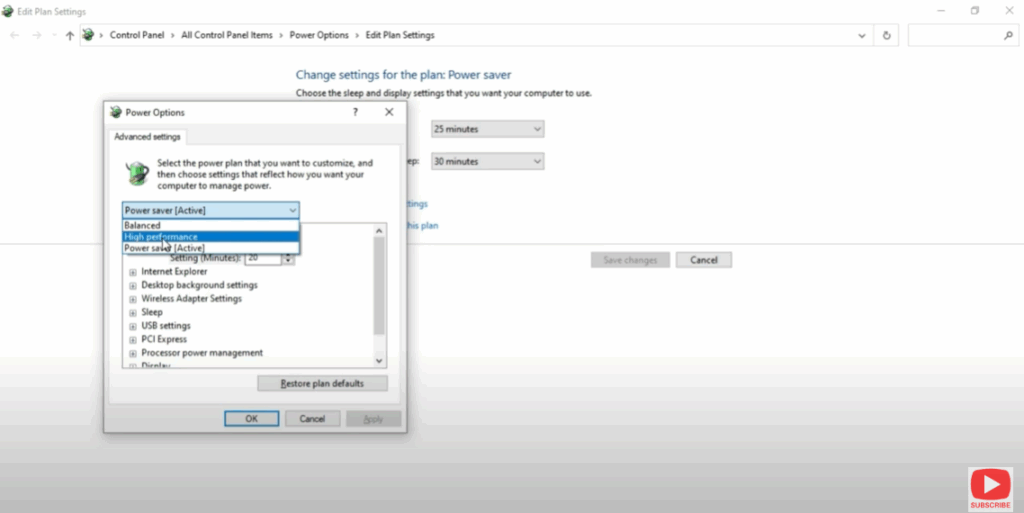
Now once you click on that, a window will appear like this where we have balanced and everything done.
So we have to click here and make sure you select High Performance.
Step 3: Adjust Processor Power Management
Then scroll down and look for Processor Power Management.
Maximize this processor power management. Here we have Minimum Processor State and Maximum Processor State.
- Minimum Processor State should be 0
- Maximum Processor State should always be 100
So here we have to type just 100%. Minimum 0 and maximum 100.
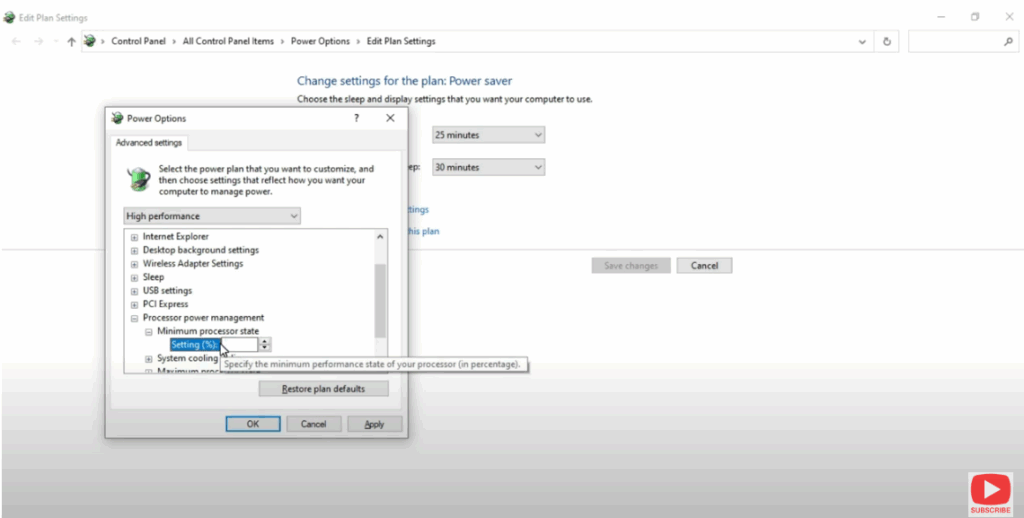
Click on Apply and then OK.
Step 4: Disable Unwanted Startup Apps
Now just open Task Manager by clicking and going to Task Manager → Startup.
Here just disable unwanted applications.
Step 5: Restart Your Computer
You just have to restart the computer and surely there will be a change in your computer’s performance.
If you like the video then please like and share the video, and if you’re new to the channel then please subscribe.
Have a good day.






