
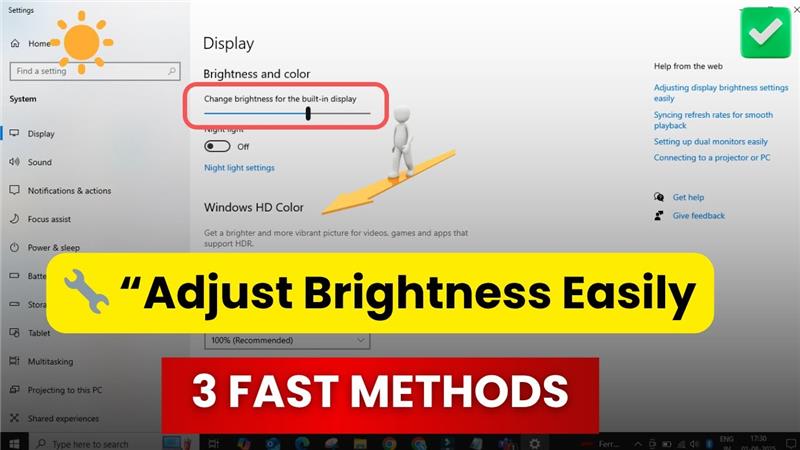
Welcome back to my channel Tech Gitter Official. In today’s video, we will learn how to adjust screen brightness on your Windows 10.
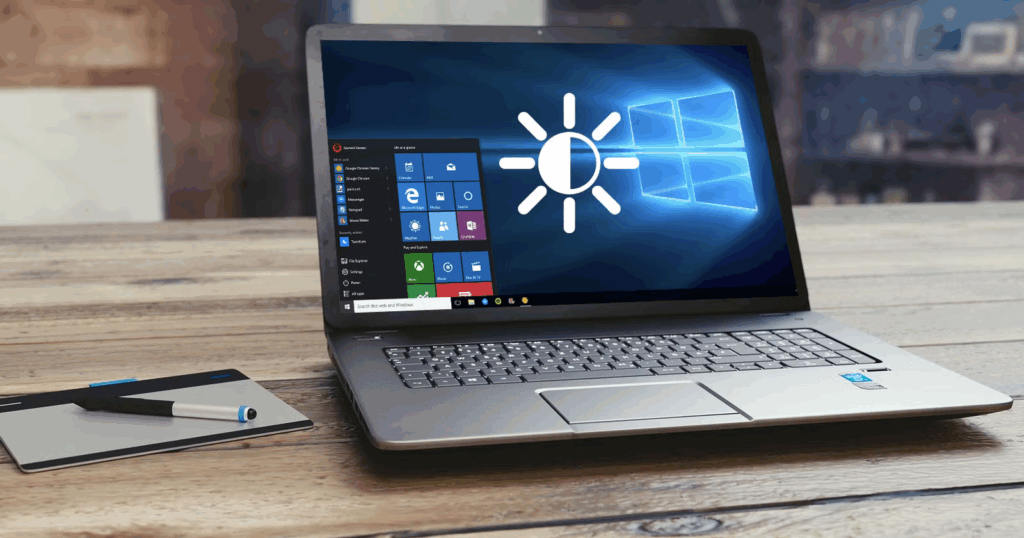
Method one
Click on the search bar and type brightness. Now, click on brightness settings from the results. You’ll see a slider. Just drag it left or right to decrease or increase your brightness.
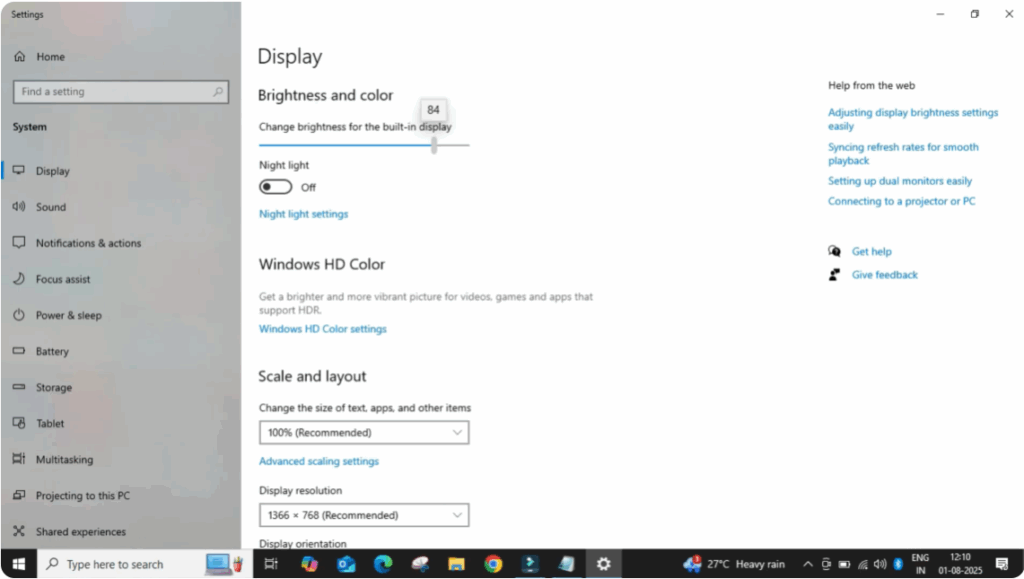
Method two
Click on the notification icon on the bottom right corner of your screen. Now click on expand and you’ll see a brightness slider here too. Again, slide it left or right based on your comfort.
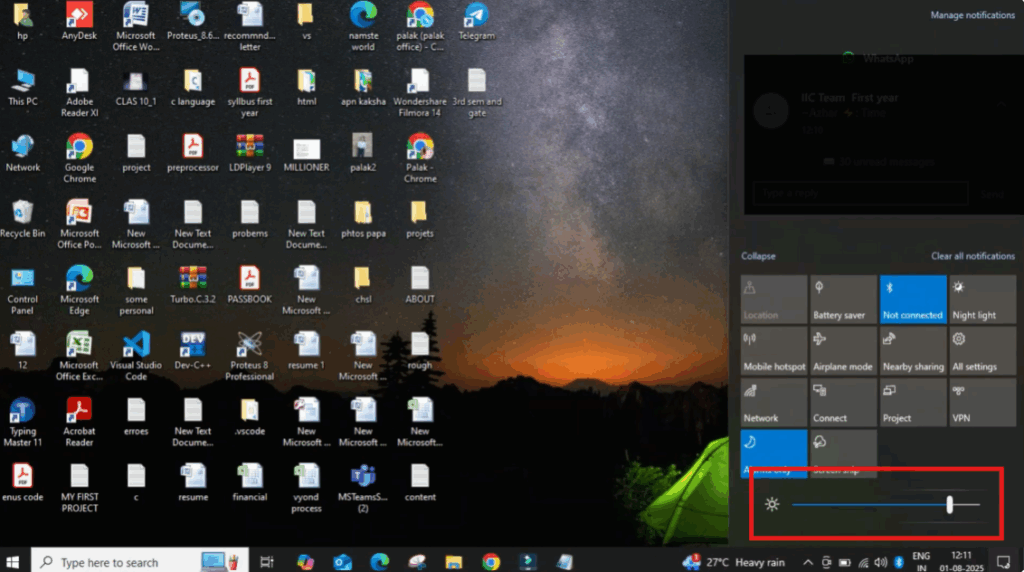
Method three
Most keyboards have dedicated brightness keys. Look for a sun icon on your function keys, usually F1 to F12. Press the brightness up or down button directly to adjust.
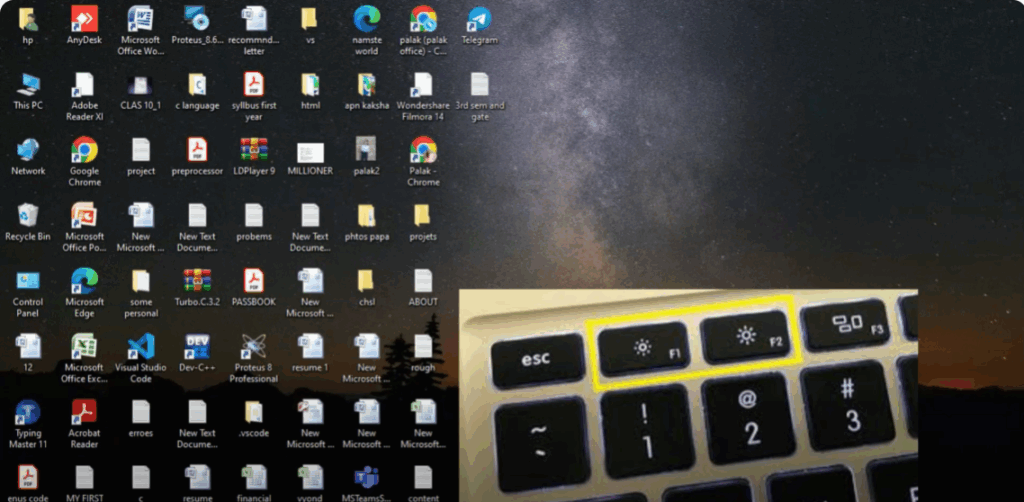
That’s it. You can now control your brightness anytime with ease.
Thanks for watching. If this video helped you, don’t forget to like, share, and subscribe to Tech Gitter official.






