
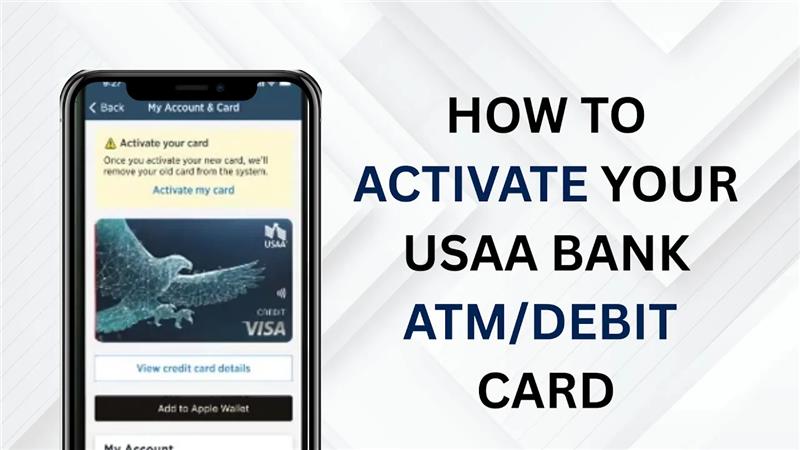
Hey everyone, welcome back to another tutorial video. In today’s video, I’ll show you how to activate your USAA bank ATM or debit card. Let’s get started.
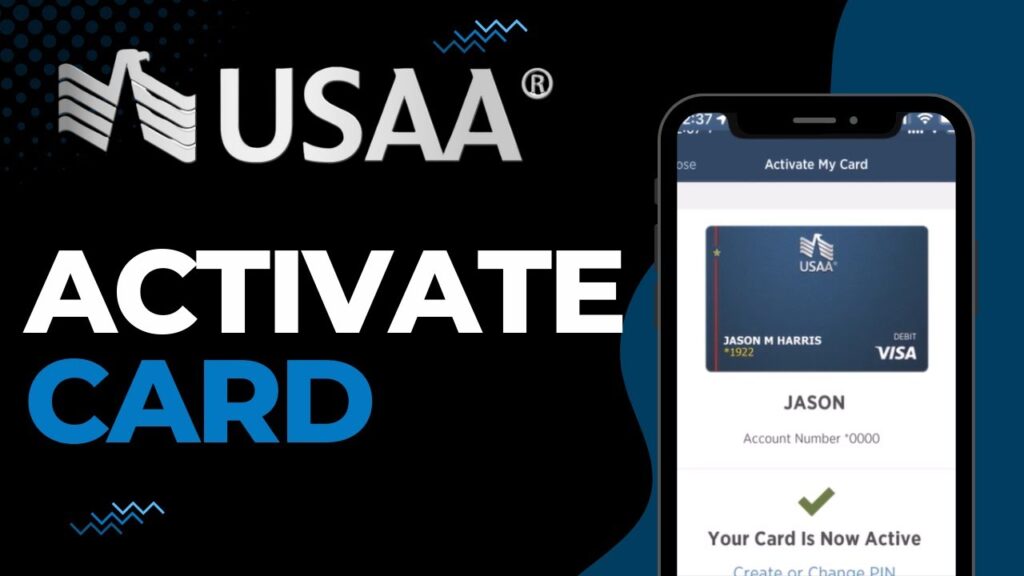
Once you receive your new or replacement USAA debit card, follow these simple steps to activate it through the USAA mobile app:
- Launch the app and log in with your credentials.
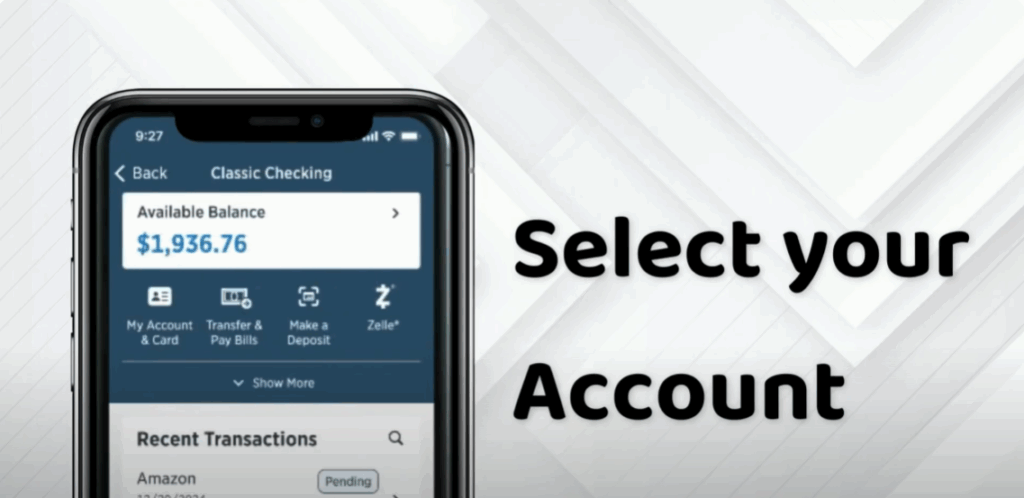
- Select your account. On the home screen, tap the bank account associated with your new card (your checking account).
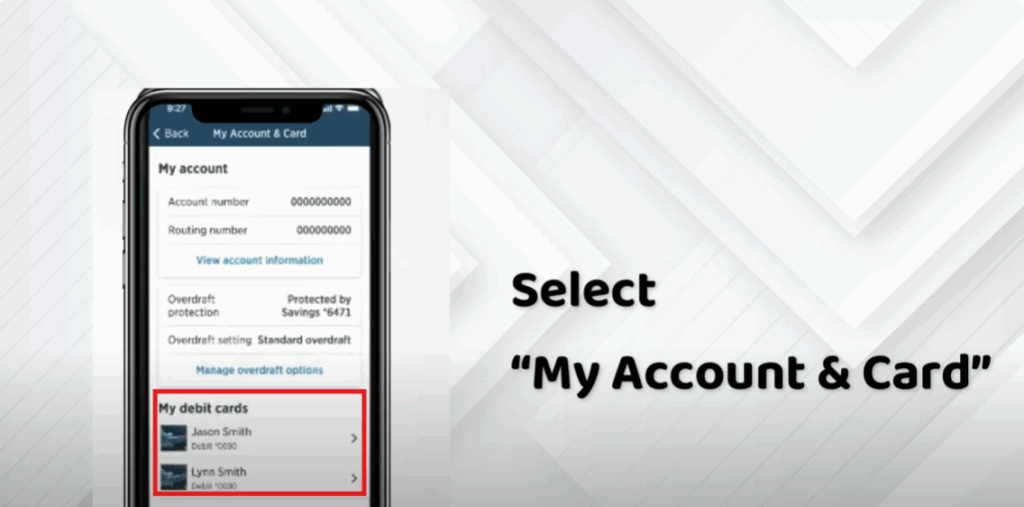
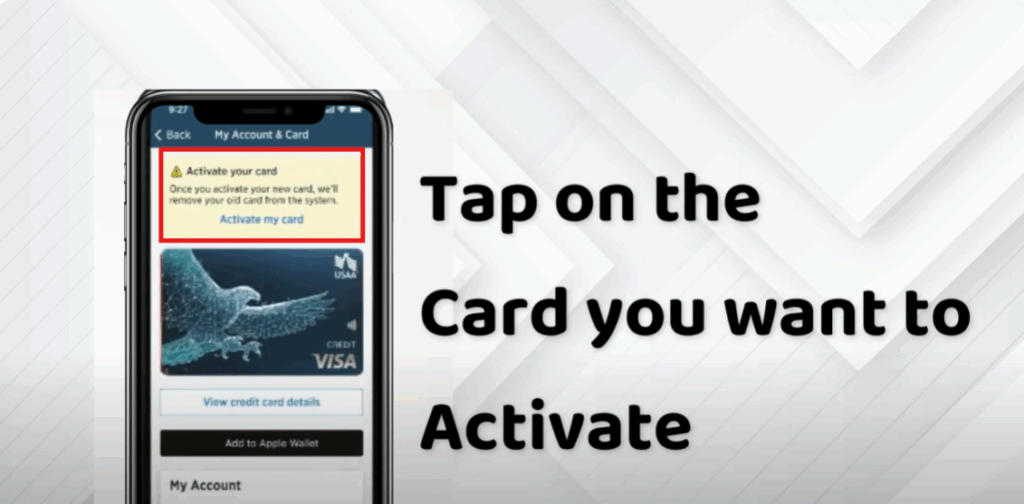
- Under your account options, select My Account and Card to manage card settings.
- From the list of cards, tap on the card you want to activate.
- You’ll see an option labeled Activate My Card. Tap on it.
- Once activation is successful, you’ll receive a message that says: “Your card is now active.”
And that’s it! Your USAA debit card is now ready to use.
If you found this video helpful, make sure to like this video and subscribe to our channel so you don’t miss more helpful tutorials like this one.
Thanks for watching.






