
Welcome back to my channel Tech Gitter Official. In today’s video, we will learn how to easily convert a PDF file into a Word document so you can edit it anytime.
So, here I have a PDF file that we want to convert.
Step 1: Open Google Chrome
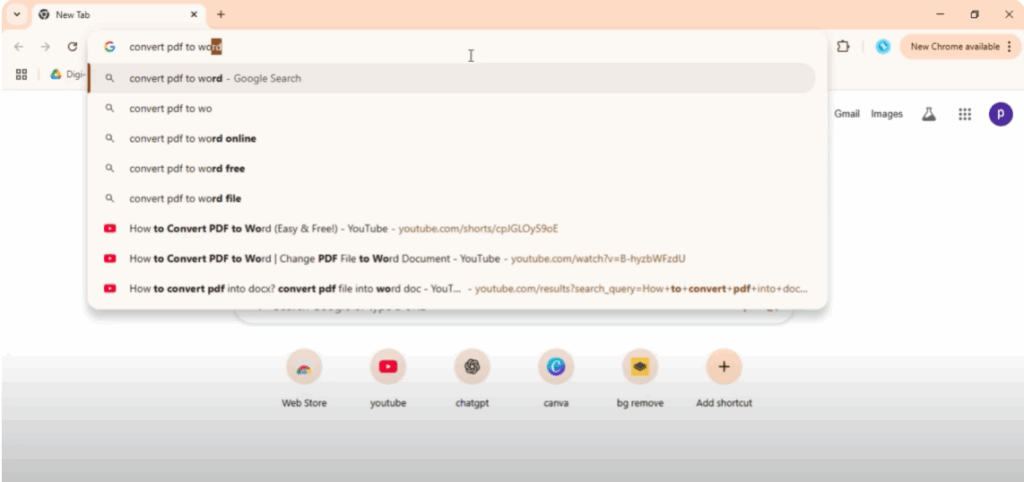
First, open Google Chrome and in the search bar, type convert PDF to Word and press enter.
Step 2: Choose a Trusted Website
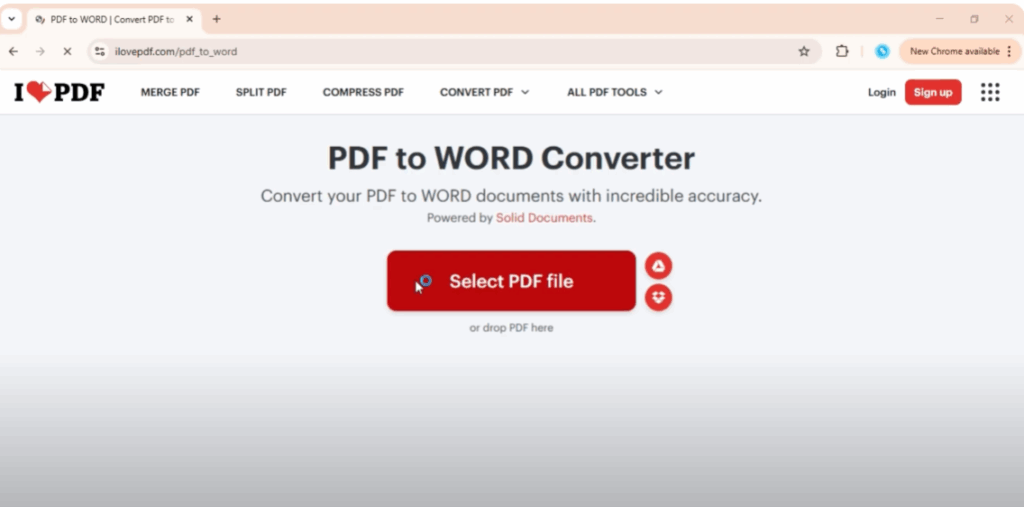
From the search results, click on any trusted website. Once the site opens, look for the option that says select file or choose file and click on it.
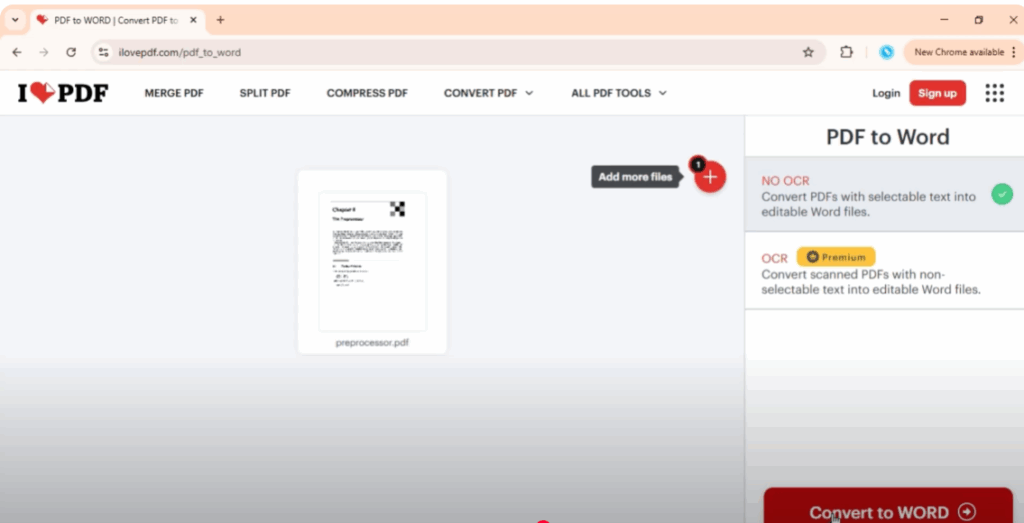
Step 3: Upload Your PDF File
Now, select your PDF file from your computer. After that, click on the convert button. The website will take a little time to upload and process your file.
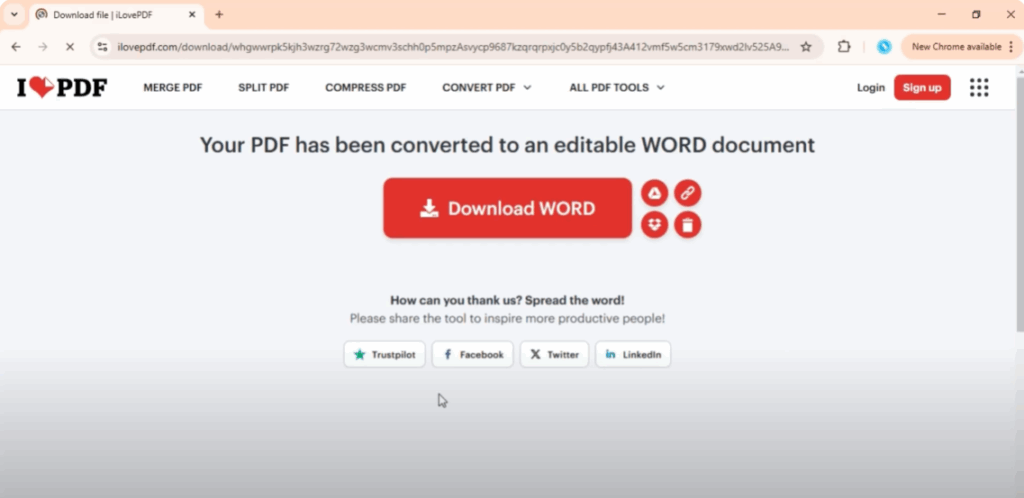
Step 4: Download the Word File
Once the conversion is complete, you will see a download button. Click on it, and your file will be downloaded in Word format.
Step 5: Open and Edit the File
Now, open the downloaded file and you’ll see your PDF content in Word form. You can edit the text, make changes, and then save it just like any other Word document.
And that’s it!
Thanks for watching. If this video helped you, don’t forget to like, share, and subscribe to Tech Gitter Official.






