
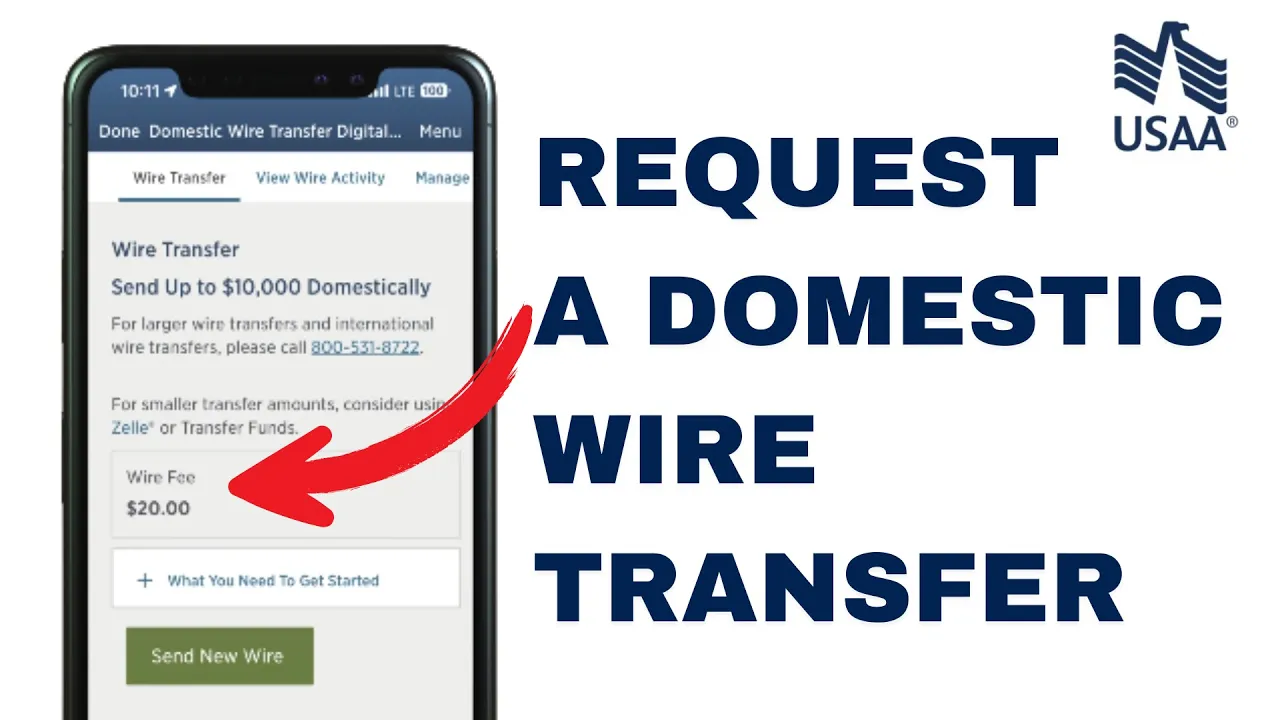
Hey everyone, welcome back to another tutorial video. In today’s video, I’ll walk you through how to request a domestic wire transfer step by step using the USAA mobile banking app. Let’s get started.
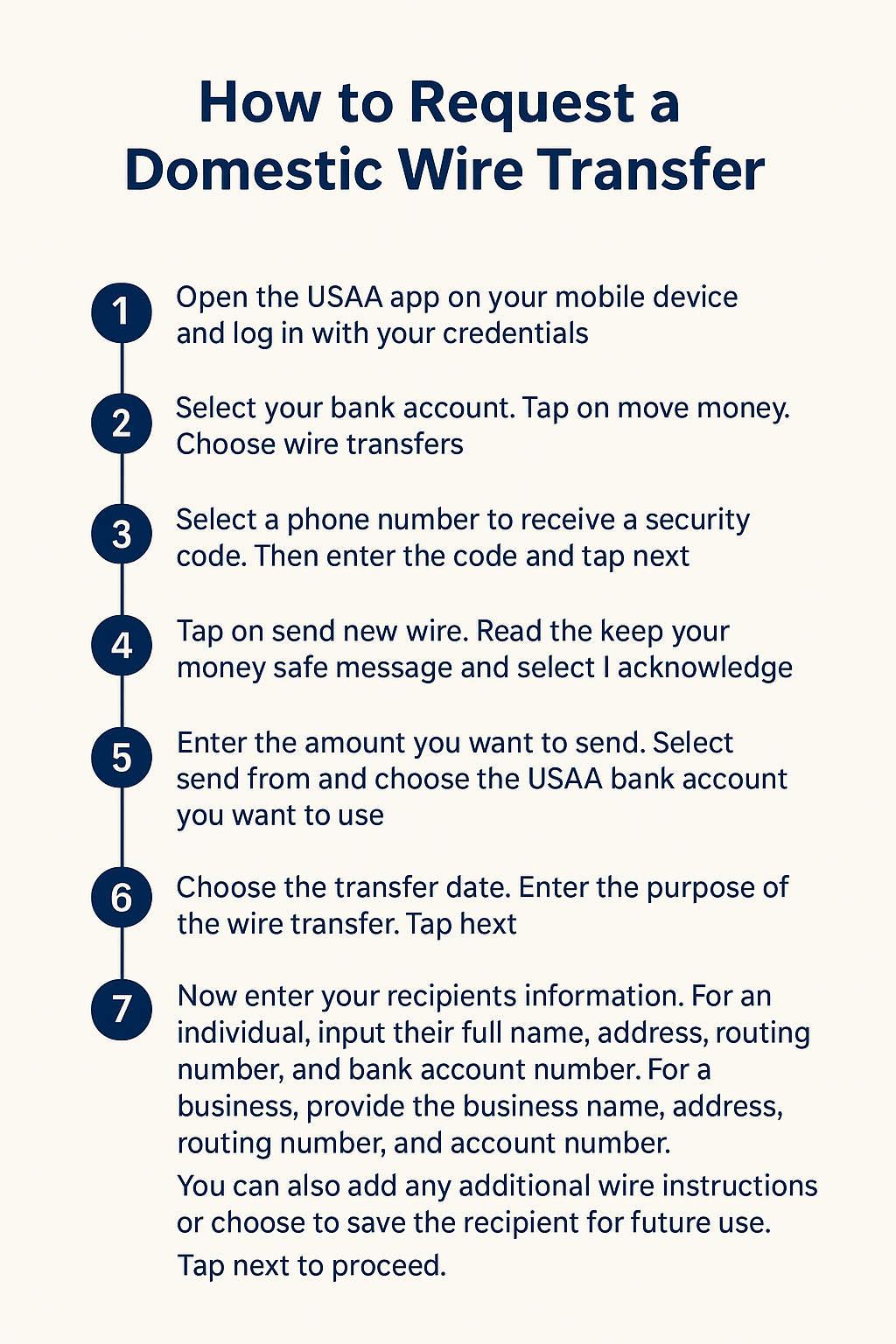
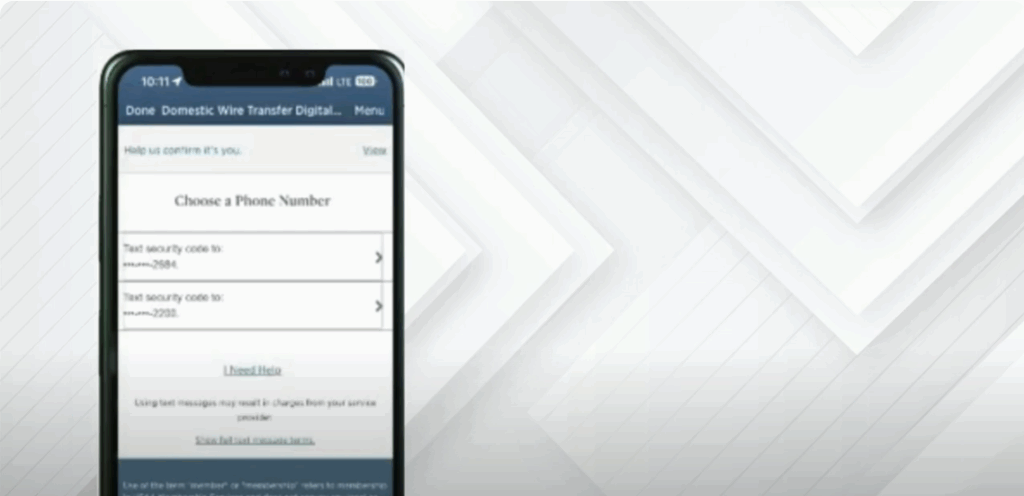
Open the USAA app on your mobile device and log in with your credentials. Select your bank account. Tap on move money. Choose wire transfers. Select a phone number to receive a security code. Then enter the code and tap next.
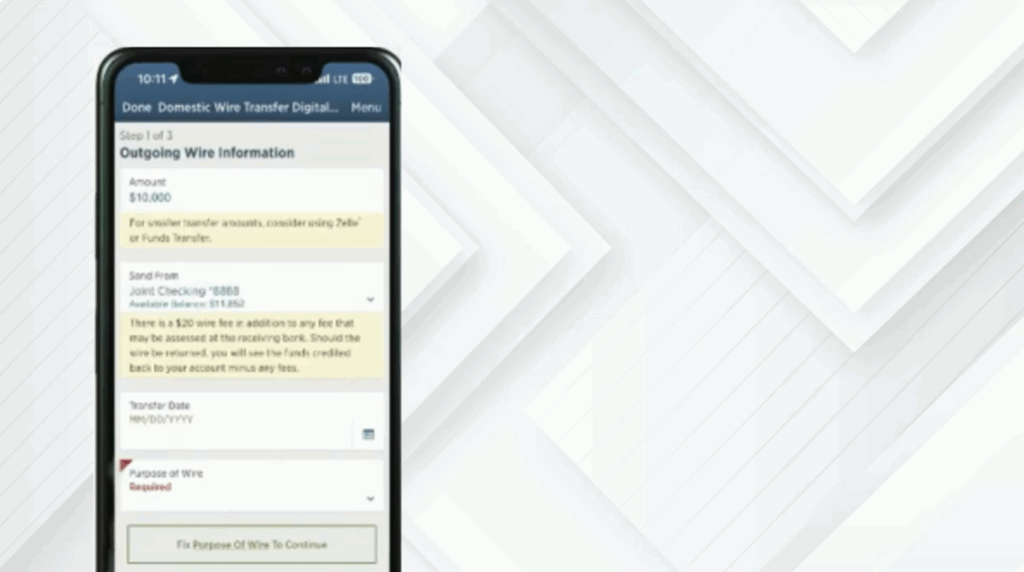
Tap on send new wire. Read the keep your money safe message and select I acknowledge. Enter the amount you want to send. Select send from and choose the USAA bank account you want to use. Choose the transfer date. Enter the purpose of the wire transfer. Tap next.
Now enter your recipients information. For an individual, input their full name, address, routing number, and bank account number. For a business, provide the business name, address, routing number, and account number. You can also add any additional wire instructions or choose to save the recipient for future use. Tap next to proceed.
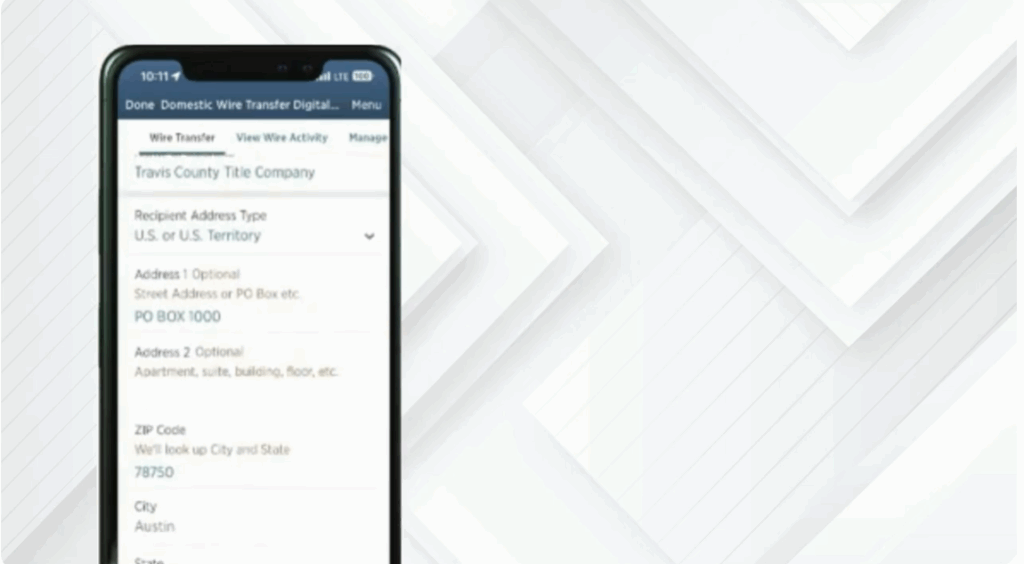
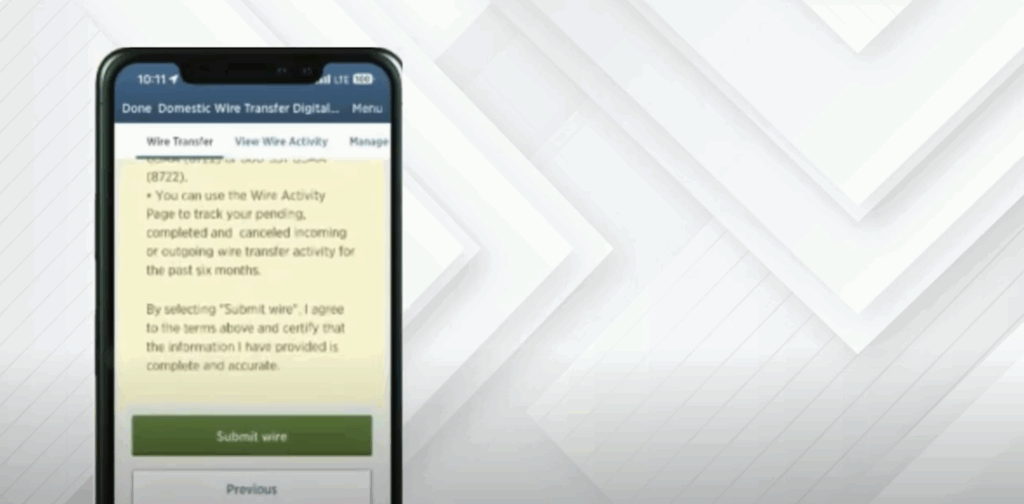
Review all the details carefully, then tap submit wire. And that’s it. Your domestic wire transfer request has been submitted.
If you found this video helpful, don’t forget to like, subscribe, and hit the notification bell so you never miss another tutorial like this one.






