
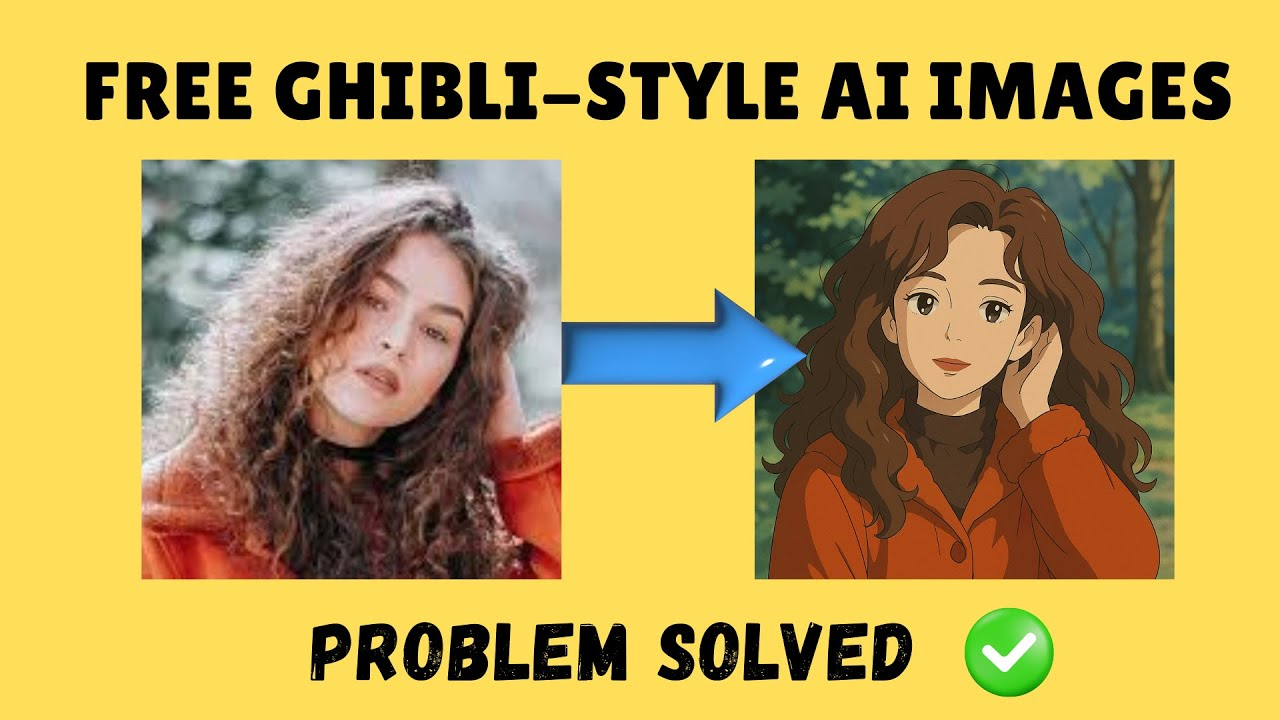
Creating viral Ghibli-style AI art is now easier—and free—thanks to new online AI image generators. Anyone can turn personal photos, pets, or favorite landscapes into enchanting Studio Ghibli-inspired artwork in just seconds, without needing design skills or expensive tools. With just a few clicks, these tools let people join the latest art trend and create magical images perfect for sharing online, all at no cost and with simple steps.
Big celebrities, YouTube creators and companies are following this trend. So why should you stay behind? So watch the full video and don’t miss this amazing trick.
While we cannot spend so much money and if Grock AI makes photos then it is unrealistic and our face does not match then what is the use of making a friend in which no one can recognize our face.
The Gibli art trend is gaining popularity on social media. People are converting their photos into Giblly style and going viral on Instagram, Twitter and TikTok, but most people are using paid AI tools such as ChatGPT Plus and Midjourney.
How to Create Giblly Style Art for Free
You need:
- One free version of Chat GPT.
- AI image generators like Leonardo.ai, Stable Diffusion, or Wombo Dream.
- A great prompt (which I’ll give you step-by-step).
Step 1: Go to Chat GPT
Save your destination in Firefox or Chrome. Search Chat GPT free and visit OpenAI’s website. Login or specify a new ID.
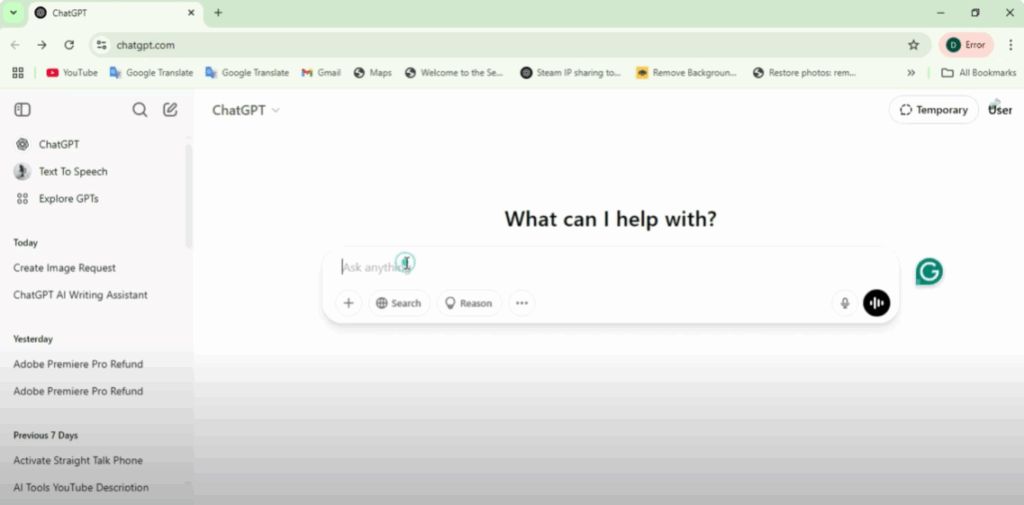
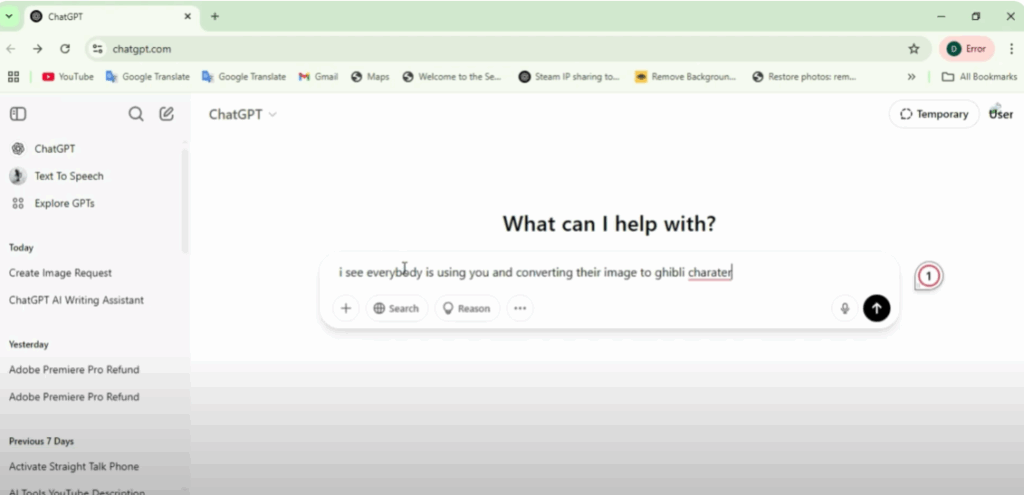
Step 2: Copy AI Prompt
Write in the prompt: I see everybody is using you and converting their image to Gibli character.
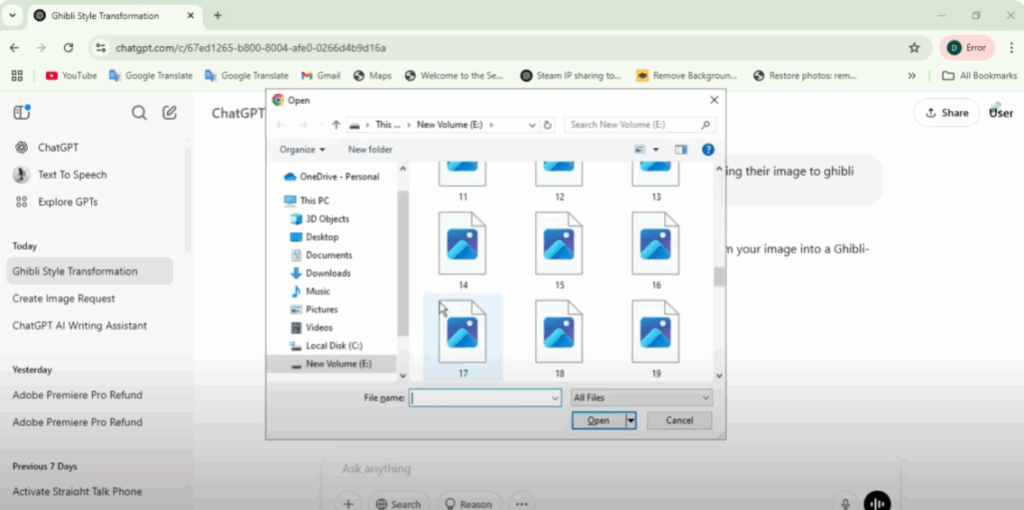
Step 3: Upload Your Photo
If you want to convert your photo to Giblly style, upload it to an AI photo generator. The AI will convert your photo to Gibli animation style.
Step 4: Download and Share the Image
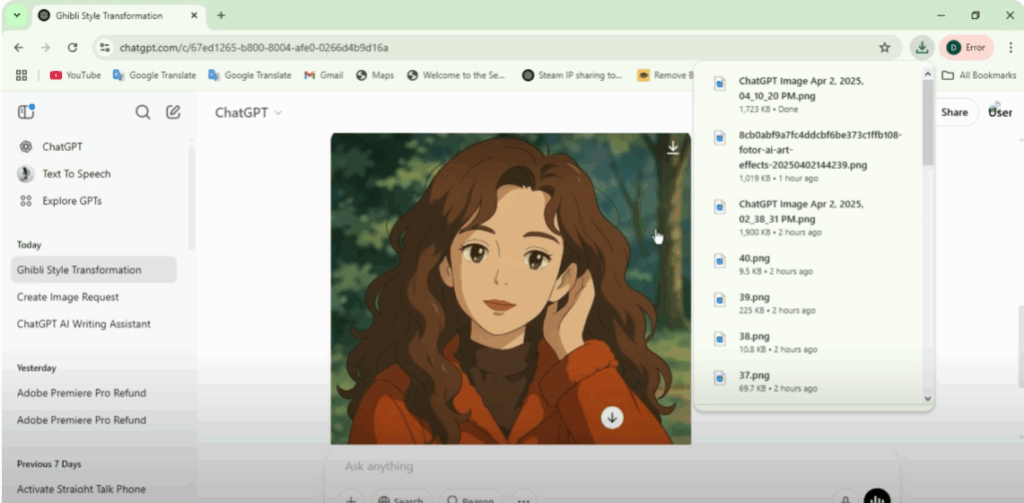
Save the generated image and share it on Instagram, WhatsApp, and Facebook. And yes, don’t forget to tag in the hashtag #GibliTrend.
Step 5: Problem Solved + Bonus Trick
What if you run out of free credits in the AI image generator?
- Log out and create a new ID.
- Use VPN and create a new account.
- Sign up with a different email.
Now you can create unlimited AI images for free.






