

Crunchyroll lets anime fans watch their favorite shows offline by downloading episodes directly in its official app. If you have a Mega Fan or Ultimate Fan subscription, you can easily save episodes on your phone, tablet, or Nintendo Switch with just a few taps. This handy offline viewing feature means you can enjoy anime anywhere, even without an internet connection—perfect for travel or areas with poor signal. In this blog, you’ll learn the simple steps to download and watch Crunchyroll anime offline so you never miss a moment of your favorite series.

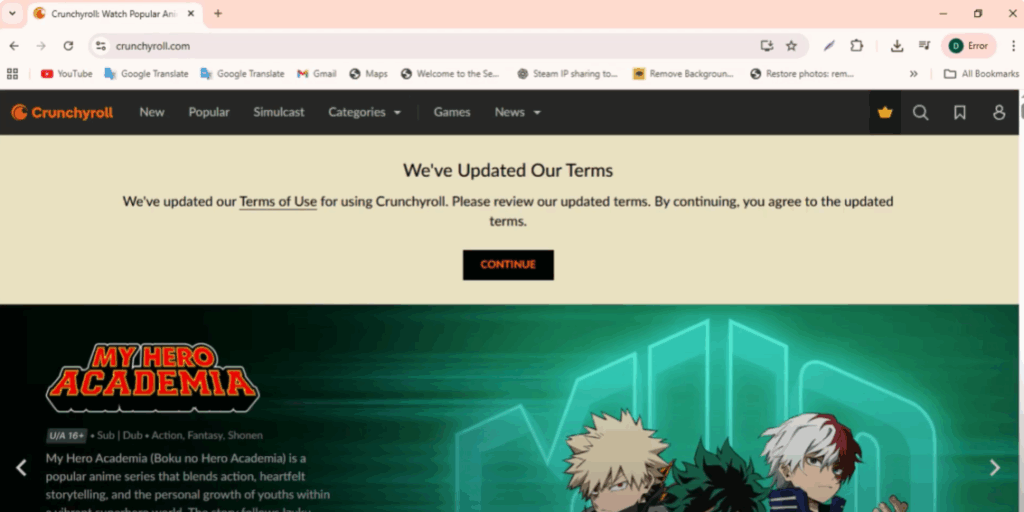
First, open the official Crunchyroll website — crunchyroll.com.
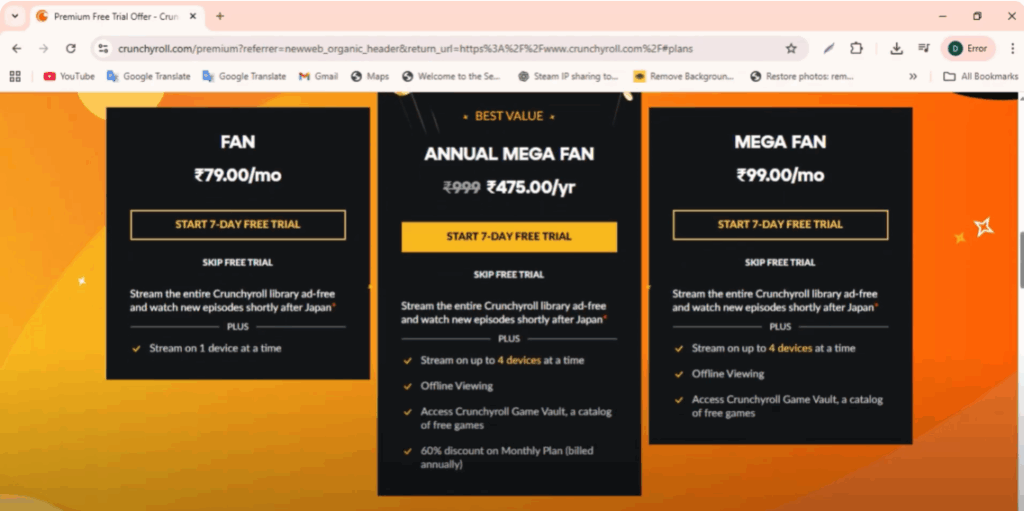
Click on the Try Free Premium button at the top. You’ll see different subscription options. To watch Crunchyroll offline, you’ll need to select the annual Mega Fan plan and start your 7-day free trial.
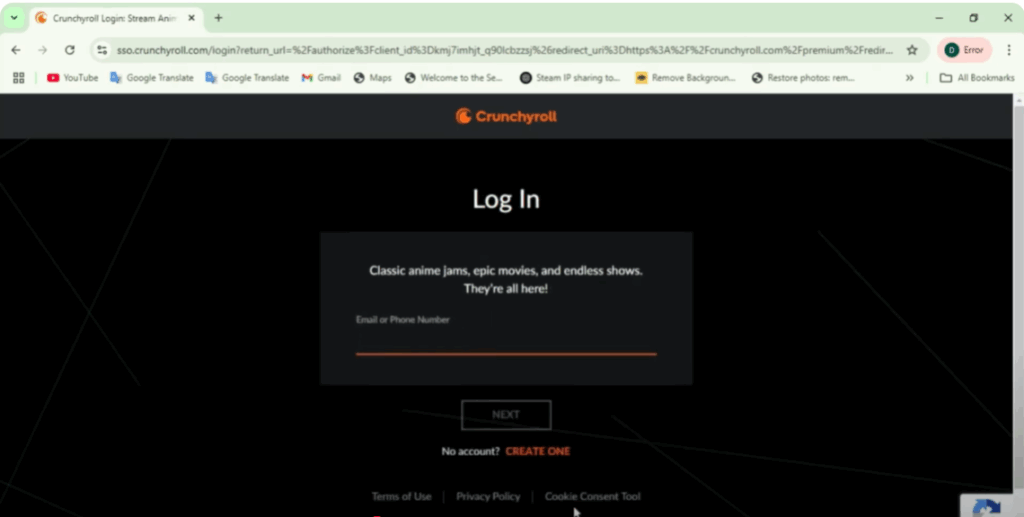
If you already have a Crunchyroll account, just click Login and enter your details. Once your trial or subscription is active, you’re ready to download shows for offline viewing.
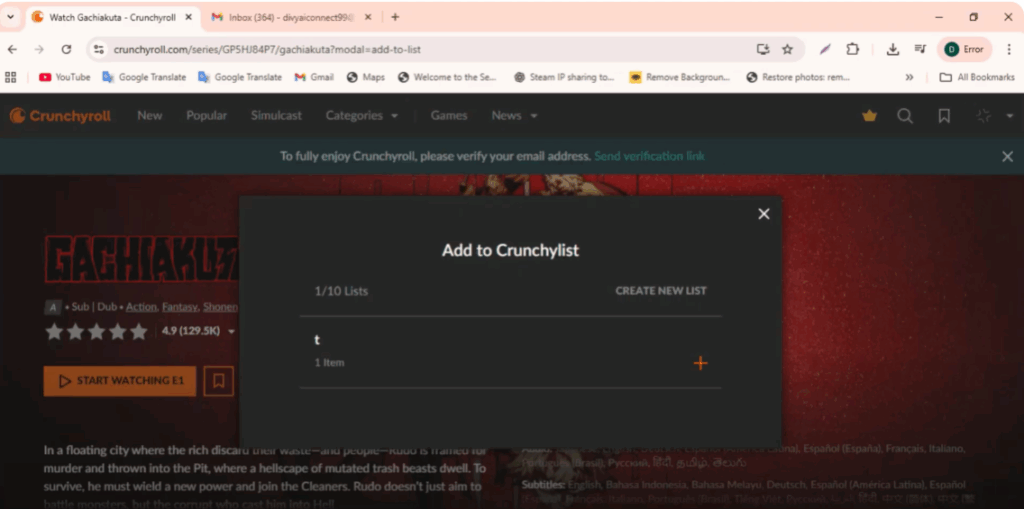
You can use this feature on mobile devices and even on the Nintendo Switch. Simply choose the anime or show you want to watch, then tap the download icon.
To view your downloads, go to My Lists at the bottom and select Offline. Here, you’ll see shows that are downloading or already saved for offline viewing.
If you want to pause or stop a download, just open your list, select the program, and tap the Pause button. When the download is complete, you’ll see a check mark next to the episode.
Now, turn off your Wi-Fi or mobile data, press Play, and enjoy your favorite anime anytime, anywhere — completely offline.






