
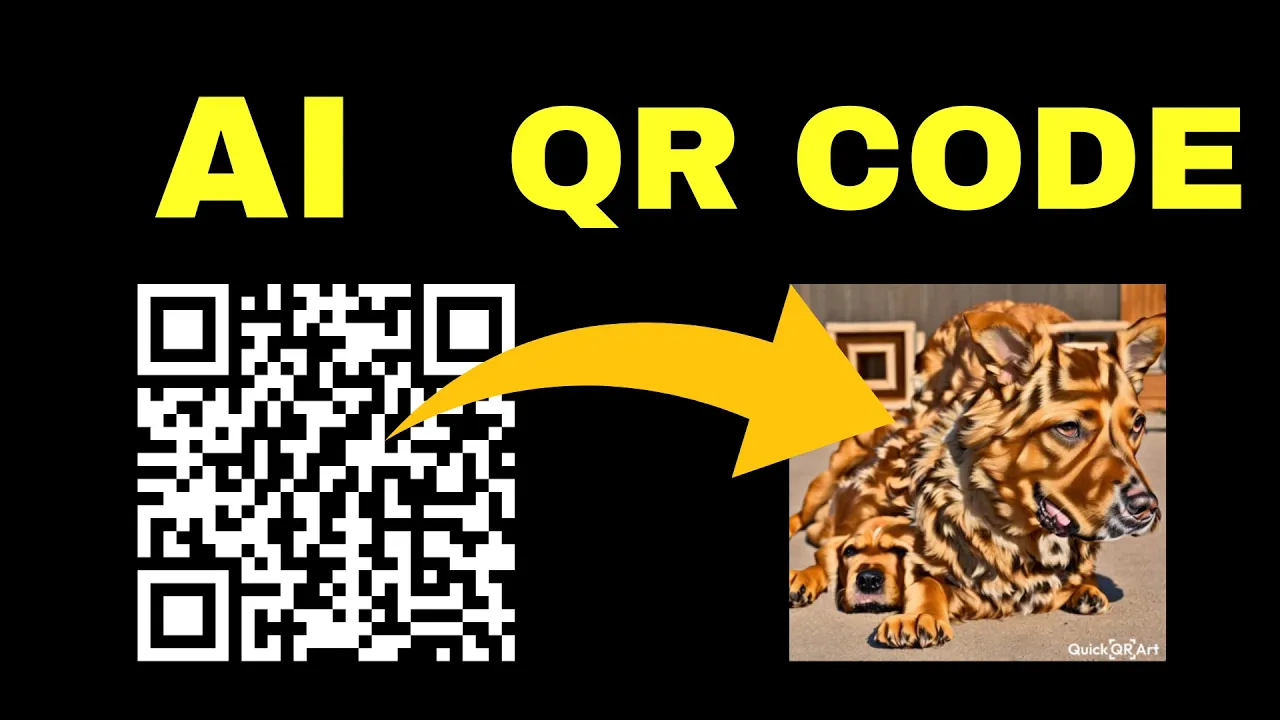
An AI-generated QR code blends the standard QR pattern (which encodes a URL, text, contact, etc.) with aesthetic or artistic elements generated by AI. The result is a QR code that’s both visually appealing and scannable—a great way to make promotional materials, posters, social media visuals, or branding elements more engaging.
Some AI QR code generators allow you to specify prompts (e.g. “floral design,” “futuristic tech style”) so the QR pattern is embedded seamlessly in an artistic backdrop.
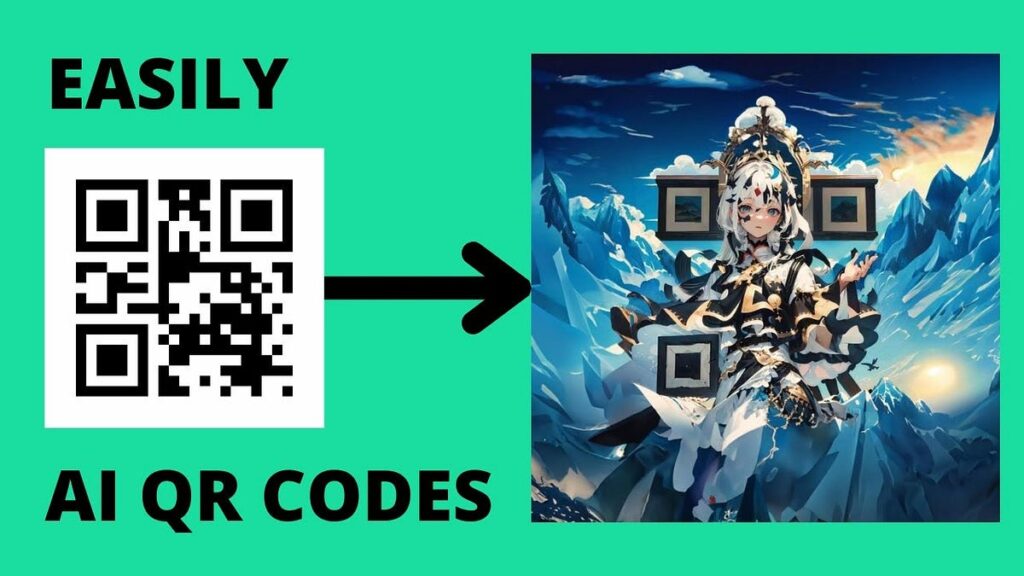
✍️ Step-by-Step: How to Create an AI-Styled QR Code for Free
Follow these steps to generate an AI QR code:
Step 1: Decide What the QR Should Encode
- A website URL
- Contact (vCard)
- Plain text, email, social handle
- Wi-Fi login details, etc.
Make sure the content is finalized—not too long, as more data means a denser QR pattern that may reduce scannability when stylized.
Step 2: Generate a Clean Base QR Code
- Use a standard QR generator (Canva, QRCodeChimp, Adobe Express)
- Enter your content, choose a simple style (high contrast, black on white)
- Download the QR image (PNG or SVG)
This gives you a working QR code that you’ll later style.
Step 3: Choose an AI QR Styling Tool
- Go to Gooey.AI or qrcode-ai.com or OpenArt AI
- Input your base QR content or uploaded QR
- Provide a style prompt (e.g. “neon tech circuit background,” “floral watercolor pattern”)
- Adjust parameters like error correction, contrast, style intensity
AI tools might generate several variants—pick one that still scans well.
Step 4: Test Scanability
- Scan with your phone (camera app or QR scanner)
- If it fails, reduce style intensity or increase QR contrast
- Make sure the central QR “modules” (dots / squares) remain clear
Step 5: Export & Use
- Download the final QR image (PNG, SVG, etc.)
- Use it in your designs—flyers, social posts, business cards, etc.
- Because it’s AI-styled, it’ll look nicer than a plain QR code
✅ Final Thoughts
Creating an AI-generated QR code for free is totally doable in 2025. Start with a clean base QR, then use an AI tool to stylize it. Make sure to test scanning after styling, and only apply design effects that preserve the QR’s readability.






