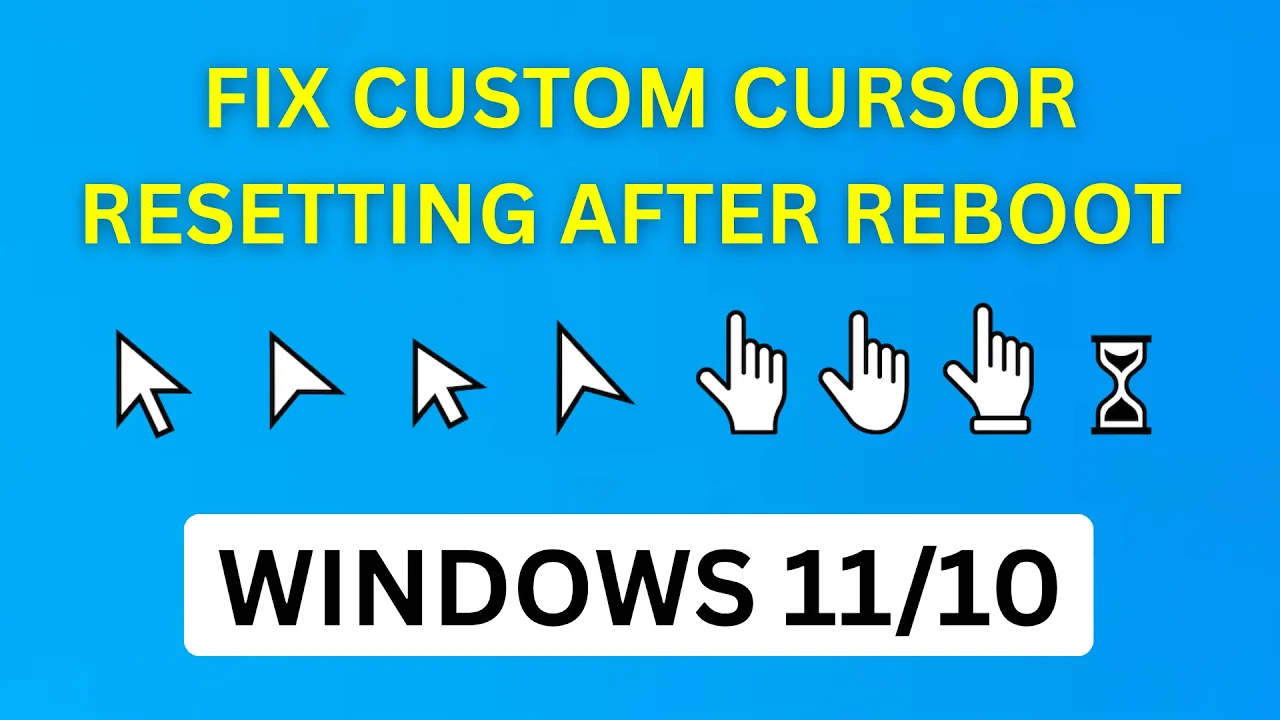
If your custom mouse cursor keeps resetting to the default style every time you restart your Windows 11 or Windows 10 computer, you’re not alone—this is a common problem for users who love a personalized desktop. The issue usually happens when custom pointer files aren’t saved in the right location, the scheme isn’t properly saved, or Windows settings interfere after reboot. In this blog, you’ll learn simple and effective solutions to make sure your favorite custom cursor stays put even after you restart your PC, so your personalized style always loads just the way you set it.
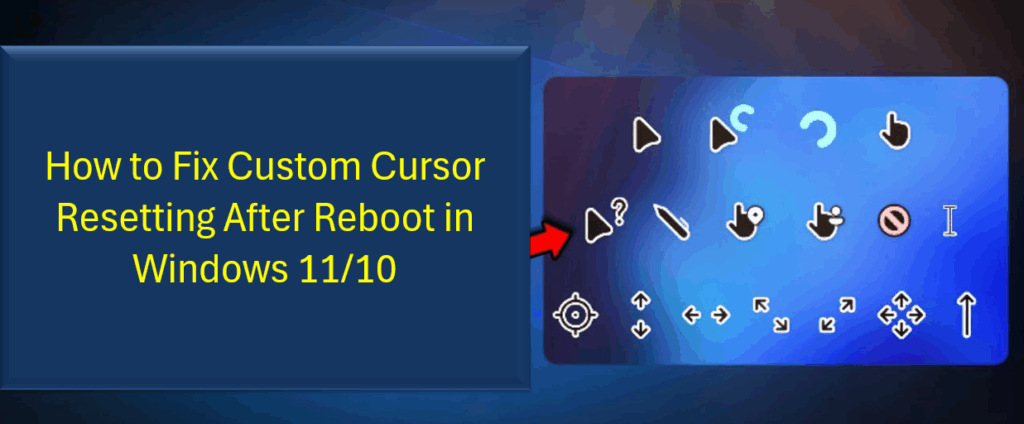
🛠 How to Fix Custom Cursor Resetting After Reboot (Windows 10 / 11)
Try the following fixes. After each, reboot your system to see if your custom cursor sticks.
1. Using Control Panel
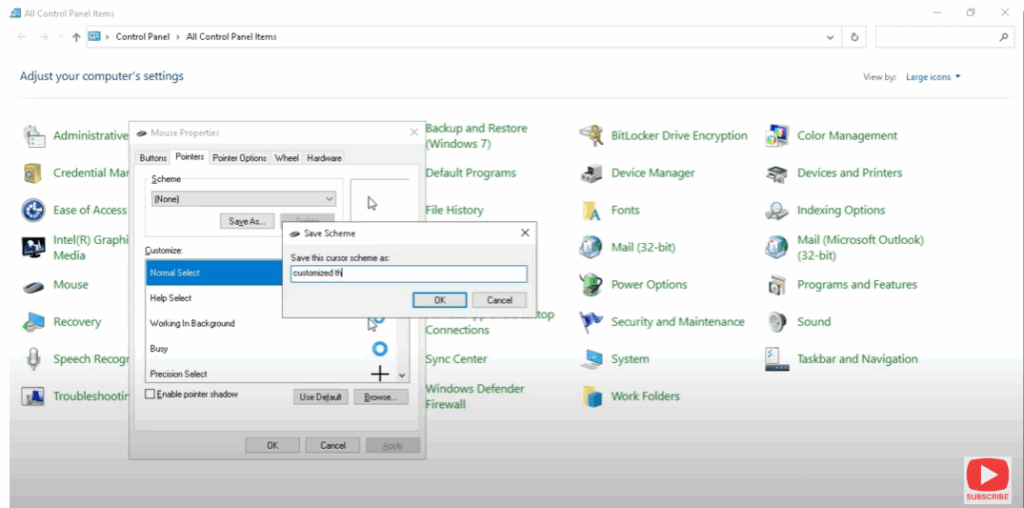
- Open Control Panel → Mouse → Pointers tab, reassign each custom cursor (Normal Select, Busy, etc.) from that folder.
- Click Apply → OK.
- This ensures Windows can always find the cursor files at startup.