
Ready to dive into the world of PC gaming? The first step is downloading Steam, the most popular platform for buying, playing, and managing games on your Windows PC or laptop. Whether you’re new to gaming or setting up a fresh device, installing Steam is quick and easy. In this blog, we’ll walk you through how to download and install Steam in 2023, using simple steps anyone can follow. Let’s get your gaming journey started!
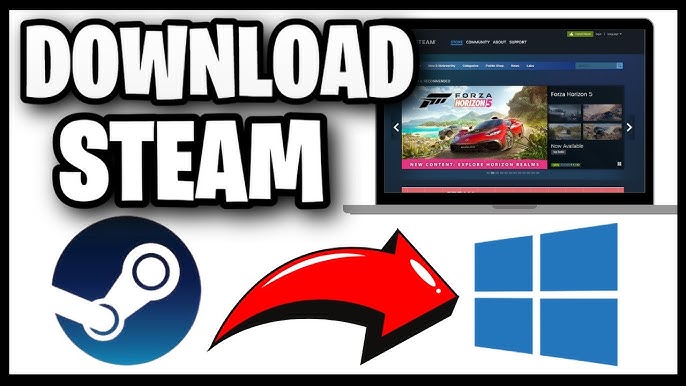
Step 1: Visit the Official Steam Website
- Open your web browser (like Chrome, Edge, or Firefox).
- Go to the official Steam website: https://store.steampowered.com.
- Click on the “Install Steam” button located at the top-right corner of the homepage.
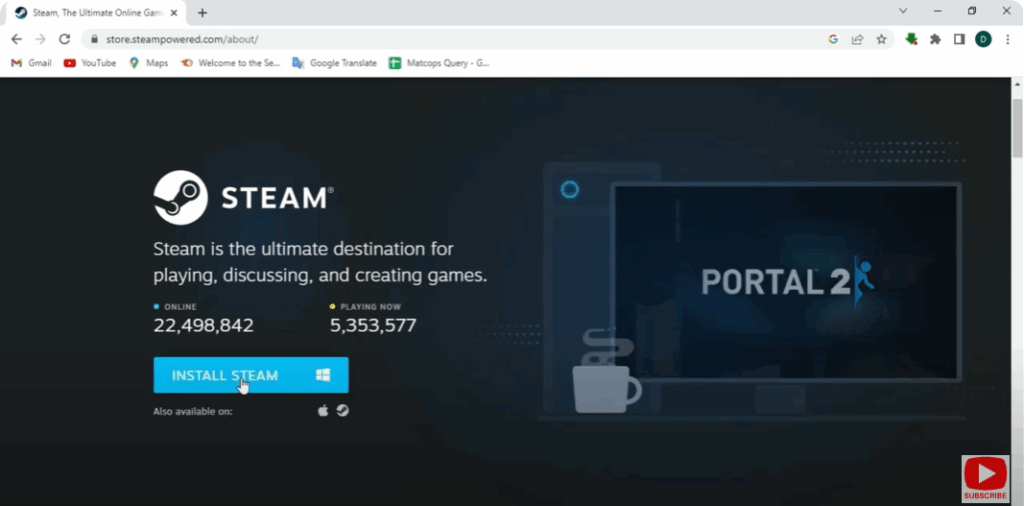
Step 2: Download the Steam Setup File
- You’ll be redirected to the download page.
- Click “Install Steam” again to download the SteamSetup.exe file.
- Wait for the download to complete — it’s a small file and usually finishes quickly.
Step 3: Run the Steam Installer
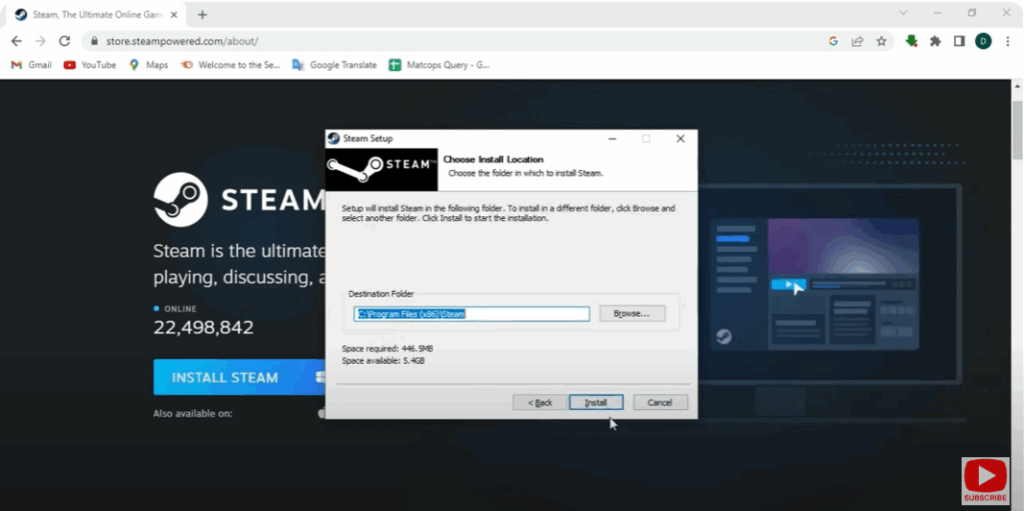
- Once downloaded, open the SteamSetup.exe file.
- If prompted by User Account Control, click Yes to allow installation.
- Choose your preferred language and installation folder.
- Click Install, then Finish once setup completes.
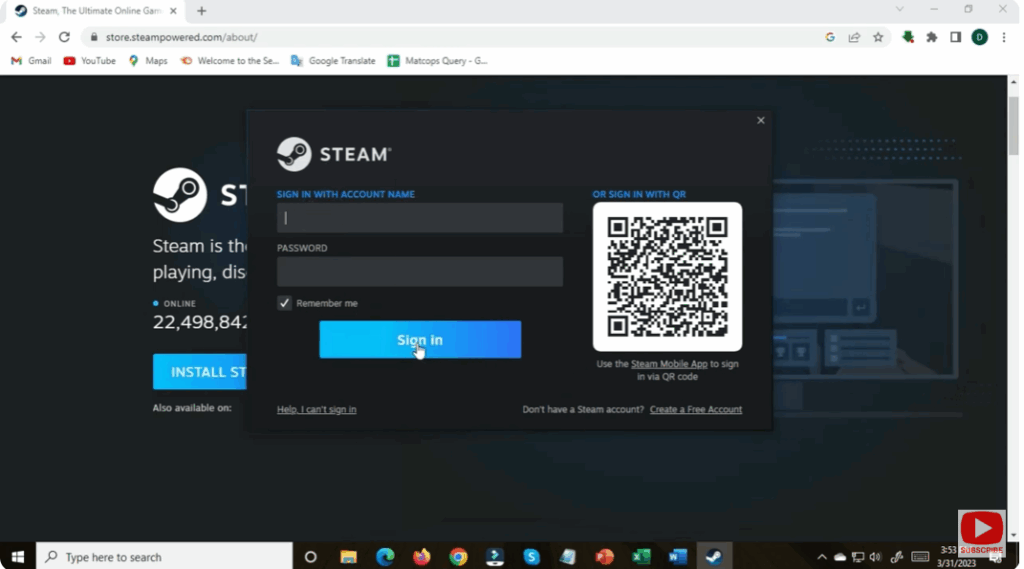
Step 4: Log In or Create a Steam Account
- After installation, Steam will launch automatically.
- If you already have a Steam account, click Login and enter your credentials.
- If not, click Create a New Account and follow the on-screen instructions.
Step 5: Update Steam & Start Gaming
Steam may download updates automatically during the first launch.
Once updates finish, you can browse the Store tab, purchase or install free games, and start playing!






