

Want to use WhatsApp for your business and connect with customers more professionally? Good news—you can easily create a WhatsApp Business account or convert your regular WhatsApp into a business version. WhatsApp Business offers helpful features like auto-replies, business profiles, and product catalogs to make communication smoother. In this blog, we’ll show you how to set up WhatsApp Business step by step, in simple language. Whether you’re starting a small shop or running a service, this guide will help you get started quickly!

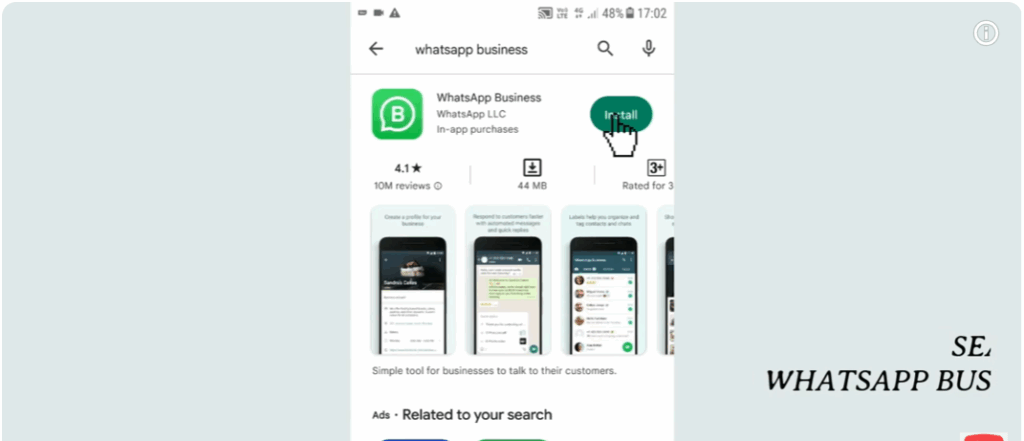
First, open the Play Store on your device.
Now, search for WhatsApp Business and install it.
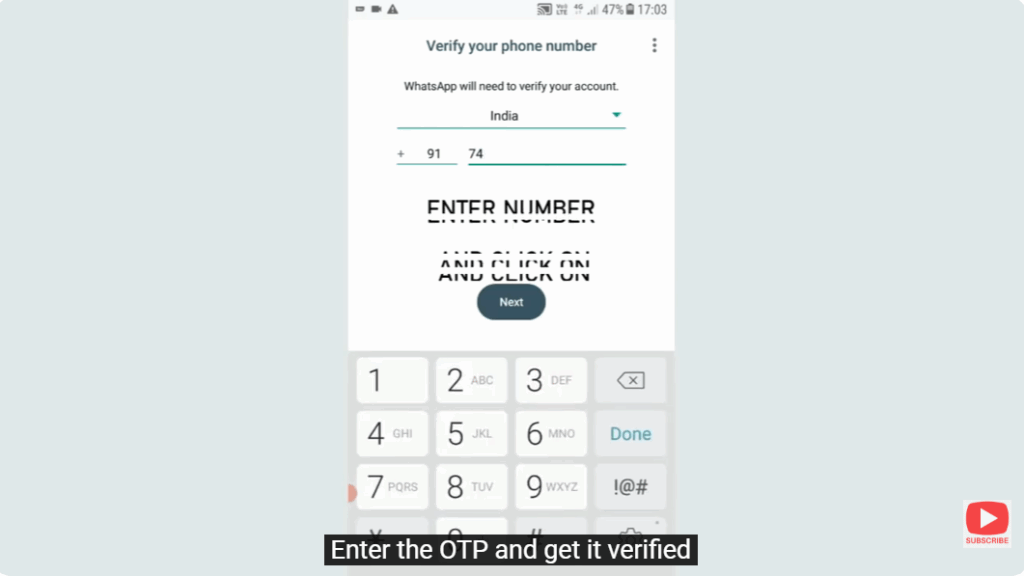
Once installed, open the app and enter your phone number by clicking on Agree and Continue.
After that, enter the OTP received on your number to verify it.
Next, you’ll be asked to allow some privacy permissions — allow them as required.
Now you’ll come to your Profile Page.
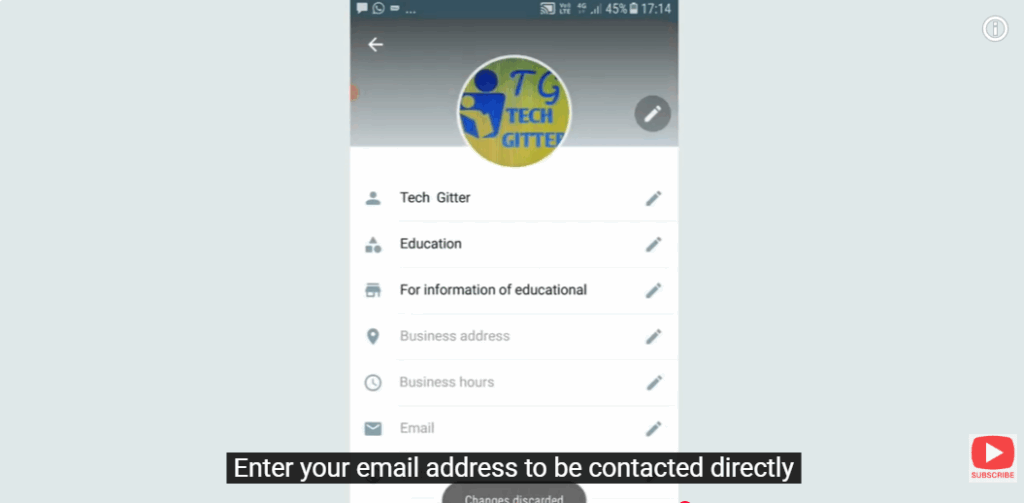
Enter your business account name and choose the appropriate category for your business.
You can also set your profile picture from your gallery or directly capture it using the camera.

Add a description related to your business account, and then enter your location address.
You can also schedule your business hours according to your availability.
Enter your email address so customers can contact you directly.
If your business has a website, you can enter the URL here.
Additionally, you can add links to your social media accounts like Instagram and Facebook.
Here, you can set your current status and even configure auto-replies so that when someone messages you, they receive an automatic response from your side.
WhatsApp Business makes it easy to interact with customers by providing tools to automate, organize, and quickly respond to messages.






