
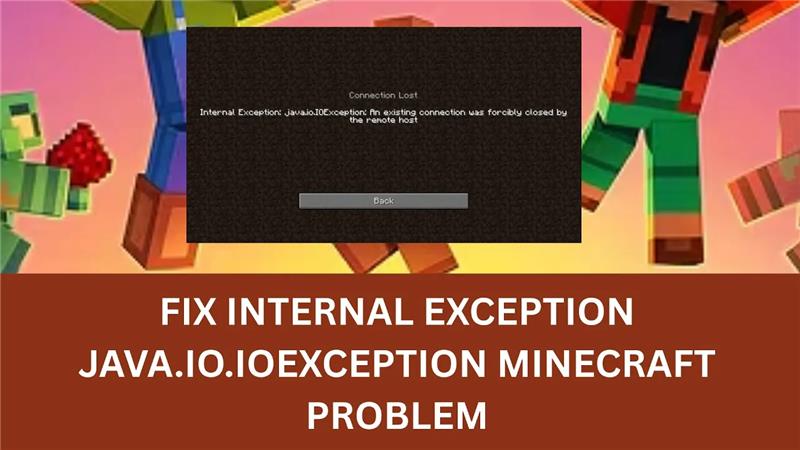
If you get the “Internal Exception: Java.IO.IOException” error while playing Minecraft, it usually means your game has lost connection to the server unexpectedly. This problem often happens because of unstable internet, a firewall blocking the game, or a corrupted game or Java file. It can be frustrating when you’re in the middle of a build or battle, but the good news is that this issue is easy to fix. In this blog, you’ll learn simple solutions like checking your connection, adjusting firewall settings, and reinstalling Minecraft or Java to get back to smooth multiplayer gameplay.
✅ Method 1: Reset Your Network Settings
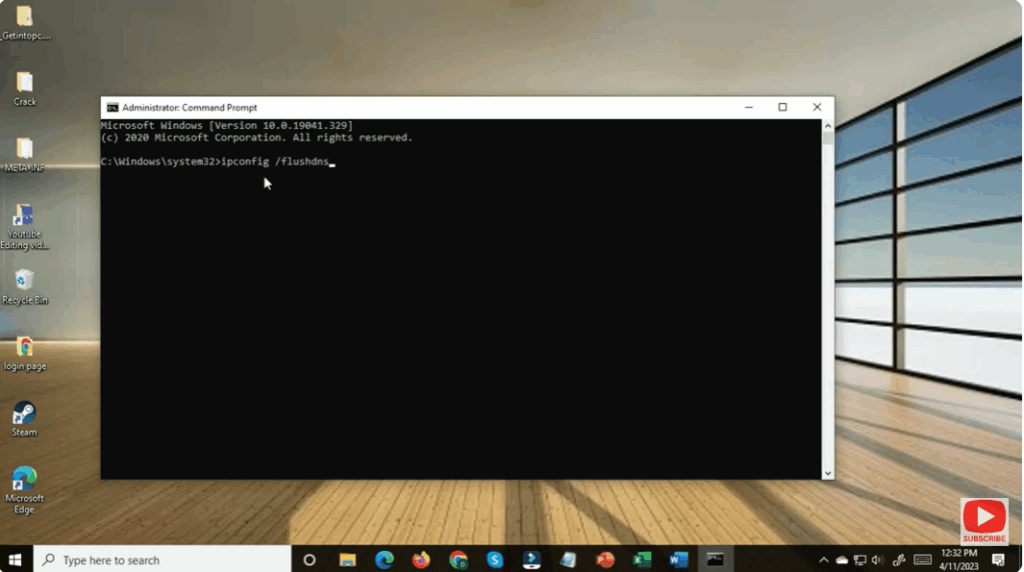
- Press Windows + S, type CMD, and open Command Prompt as administrator.
- Enter the following commands one by one:
netsh winsock reset netsh int ip reset ipconfig /release ipconfig /renew ipconfig /flushdns - Once all commands are executed, restart your PC.
This process resets your TCP/IP settings and clears network issues that may be causing the Minecraft connection problem.






