
Are you a graphic designer looking to save time and boost creativity? Thanks to AI tools, designing has become faster, smarter, and more fun! Whether you’re editing images, creating logos, or generating fresh ideas, AI can help you do it all with just a few clicks. In this blog, we’ll introduce you to 6 amazing AI tools that every graphic designer should know. These tools are easy to use and can make your design work much easier. Let’s explore how AI can become your creative partner!
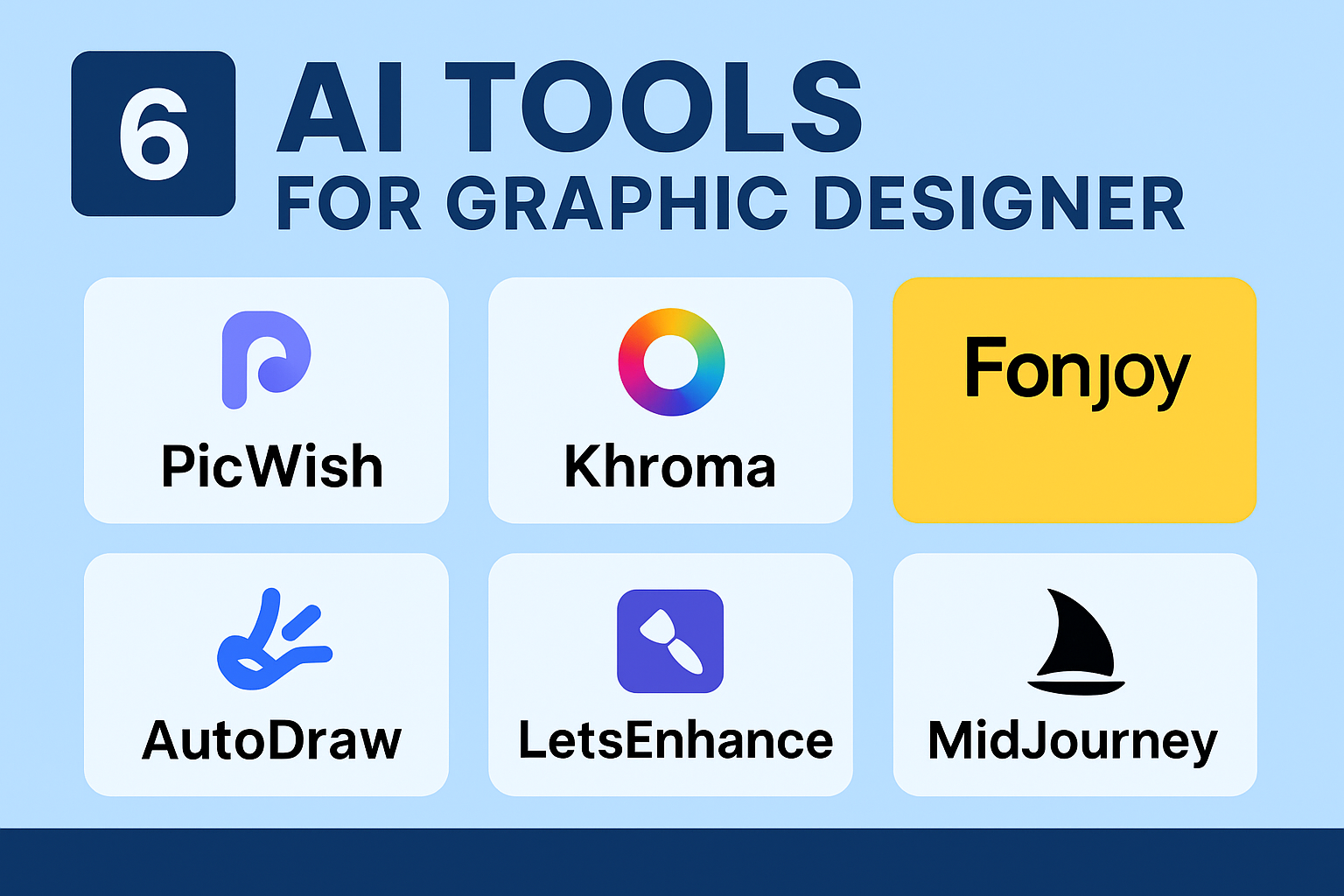
1. PicWish
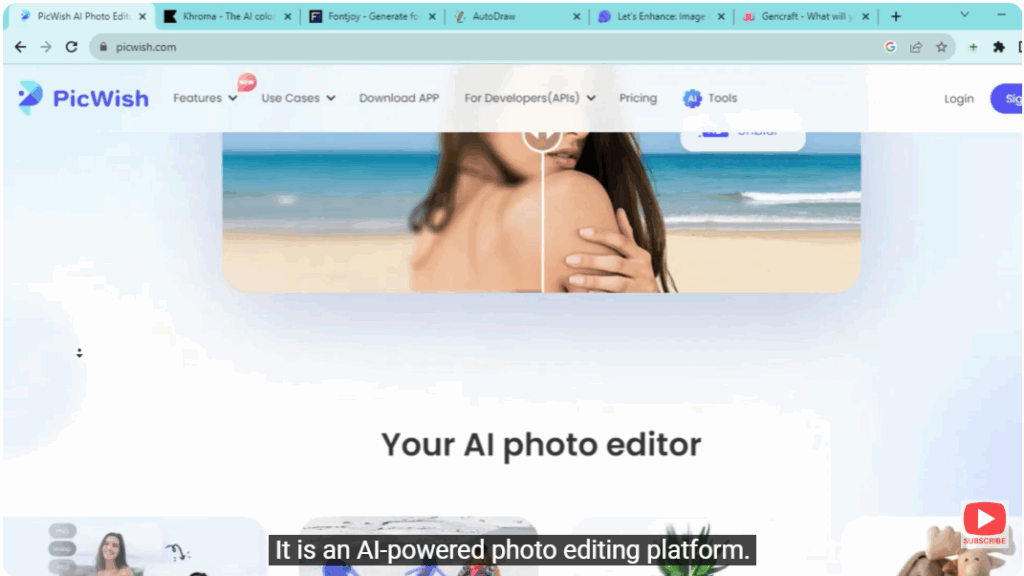
The first tool is “PicWish”.
It is an AI-powered photo editing platform.
With the help of which you can remove the background of the image, do editing like AI Art, Photo Colorizer, Face Enhancement.
2. Khroma
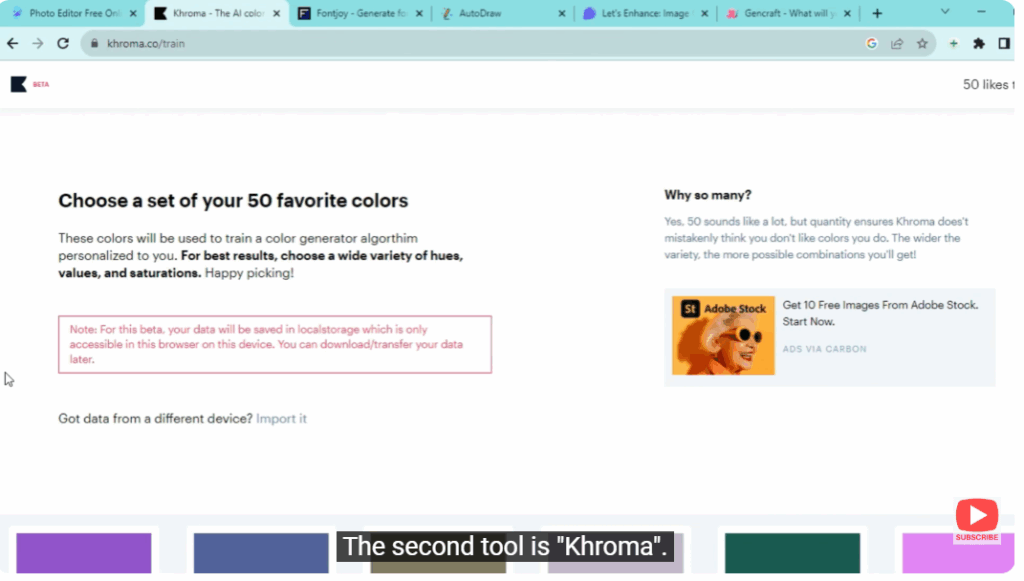
The second tool is “Khroma”.
If you like the colors and not find the right color palette, this tool is for you.
Khroma is an AI based color palette generator.
This tool analyzes millions of images and extracts color data to create a palette.
It suggests complementary colors and provides hex codes making it easy to implement stunning color schemes in your projects.
You first pick 50 colors you like and then, with machine learning, it will create a personalized color palette for you, and you can see them as gradient palette, typography and image.
3. FontJoy
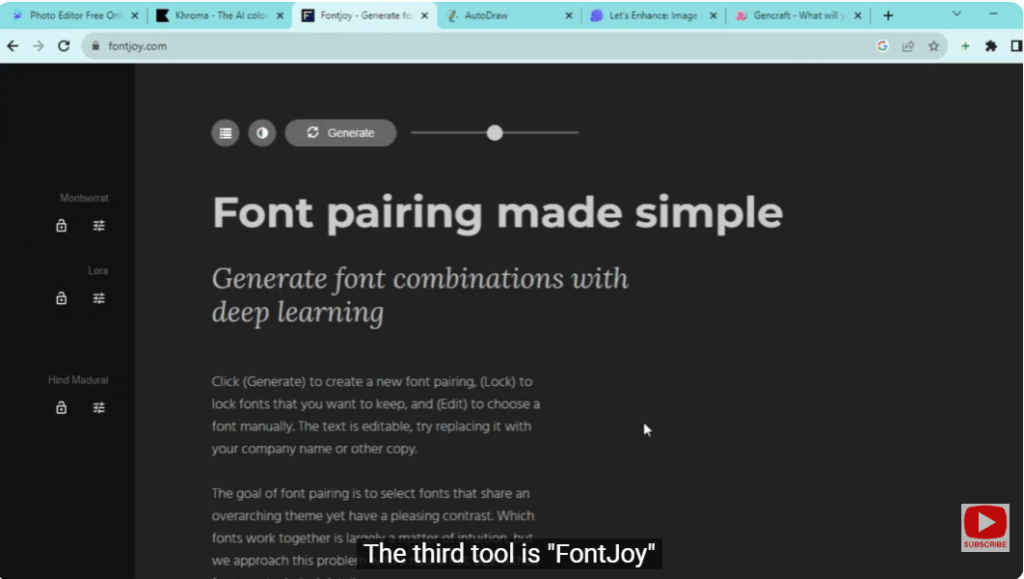
The third tool is “FontJoy”.
This AI powered tool analyzes your text and provides intelligent suggestions for font combination, spacing and hierarchy.
This solves the problem of choosing perfect font pairing.
With FontJoy you can easily create attractive and professional looking typography that grabs attention.
4. AutoDraw
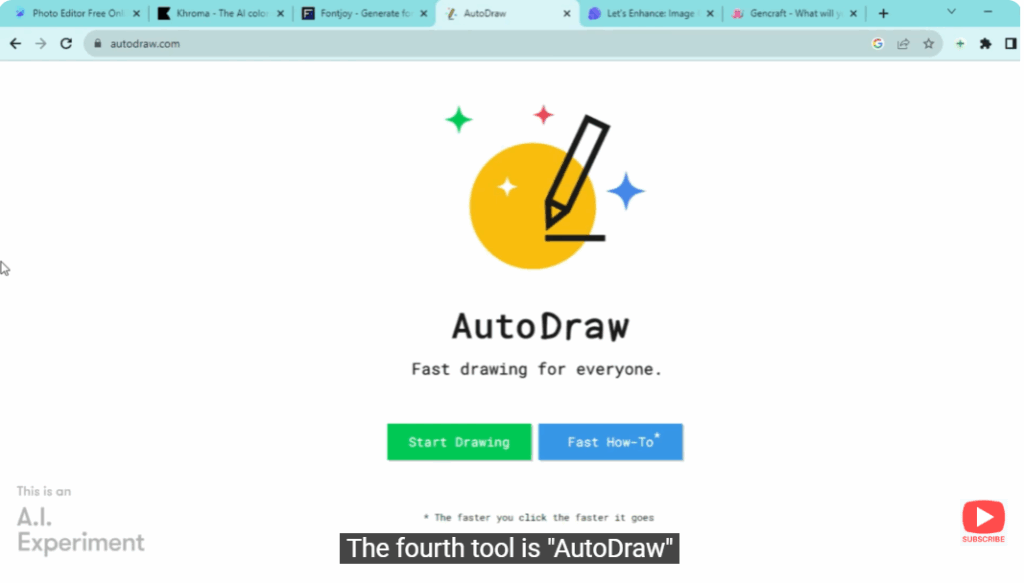
The fourth tool is “AutoDraw”.
AutoDraw is an AI powered tool that recognizes your rough sketches and turns them into polished illustrations.
The algorithm understands your intent and makes suggestions to refine your sketches.
It saves you time and effort in the illustration process.
5. Lets Enhance
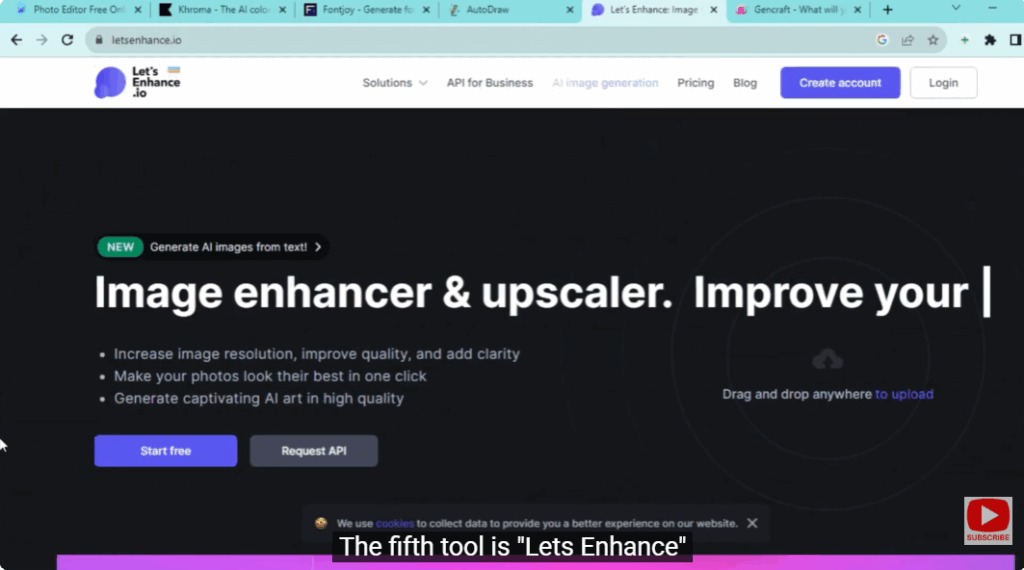
The fifth tool is “Lets Enhance”.
It’s a paid tool, but it’s very useful.
It uses AI algorithms to intelligently enhance your images while preserving quality.
This is best when the images are to be used for print.
Let’s Enhance makes sure your images are crisp and clear even if they are stretched to the maximum.
6. MidJourney
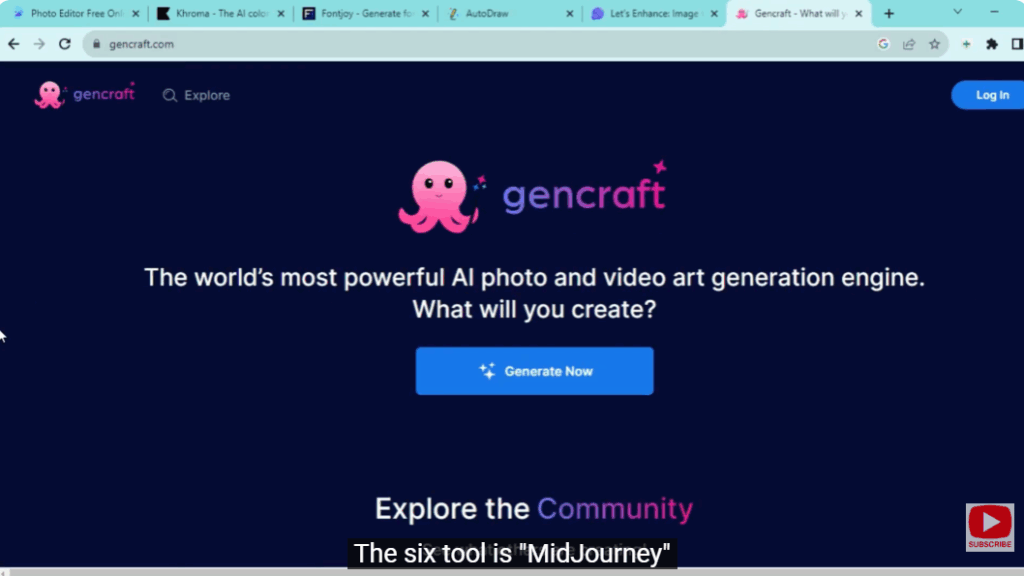
The sixth tool is “MidJourney”.
Searching for design inspiration can be time consuming.
MidJourney streamlines this exercise by providing you a platform where you can explore a wide range of design ideas quickly.
It suggests creative concepts and ideas.






