
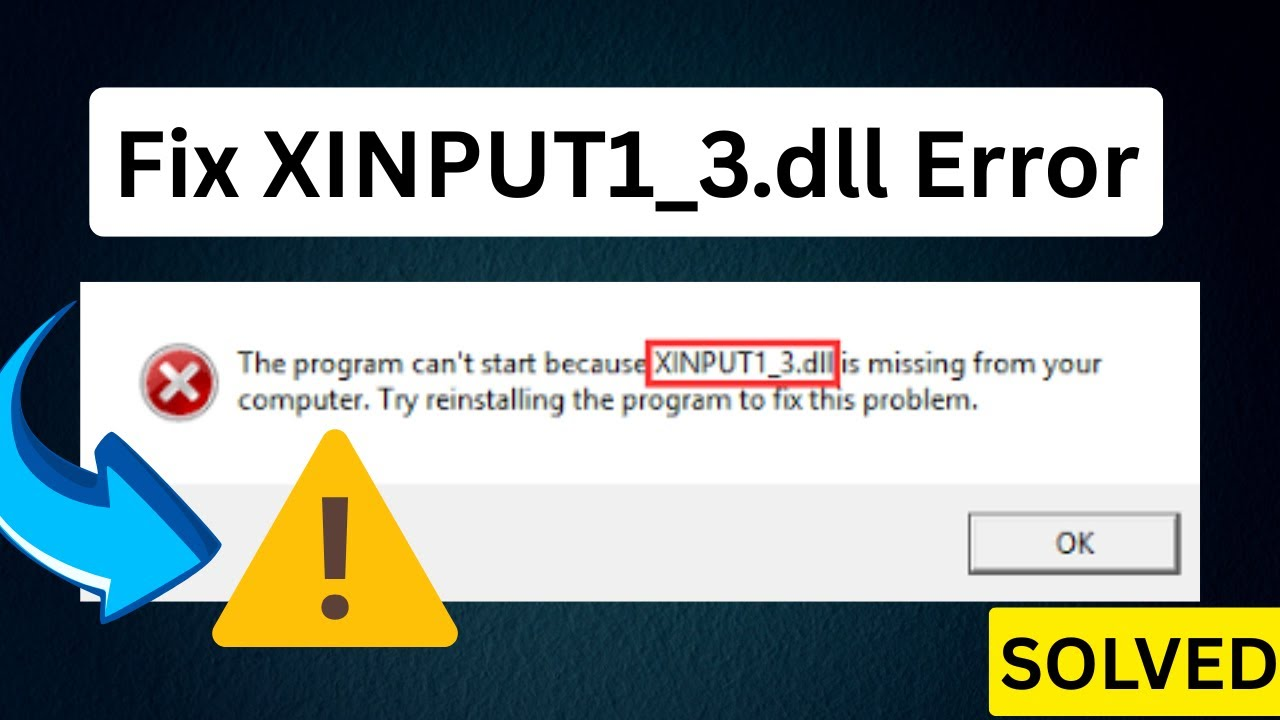
Seeing the “XINPUT1_3.dll is missing” error on your Windows 10 or 11 PC? This usually happens when you try to open a game or app that needs this file to run properly. It’s part of Microsoft’s DirectX software, which helps your computer handle graphics and gaming tasks. The good news is—you can fix this error quickly and easily without needing any advanced skills. In this blog, we’ll show you step-by-step how to solve the XINPUT1_3.dll error, so you can get back to gaming or working without any trouble!
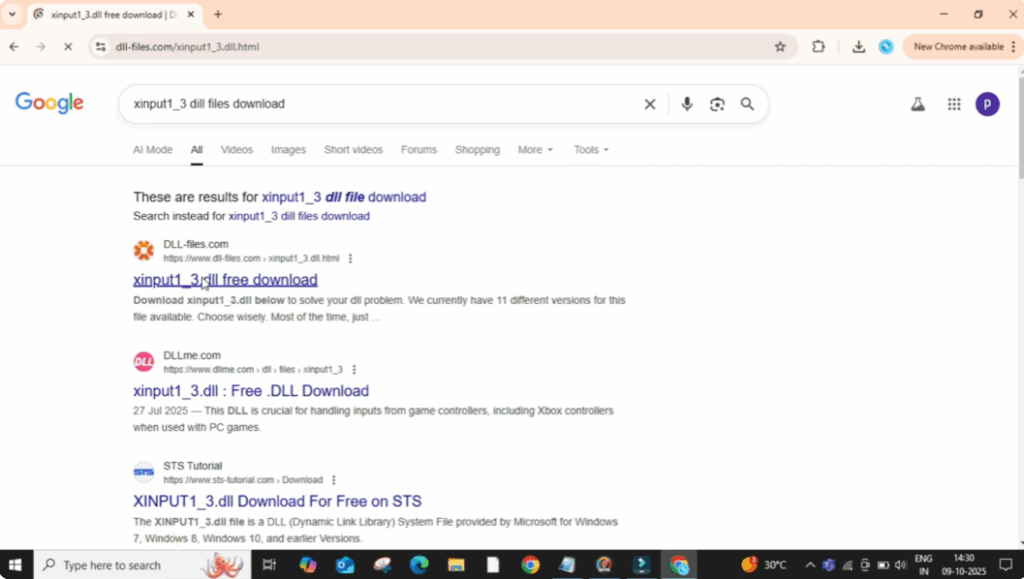
First, open Google Chrome or any web browser you use. In the search bar, type xinput 1_3.dll files download and press enter. Now click on the first website that appears. Make sure it’s a trusted one like dl–files.com or Microsoft’s official site.
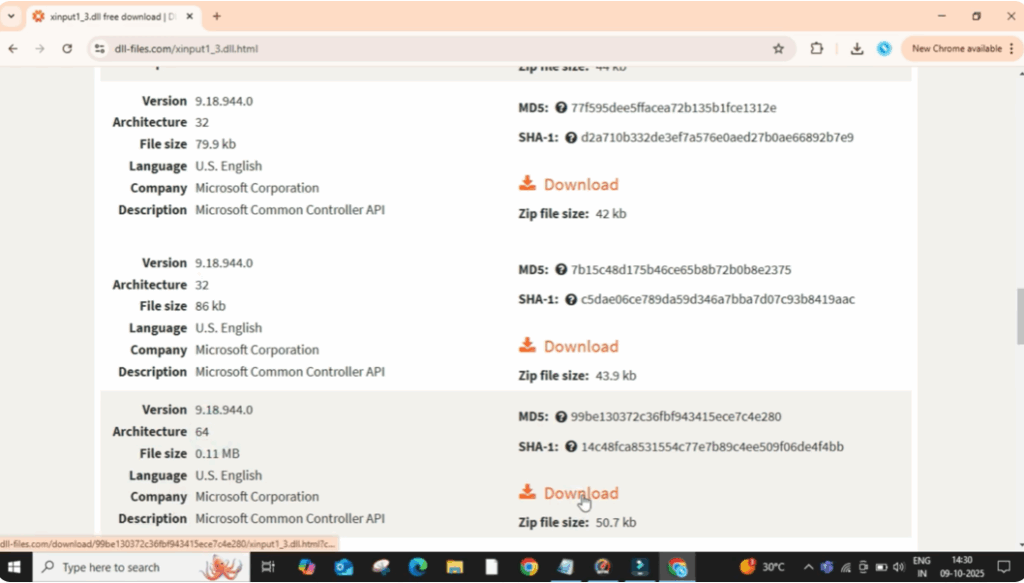
Once you’re on the website, scroll down a little and you’ll see different versions of the file listed under architecture. Here you need to check whether your system is 32-bit or 64-bit. Now download the correct file based on your system. In my case, it’s 64-bit. So I’ll click on the download button next to the 64-bit version.
Once the download is complete, open it, then right click on the zip file and select Extract Files. A small pop-up window will appear. Just click OK to confirm extraction. After a few seconds, the files will be extracted into a new folder.
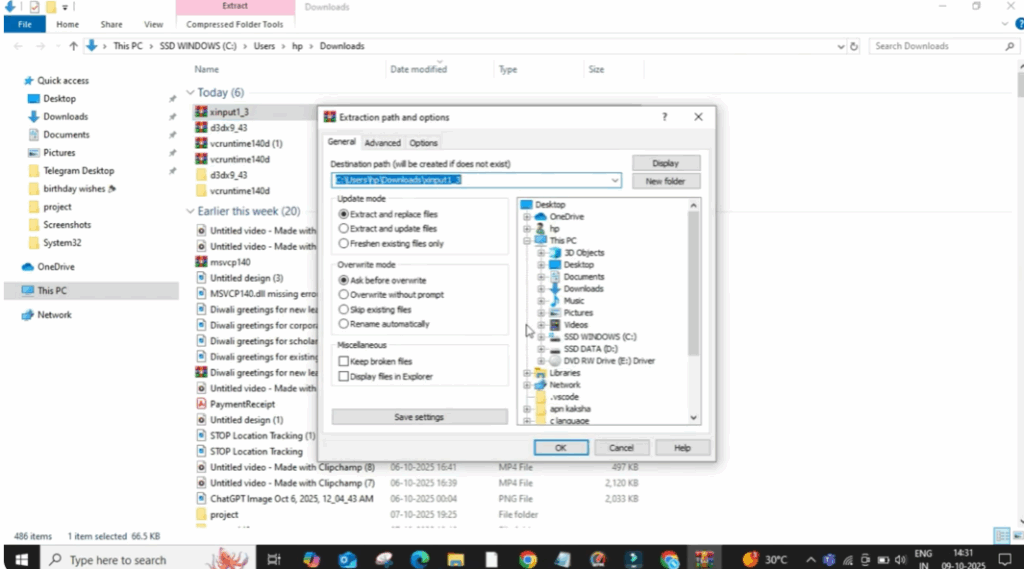
Now, right click on the folder and then click on Copy. Next, open This PC, go to your C drive. Then, open the Windows folder and inside that, open the System32 folder.
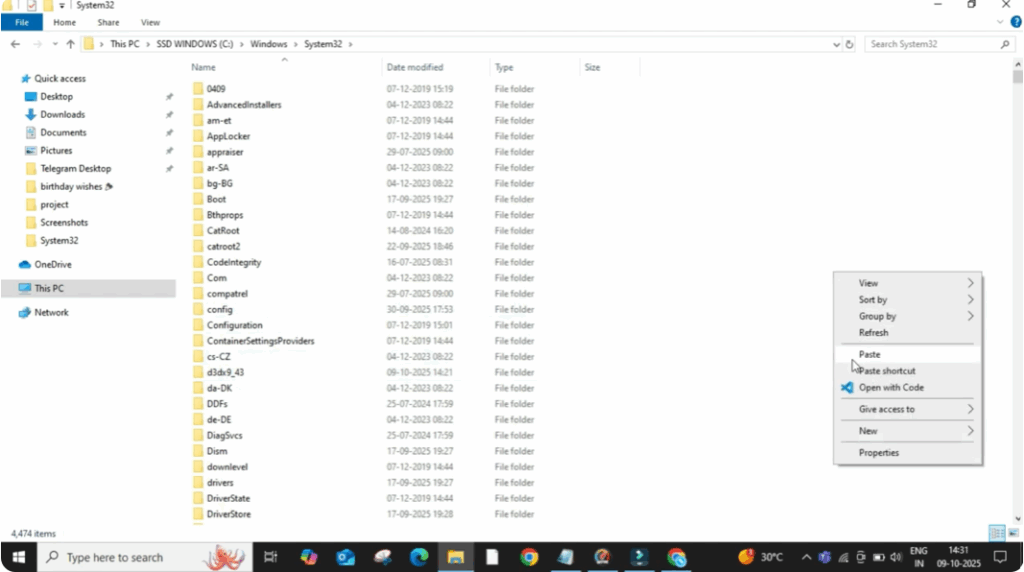
Once you’re inside System32, right click on any empty area and choose Paste. This will copy the zinput 1_3.dll DLL files into your system folder.
Now, close everything and restart your PC. After the restart, try opening the same app or game again. This time, the missing Zinpoot 1_3.dll error should be completely fixed.






