
Converting YouTube videos or any other video files to MP3 format is a great way to enjoy your favorite music or podcasts offline without the video taking up space. With many fast and safe tools available in 2026, you can easily extract high-quality audio from videos in just a few clicks. Whether you want to convert a single video or entire playlists, using the right converter can save you time and keep your files organized. In this blog, you’ll learn about the best methods to quickly and safely convert videos to MP3, helping you listen on any device anytime.
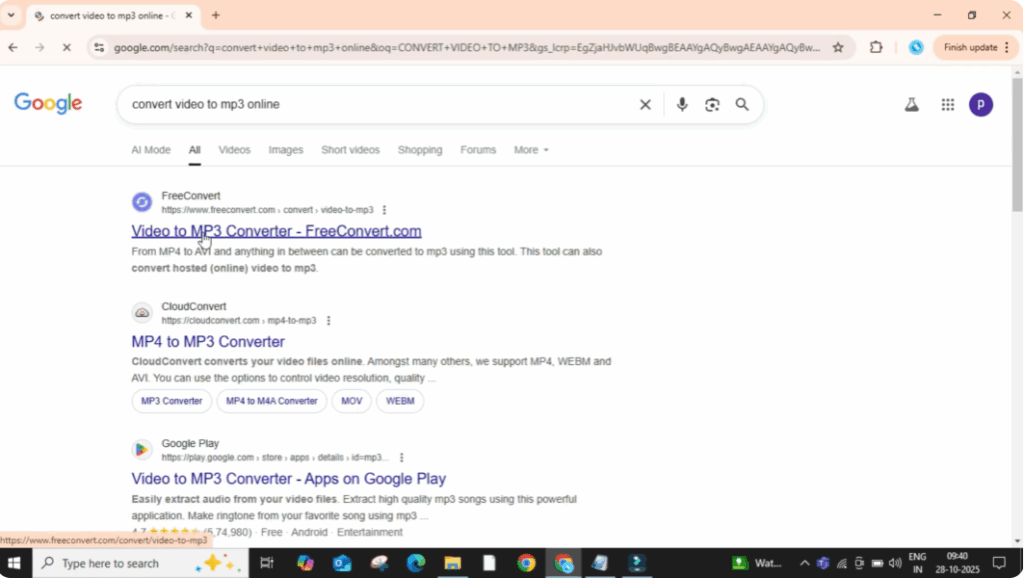
First, open Google Chrome or any web browser you use. In the search bar, type convert video to MP3 and press enter. You’ll see several websites appear. Click on the first one like freeconvert.com.
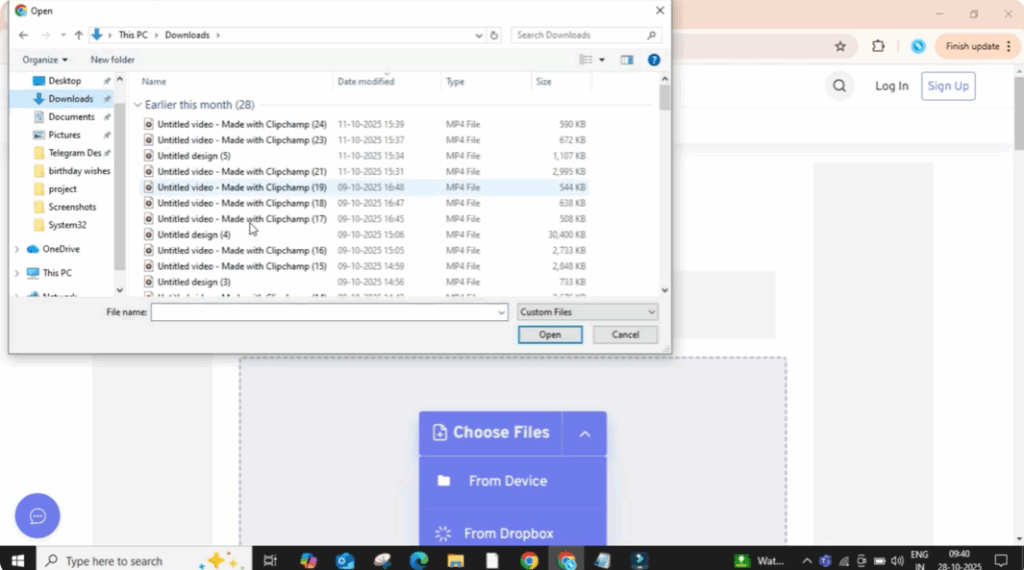
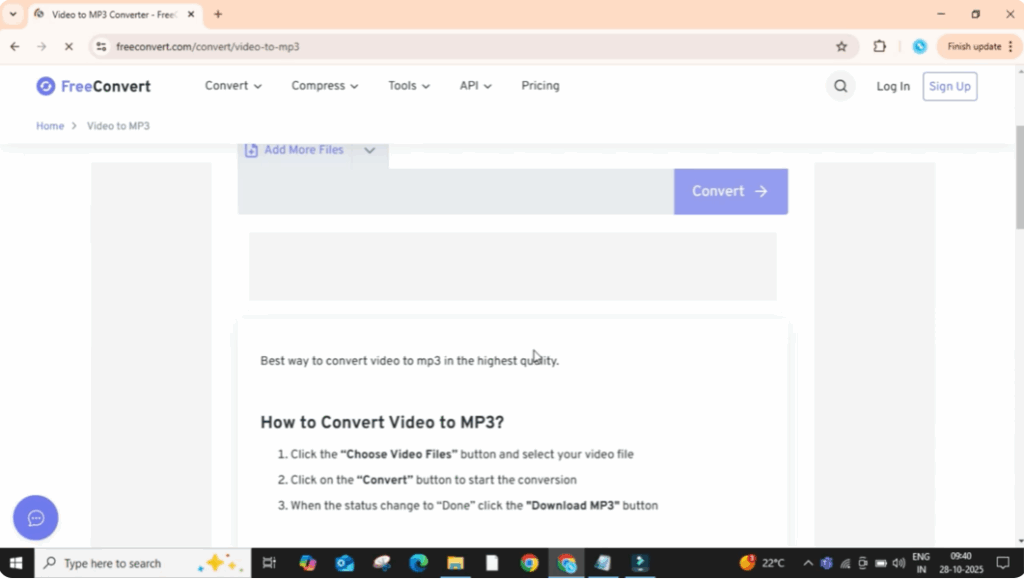
Once the website opens, click on the button that says Choose Files. Then select From Device. And now pick any video from your PC or laptop that you want to convert into audio. After selecting, click on Open.
Now the video will start uploading to the website. Wait for a few seconds until it’s fully uploaded. Once the upload is done, click on Convert. The website will take a little time to process and convert your video into MP3 format.
When it’s complete, you’ll see a message saying Done or Conversion Completed. Now, just click on the Download button. Your audio file will start downloading automatically.
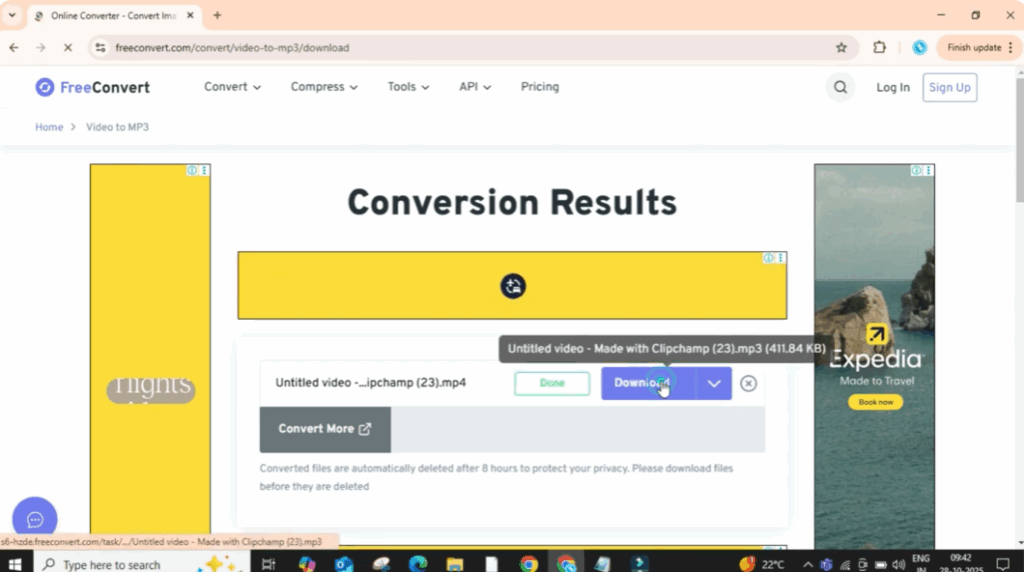
Once downloaded, open the file. You’ll notice it’s now in MP3 format. And below you can see the original video in MP4, but the converted one plays only the audio.
And that’s it. You’ve successfully converted your video into an MP3 audio file in just a few simple steps.






