
Sometimes you just want to enjoy your games on Steam without everyone seeing that you’re online. 🎮 Whether you’re avoiding constant chat requests or simply want some privacy, Steam gives you options to go invisible or set your profile to private. These settings are easy to use and let you control who can see your activity, friends list, and gameplay status. In this blog, we’ll walk you through how to go invisible and stay private on Steam, so you can play in peace whenever you like.
🔒 1. Go Invisible (Appear Offline to Friends)
Using Steam’s “Invisible” mode lets you appear offline, but you can still use chat and play games — your friends just won’t see you as online.
To turn Invisible on the Steam Desktop Client:
- Open Steam on your PC.
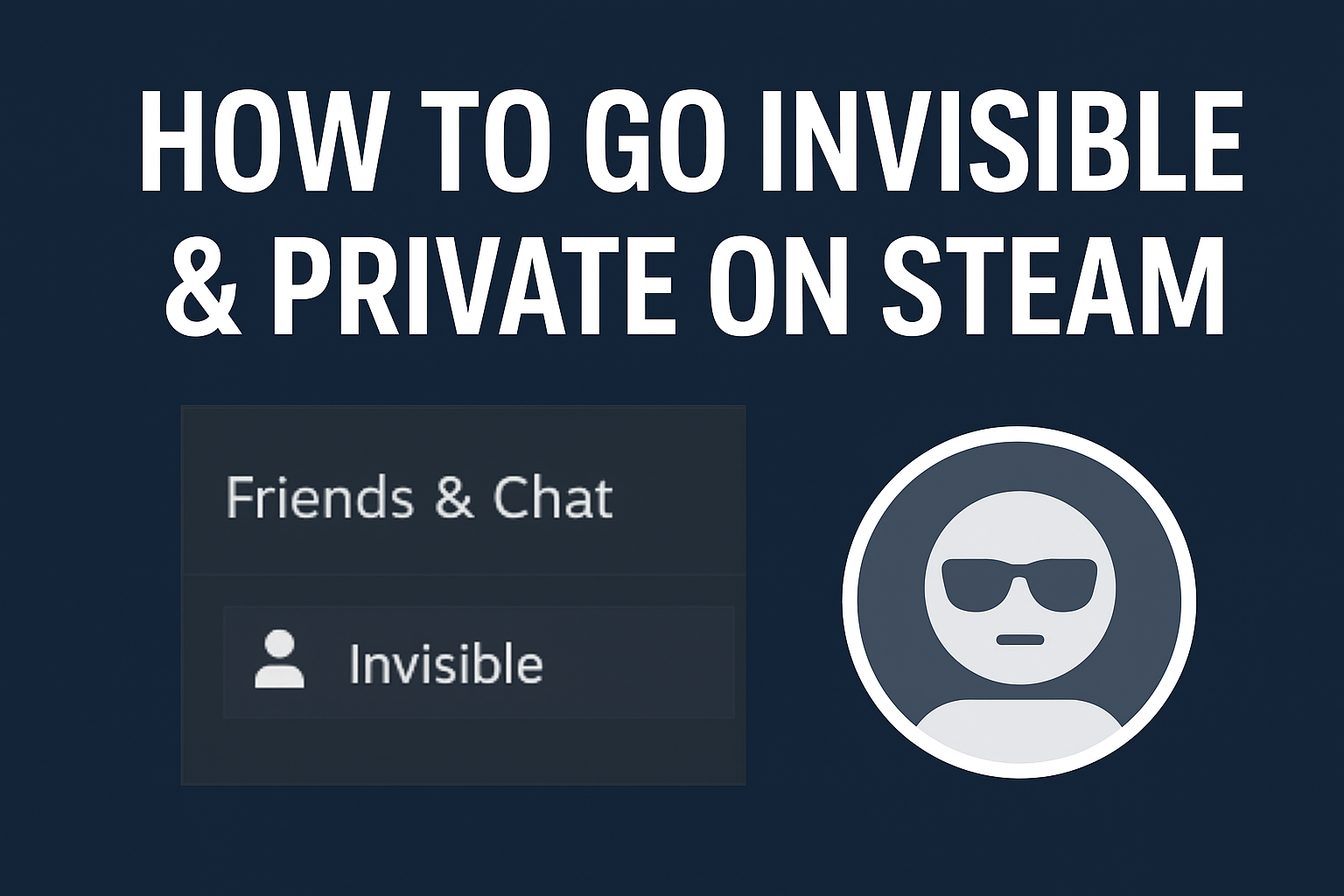
- Click on Friends & Chat (usually at the bottom-right corner).
- In the Friends & Chat window, click the arrow (dropdown) next to your username.
- Select Invisible from the menu.
Now you’ll appear offline to friends, but you remain fully active: you can play games, chat, and browse the Steam store.
Differences: Invisible vs Offline
- Invisible: you appear offline, but chat and social features still work.
- Offline: you truly go offline from friends/social — appears as if you’re not using Steam’s social features.
🔐 2. Make Your Profile Private or Friends-Only
If you also want to control who can see your Steam profile, games, inventory, and friends list, you can adjust your privacy settings:
- Open Steam and click your profile name in the top-right corner. → Choose “View My Profile”.
- Click Edit Profile → then go to My Privacy Settings.
- In Privacy Settings, you can change:
- My Profile visibility (Public / Friends Only / Private)
- Game Details (who sees what games you own or are playing)
- Friends List visibility
- Inventory visibility
- Set each item to Friends Only or Private, depending on how hidden you want to be.
When your profile is set to Private, others cannot see your friends, games, or activities.
💡 3. When to Use These Modes
- Invisible Mode: Ideal if you want to play or browse Steam without being seen online, but still want chat and game access.
- Offline Mode: Good if you really want no presence — no chat, no “playing” status.
- Profile Privacy Settings: Essential if you don’t want others to see your gameplay, inventory, or friend list.
✅ Final Thoughts
Going “invisible” and keeping your profile private on Steam gives you a high level of control over how others see you. Use Invisible mode for stealthy gameplay + chat, and tweak your Privacy Settings to hide your game library or inventory. Whether you’re avoiding distractions or just value your privacy, Steam’s built-in tools make it easy.






