
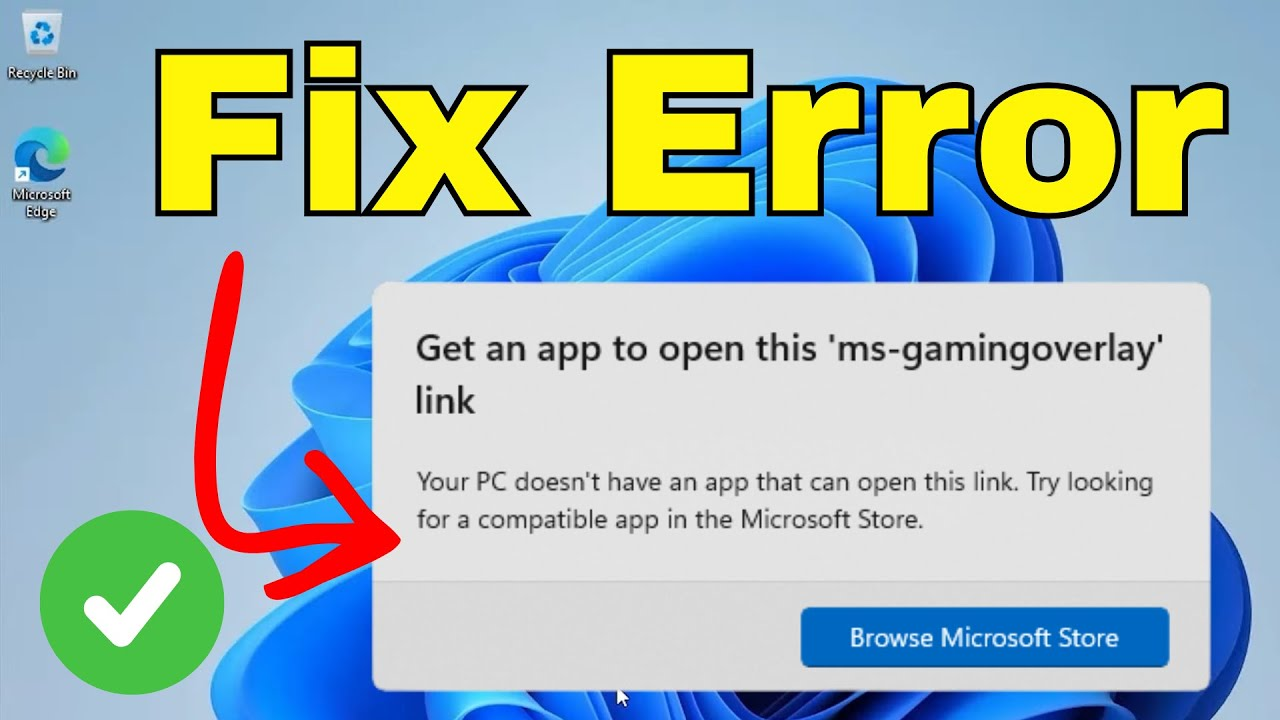
The “ms-gaming-overlay” popup error in Windows 11 appears unexpectedly and can disrupt gaming or normal use, often due to conflicts with Xbox Game Bar, overlay services, or corrupted gaming features. This annoying notification usually shows “ms-gaming-overlay://” links that won’t open properly. In this blog, you’ll learn simple fixes like disabling Xbox Game Bar, resetting gaming services, and clearing overlay registry entries to stop the popups permanently and enjoy smooth Windows 11 gaming again.
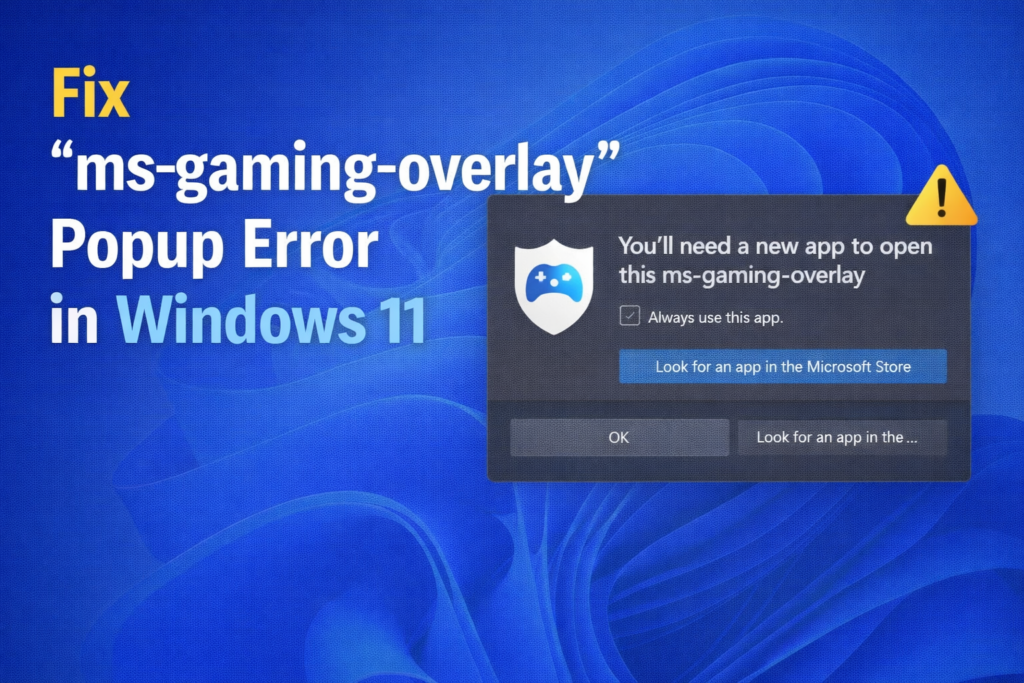
Step 1: Open Registry Editor
To get started, click on the Start menu and search for Registry Editor. Open the Registry Editor and allow the permission prompt when it appears.
Step 2: Navigate to the Game DVR Registry Path
In the left panel, expand the following folders step by step:
- HKEY_CURRENT_USER
- Software
- Microsoft
- Windows
- CurrentVersion
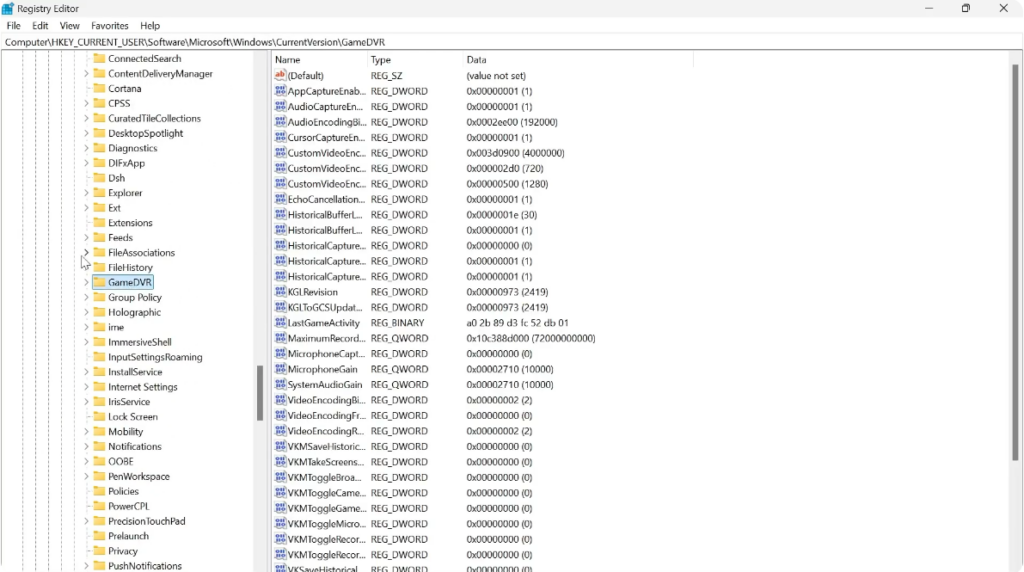
Here, look for a folder called GameDVR. You don’t need to expand this folder—just select it.
Step 3: Modify App Capture Setting
On the right side, you should see a file named AppCaptureEnabled.
Double-click on it and change the Value data from 1 to 0, then click OK.
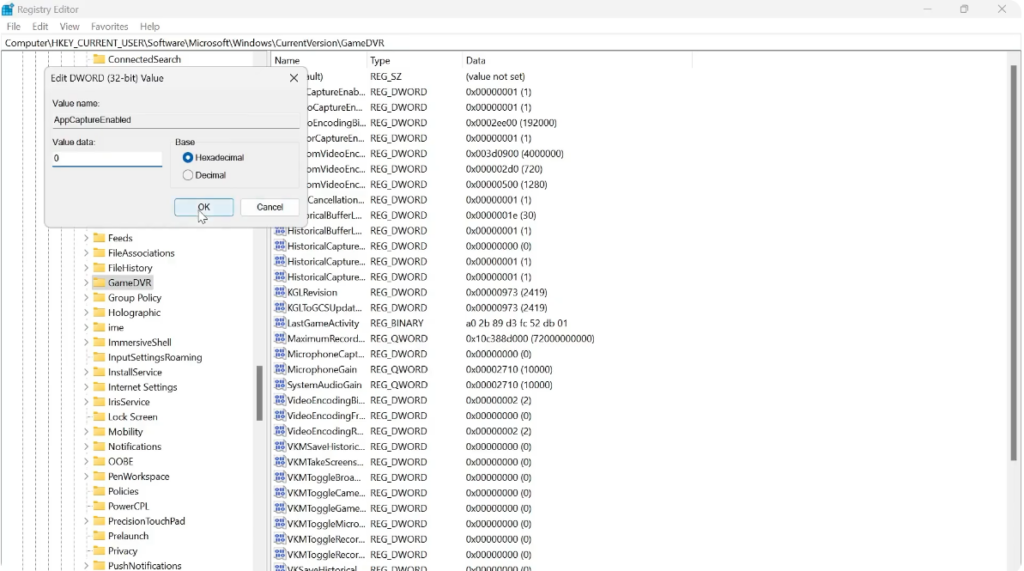
If you do not see this file, follow these steps:
- Right-click on an empty space
- Select New → DWORD (32-bit) Value
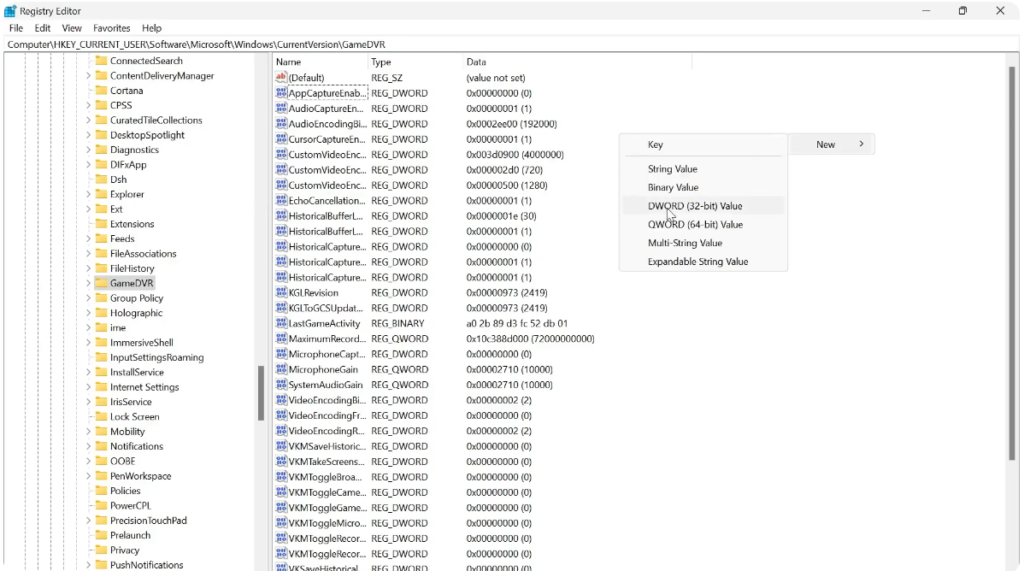
- Name it AppCaptureEnabled
- Double-click the file, set the Value data to 0, and click OK
Final Step
Once you’ve completed these steps, the MS Gaming Overlay pop-up error should be fixed on your Windows 11 system.






