
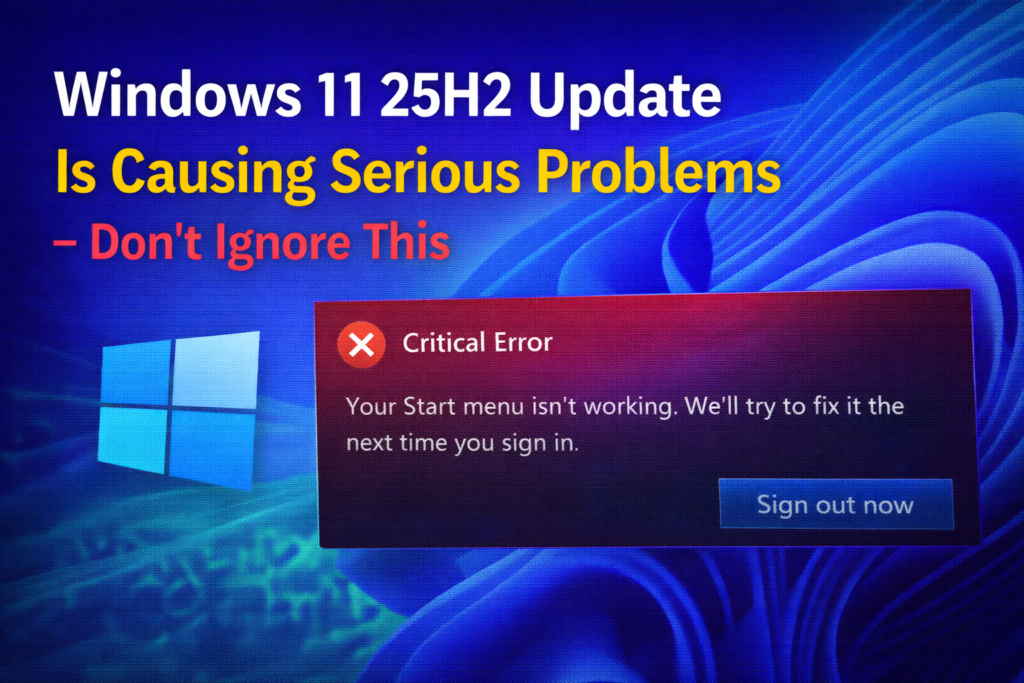
The Windows 11 25H2 update was meant to bring new features and improvements, but for many users it’s turning into a headache. ⚠️🖥️ Reports are piling up of serious problems—ranging from performance slowdowns and app crashes to compatibility issues that disrupt everyday tasks. Instead of making your PC smoother, the update may leave you struggling with glitches that can’t be ignored. In this blog, we’ll break down the most common issues caused by the 25H2 update and explain what you can do to fix them, so your system stays stable and reliable.
First issue: The dark mode flashbang
Yes, really. Let’s start with the most ridiculous and painful bug. If you use dark mode—and let’s be honest, who doesn’t in 2025—File Explorer now hits you with a bright white flash every single time you open it. Open a folder, flash. Create a new tab, flash. Toggle details, flash. Navigate anywhere, flash. It’s like Windows is trying to jump-scare you. This came with the December 1st optional preview update. And here’s the worst part: you had to manually install this update to get the bug. If you’re using an OLED monitor or working late at night, this isn’t just annoying, it’s physically uncomfortable.
Second issue: Gaming performance is tanking
After installing the October update KB5066835 or anything newer, users are seeing 20 to 30 percent FPS drops across multiple games. We’re talking Assassin’s Creed Shadows, Counter-Strike 2, Cyberpunk 2077, and other modern AAA titles. Some users report their 165Hz monitors randomly locking to 60Hz. Others see flickering, forced refresh drops, or performance that only fixes after restarting Explorer. And this isn’t just 25H2, because 25H2 and 24H2 share the same code base. If you’re on 24H2 with recent updates, you’re affected too. Nvidia was so concerned that they released an emergency hotfix driver 581.94 just to reduce the damage. But here’s the truth: this is a Windows-level bug. Drivers can’t fully fix it. Microsoft has to.
Third issue: Task Manager zombie processes
This one’s almost funny until you check your RAM usage. Closing Task Manager sometimes doesn’t actually close it. Instead, it spawns hidden zombie processes in the background. Power users reported dozens, even hundreds, of invisible Task Manager instances quietly eating RAM. Microsoft fixed this in the November update KB5168861. But if you skipped it, you’re still vulnerable.
Fourth issue: Apps refusing to open
Apps that rely on the internet, like Microsoft Store and Copilot, are failing to open with connection reset errors. Anything using HTTP-based connections can be affected. Microsoft pushed a partial fix, but many users still report issues. Some even had to roll back or do a clean install.
What you should do right now
Here are your real options—no fluff.
Don’t install 25H2 yet. If you haven’t, pause updates for up to five weeks. If you already updated, you have ten days to roll back. Go to Settings, then System, then Recovery, and select Go back.
For gamers, install Nvidia driver 581.94. It helps, but it doesn’t fully fix the issue.
For the File Explorer flash problem, skip the optional December preview update.
For Task Manager zombie processes, install KB5168861.
For app failures, try a network reset or DNS flush, but realistically, this one’s on Microsoft.
Don’t rush updates. Let others beta test for you. Keep backups and give Microsoft time to fix what shouldn’t have shipped broken.






