
Making Reels and Shorts is fun, but adding captions by hand can take a lot of time and effort. Captions are super important because they help more people watch and understand your videos, even without sound. The good news is that you don’t need to spend money on expensive tools to get this done. There’s a secret free app that can automatically create captions for your videos in just a few seconds. In this guide, we’ll show you how this app works and how you can use it to make your Reels and Shorts more engaging and viral.
So let’s start the tutorial.
Step 1: Download the App
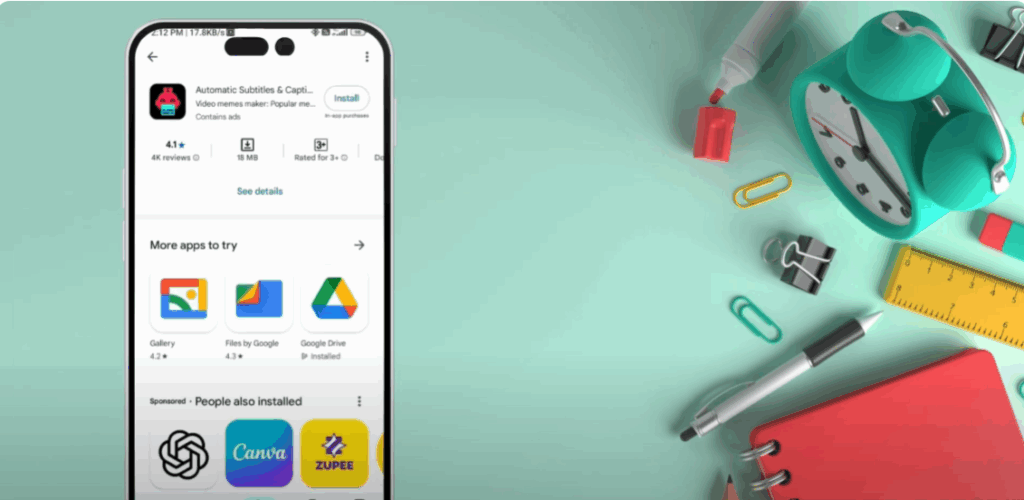
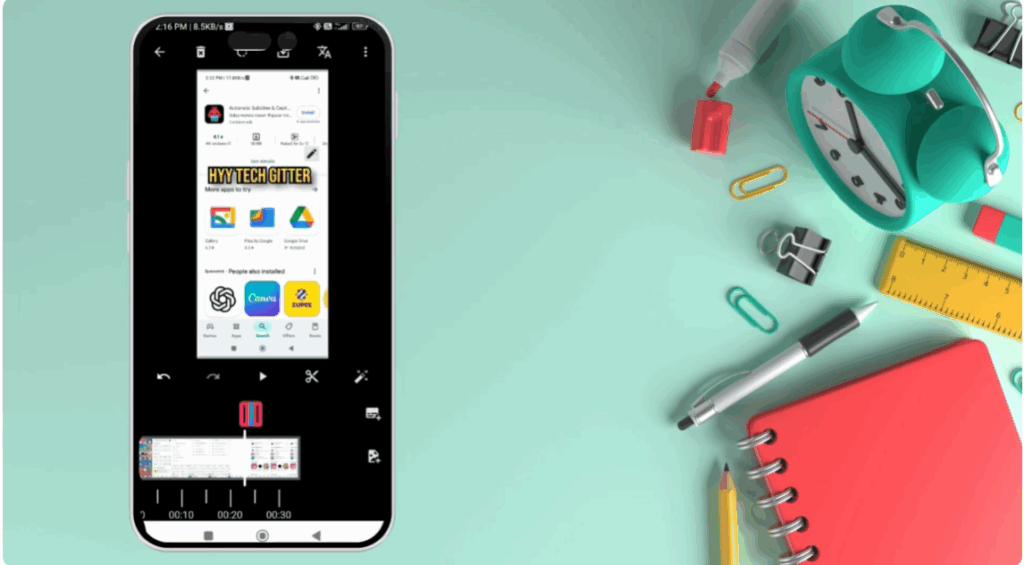
First of all, open your Play Store or App Store and search automatic subtitles and captions. Download it. After downloading, open the app. If any paid offer comes on the first screen, then don’t panic. Simply cross it.
Step 2: How to Use the App
- Click on Create Project
- Select your video
- Click on the Magic Pencil icon
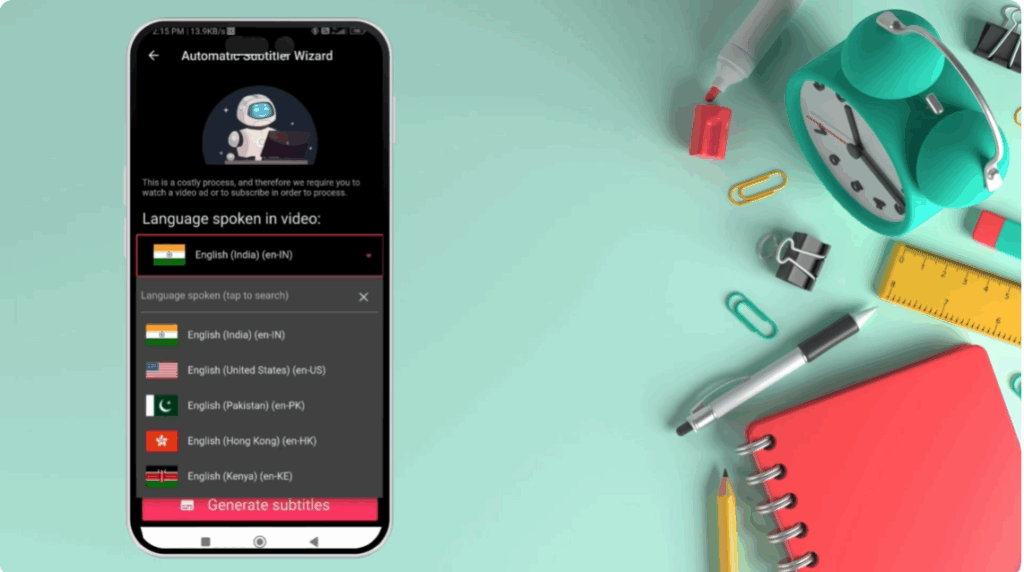
- Select English from the language options
- That’s it! Now click on Generate Subtitles
Step 3: Customize Your Captions
Now, let’s talk about fonts. Here you get Trending, Bold, Cartoon, and Stylish fonts.
I would recommend that you use Bold, Cartoon One, and Cartoon Two more. They will give a professional look to the video.
You can:
- Change the color
- Adjust the font size
- Edit lines manually if something is wrong
Step 4: Export Without Watermark
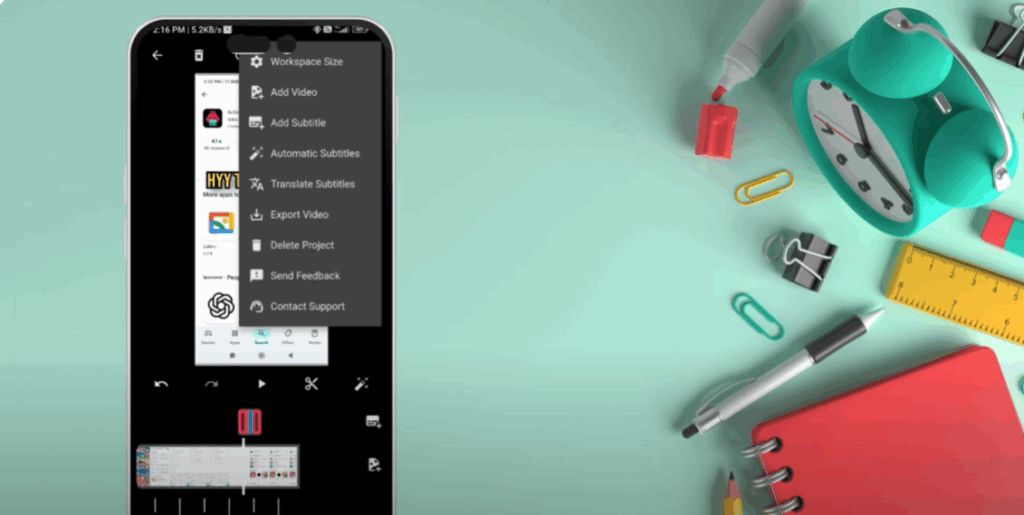
When the subtitles are ready, just click on the three dots and export the video.
The best part? There will be no watermark. I have tested it myself.
Final Thoughts
Auto captions make your Reels and Shorts more engaging, accessible, and professional. With this free secret app, you can save time, boost reach, and connect with a wider audience—without paying for expensive tools or wasting effort.






