
AI tools are everywhere these days, and while ChatGPT is super popular, it’s not the only option out there. In fact, there are several free AI tools that can help you write, design, brainstorm, and even boost productivity—sometimes doing things even better than ChatGPT! The best part is, you don’t need to spend money or be a tech expert to use them. In this beginner-friendly blog, we’ll introduce you to 6 amazing free AI tools that are easy to try and can make your work and creativity much more fun.
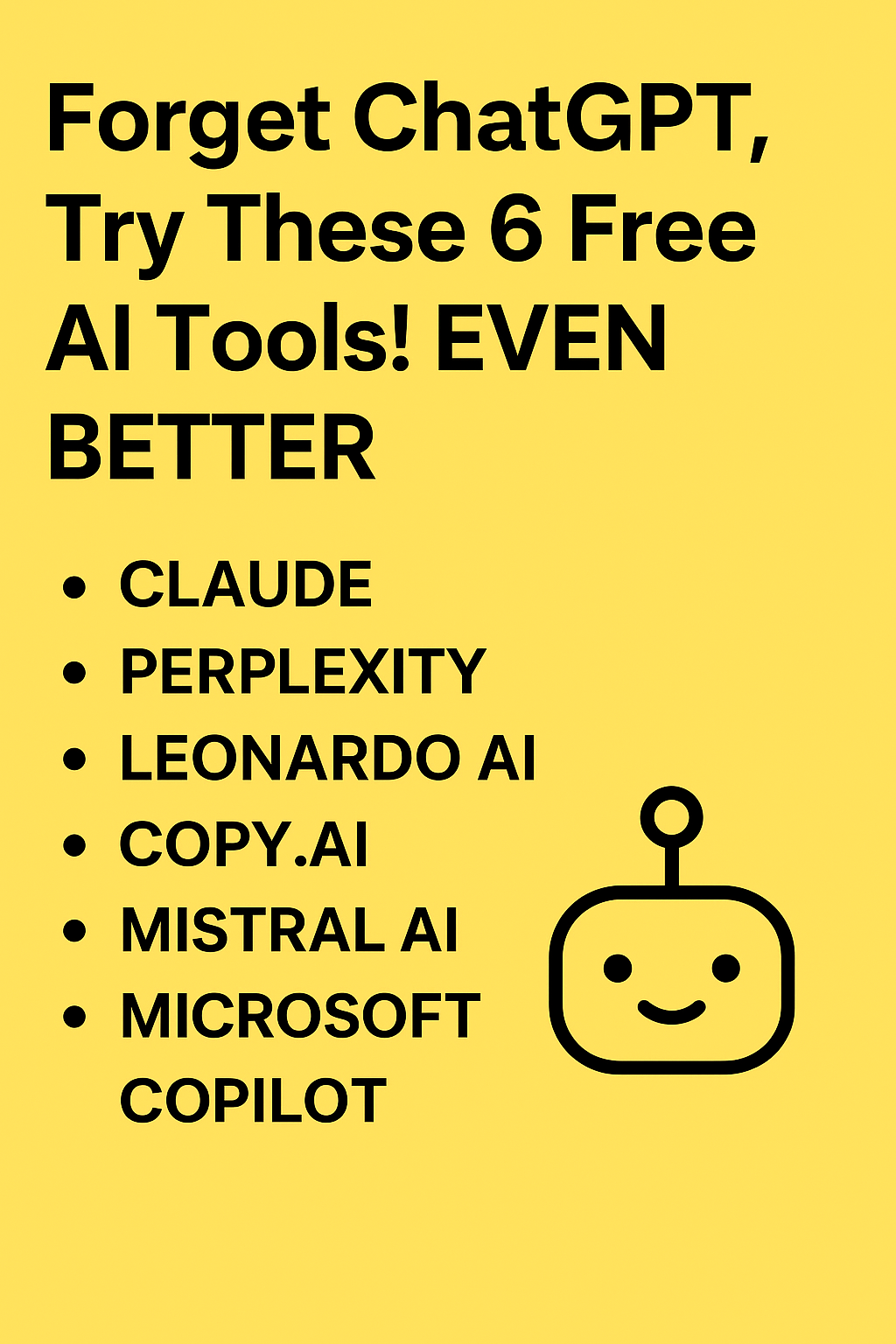
✅ 6 Free AI Tools to Try Instead of ChatGPT
Claude (via Poe or other platforms)
- Claude is a strong conversational AI alternative known for being thoughtful, context-aware, and good with long inputs (texts, documents).
- Use-cases: deep reasoning, proofreading, essay writing, creative writing, brainstorming. Great when you need a balanced, calm “AI companion.”
Perplexity AI
- Perplexity is more than a chatbot — it acts like a research assistant: it can answer queries with citations and help with fact-checking or summarization.
- Use-cases: quick research, summarizing long articles, checking facts, homework, or anytime you need trustworthy info + sources.
Leonardo AI
- Want visuals instead of text? Leonardo AI specializes in image generation — ideal for design mockups, concept art, creative graphics.
- Use-cases: social-media visuals, thumbnails, artwork, design inspiration — especially helpful if you can’t afford image-editing software.
Copy.ai
- For marketing copy, ads, short-form content, product descriptions — Copy.ai is a quick, free tool that can generate drafts or ideas with minimal effort.
- Use-cases: social media captions, blog intros, ad copy, email drafts — great for content creators or small businesses.
Mistral AI or other open-source models (via platforms like Hugging Face / community deployments)
- If you prefer open-source, privacy-friendly AI, Mistral AI and similar models give flexibility and control.
- Use-cases: coding help, offline AI experiments, custom workflows, and for developers curious about AI’s inner workings.
Microsoft Copilot (free / built-in tier where available)
- Integrated with Microsoft apps and tools, Copilot helps with documents, workflows, summarization, and everyday tasks — often available for free or as part of existing Microsoft services.
- Use-cases: office work, email drafting, data summarization, productivity tasks — useful for students, professionals, or anyone using Microsoft ecosystem.






