

Hi Friends, welcome to my channel Tech Gitter.
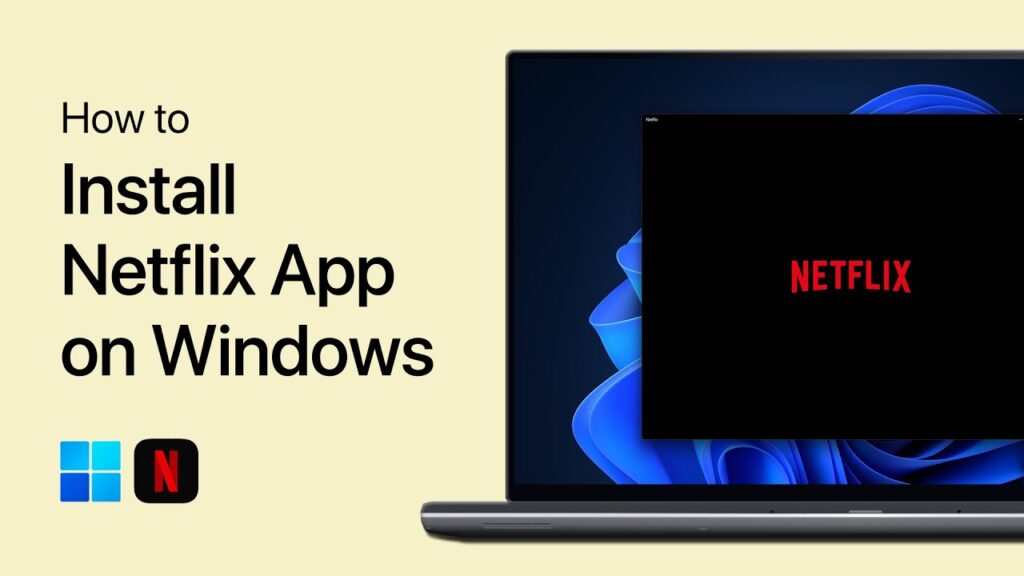
Here we will see how to get the Netflix app for your Windows 10 computer.
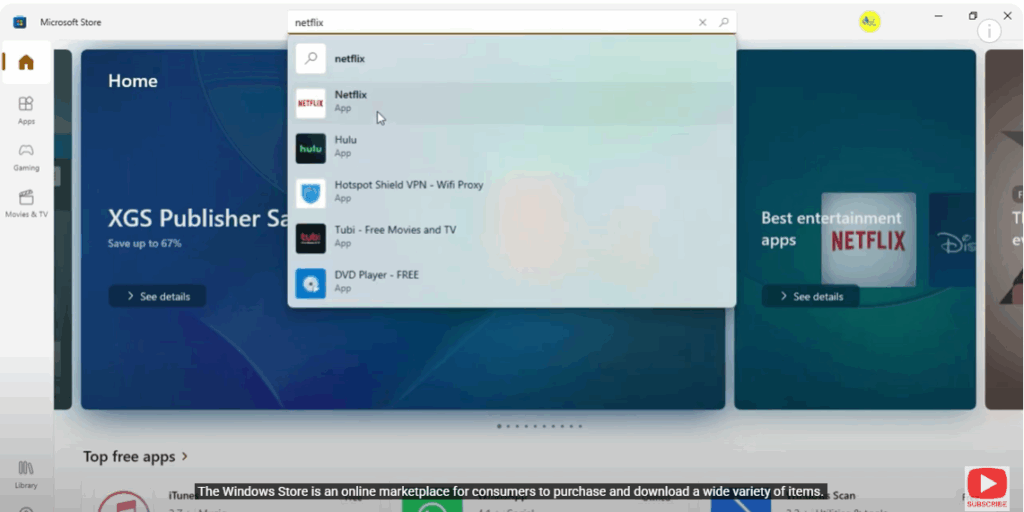
First, search and open Microsoft Store in the Windows search bar. The Windows Store is an online marketplace for consumers to purchase and download a wide variety of items.
Now, search Netflix in the search option.
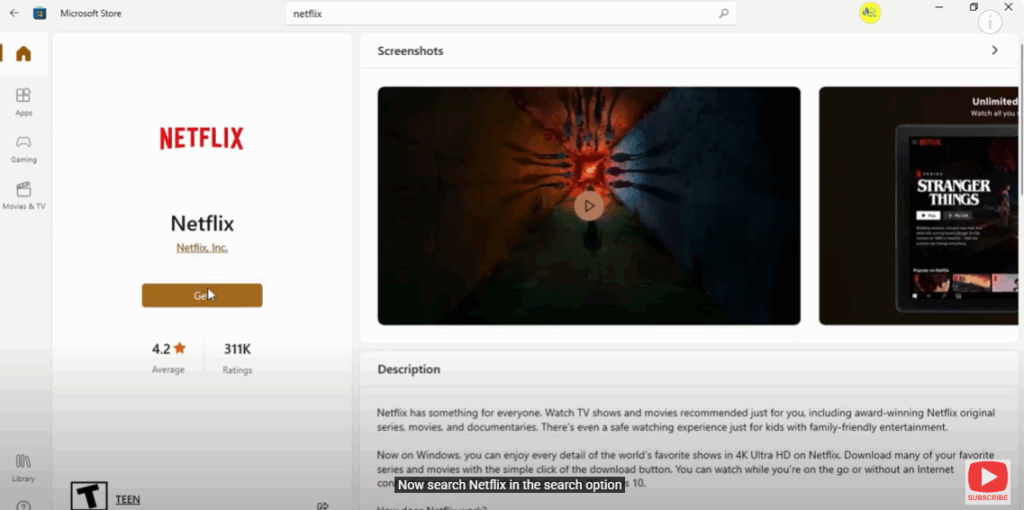
Click on the Get option that appears, and then open the Netflix app.
That’s it!
Thank you for watching this video. Subscribe to the channel for more information like this.






