
---Advertisement---

How To Get Netflix App For Your Windows 10 Computer || Install Netflix App

Published On: September 2, 2025
Netflix App For Your Windows 10
---Advertisement---

Hi Friends, welcome to my channel Tech Gitter.

Here we will see how to get the Netflix app for your Windows 10 computer.
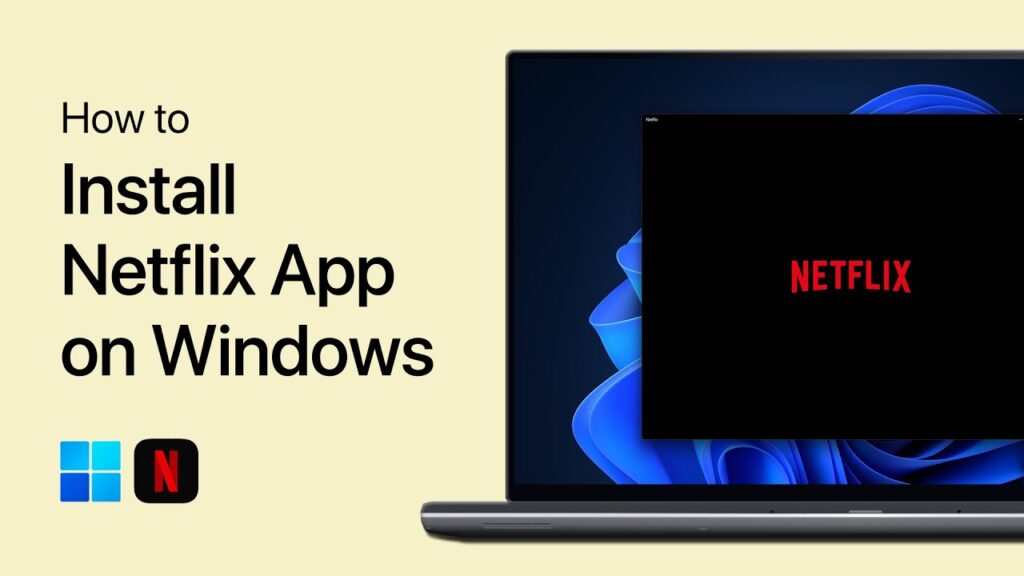
Get Netflix App For Your Windows 10

First, search and open Microsoft Store in the Windows search bar. The Windows Store is an online marketplace for consumers to purchase and download a wide variety of items.

Now, search Netflix in the search option.
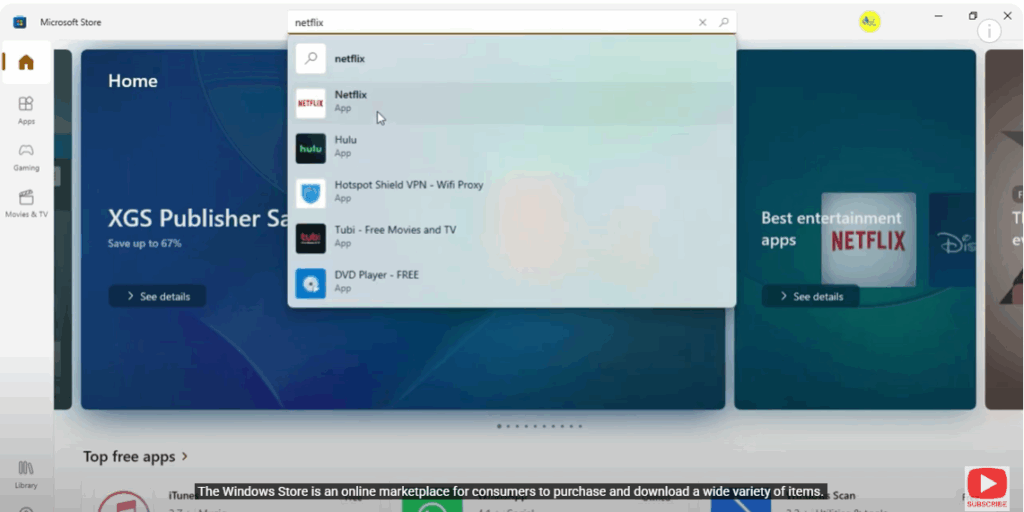
Netflix

Click on the Get option that appears, and then open the Netflix app.
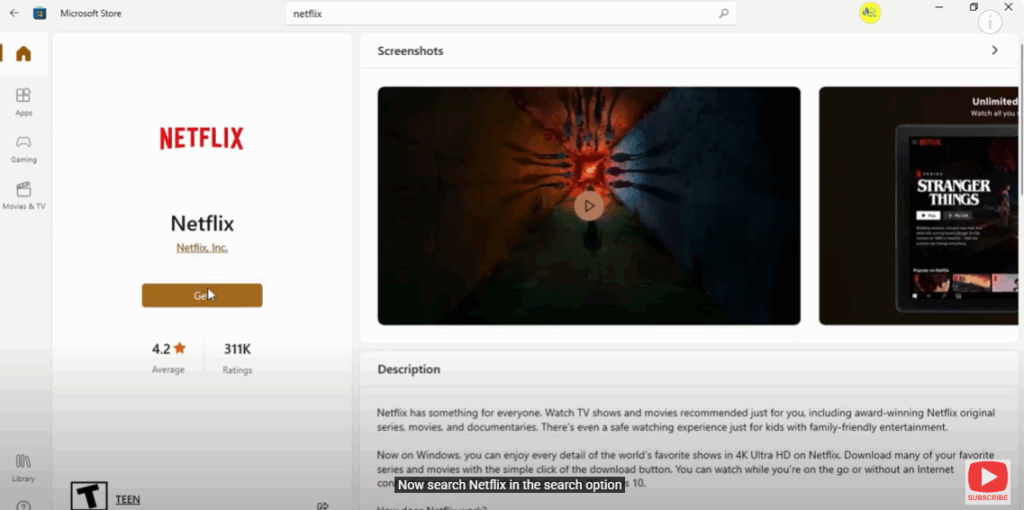
Click on the Get option

That’s it!

Thank you for watching this video. Subscribe to the channel for more information like this.

---Advertisement---

Related Post

Enable New Windows 11 25H2 Features After December Update (KB5070311)
Enable/Disable Steam Networking IP Sharing – Step-by-Step Guide
Valorant Stuck on Loading Screen? Fix It Now!
Tips

Valorant Stuck on Loading Screen? Fix It Now!

By Tech Gitter
|
December 31, 2025
How to Increase or Decrease Font Size in Google Chrome
Solutions

How to Increase or Decrease Font Size in Google Chrome

By Tech Gitter
|
December 29, 2025

Leave a Comment

Join WhatsApp Join Telegram





