
Welcome back to Tech Gitter official. Chat GPT5 has officially arrived and it’s packed with some incredible new features. OpenAI is calling this their smartest, fastest, and most useful model yet. Today, we’re putting it to the test. Let’s dive in.
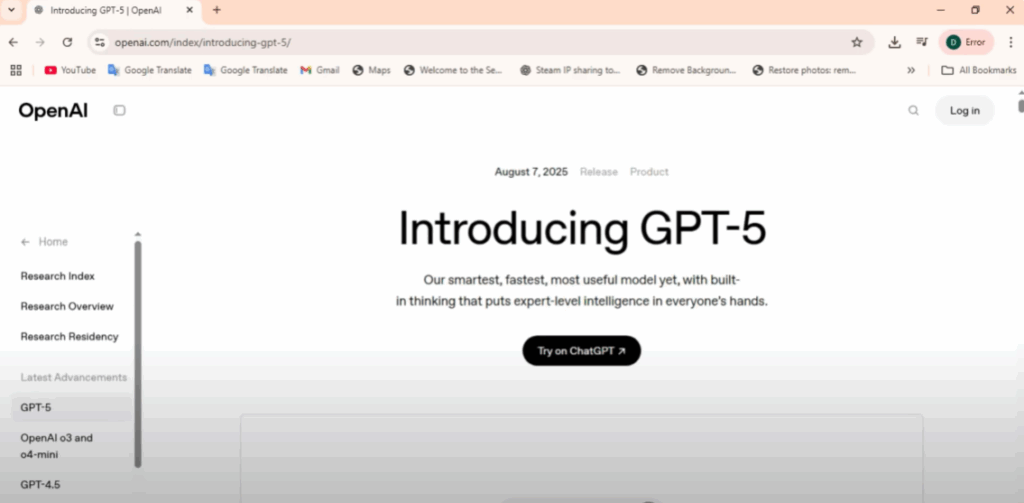
You can start using GPT5 right now on your computer. And the best part, it’s completely free. Just go to chatgpt.com, sign in, and you’re ready to go. GPT5 is now the default model. On the free plan, you’ll get around 30 messages a day with GPT5 before it switches you to GPT5 Mini, so you can keep going without interruption.
On your phone, it’s even simpler. Install or update the ChatGPT app, open a new chat, and GPT5 is the default. No settings to change.
What’s New in GPT5?
OpenAI says GPT5 is smarter, faster, and unified. Before, you had to choose between general, reasoning, or mini models. That’s gone. GPT5 automatically adjusts how deeply it thinks based on your request. Fast answers for simple prompts, deeper reasoning for complex ones.
Behind the scenes, it’s actually two models, but GPT5 decides which one to use for you. Paid users can still enable thinking mode for extended reasoning. OpenAI claims GPT5 outperforms GPT4.5 and the 03 reasoning model with better creativity and fewer hallucinations.
New ChatGPT Features
And that’s not all. ChatGPT itself has big upgrades too:
- Gmail and calendar integration – Connect them under settings to summarize emails, schedule meetings, or draft replies.
- Personalization – Soon you’ll be able to customize ChatGPT’s personality and chat color.
- Advanced voice mode – Talk naturally with ChatGPT like a real assistant.
- Study mode – Step-by-step guidance to learn coding, baking, or anything else.
That’s your first look at GPT5 and the newest ChatGPT features.
Thanks for watching Tech Gitter official. Don’t forget to hit like, drop a comment, and subscribe for more tech updates.






