
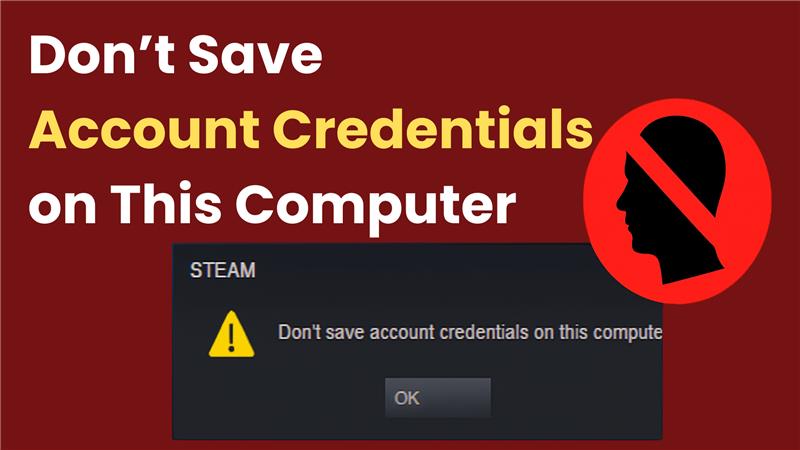
Many Steam users occasionally find themselves signing in repeatedly—despite previously opting to remember their credentials. The culprit? A seemingly hidden setting labeled “Don’t save account credentials on this computer.” Toggling this option influences whether Steam retains account logins, particularly important on shared or multi-user PCs. This quick tutorial covers what the setting does, why it matters, and how to fix unwanted login behavior—making Steam smoother and more user-friendly.

What This Setting Does
When enabled, Steam will not save your login information—meaning you’ll need to manually enter your username and password each time you launch the app. Conversely, disabling (unchecking) this setting allows Steam to remember your credentials for a seamless login experience.
Steps to Enable or Disable the Setting
Follow these steps to check or change Steam’s credential-saving behavior:
- Open Steam and click on the Steam menu in the top-left corner.
- Navigate to Settings.

- Select the Account or Security tab (label may vary by Steam version).
- Locate the option “Don’t save account credentials on this computer.”
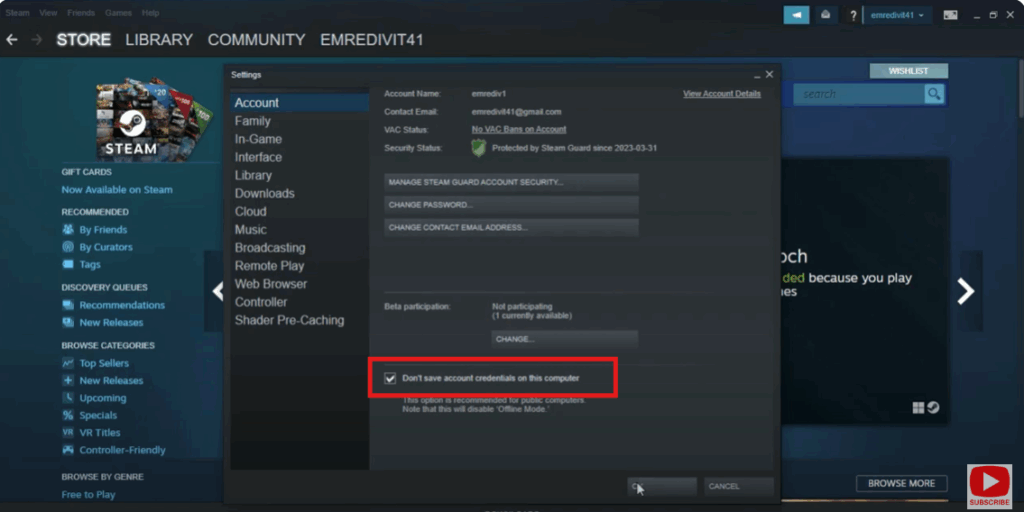
- Uncheck it to allow Steam to remember your login. Check it if you prefer Steam prompting you each time.
- Click OK to save changes.
- Restart Steam and test your preferred behavior—login should now reflect your selection.
Final Thoughts
Steam’s “Don’t save account credentials on this computer” setting is a simple yet powerful control that directly affects your login experience. Whether it’s for convenience, privacy, or better multi-user support, knowing how to enable or disable it—and how it relates to other interface options—can resolve most persistence issues.






