
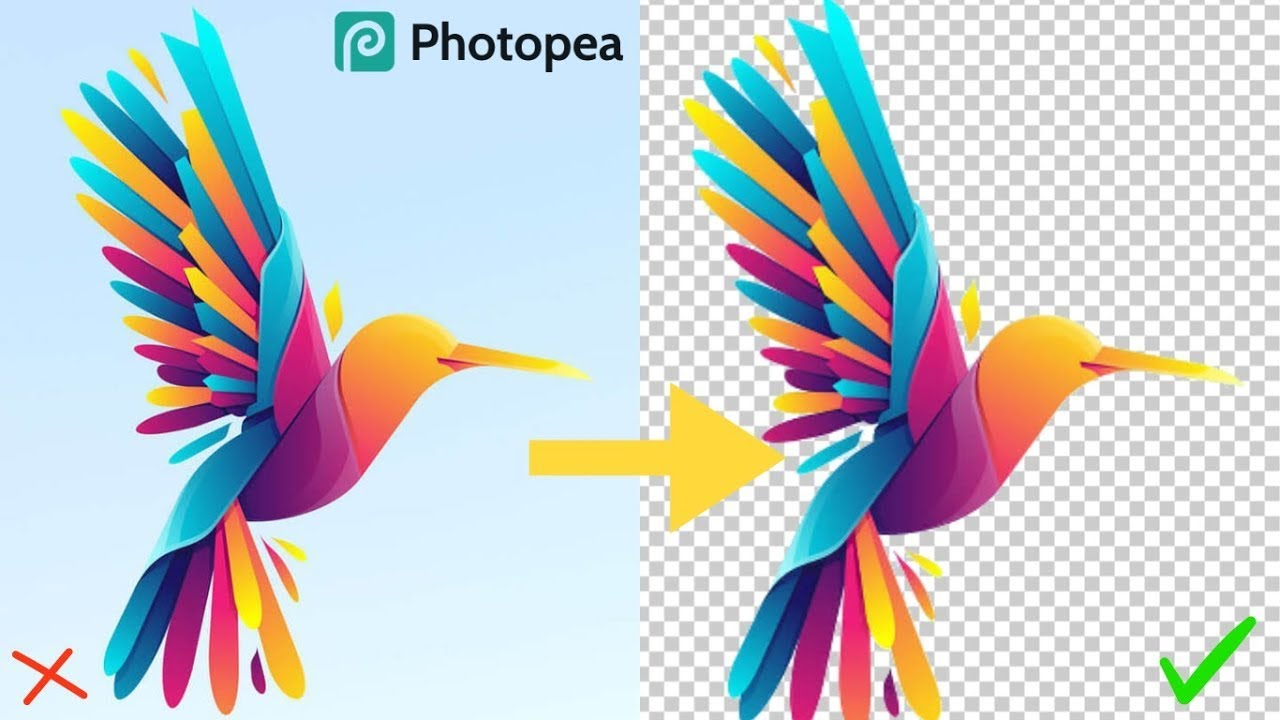
Removing the background from a photo used to require expensive software or advanced editing skills, but not anymore. With Photopea, a completely free online tool, you can erase backgrounds quickly and easily—just like a pro. Whether you want to make product photos look clean, create transparent images for designs, or simply have fun editing, Photopea gives you powerful features without costing a single rupee or dollar. In this guide, we’ll show you how to use Photopea step by step so you can edit your pictures with confidence and get professional‑looking results in minutes.
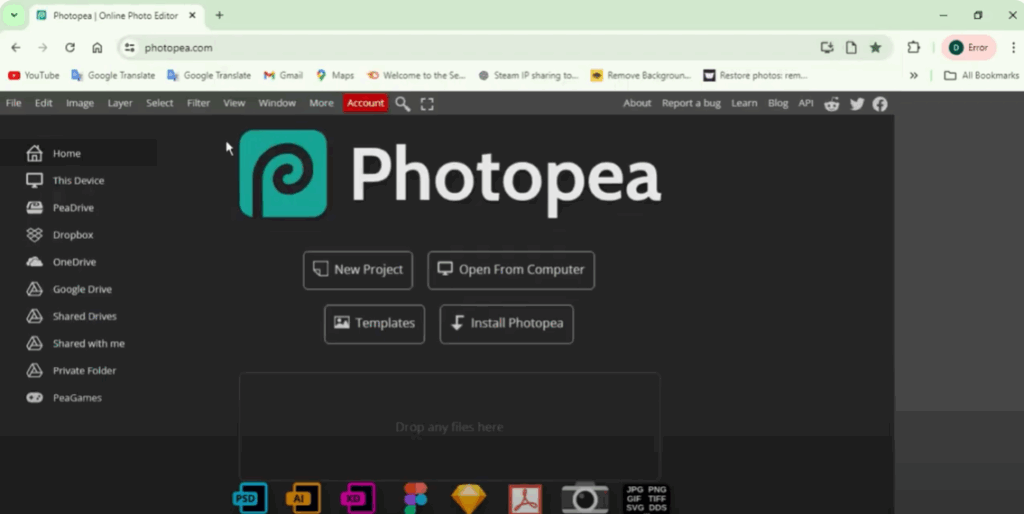
First, open your Google Chrome and search photopea.com. Once the website is open, go to Open from Computer.
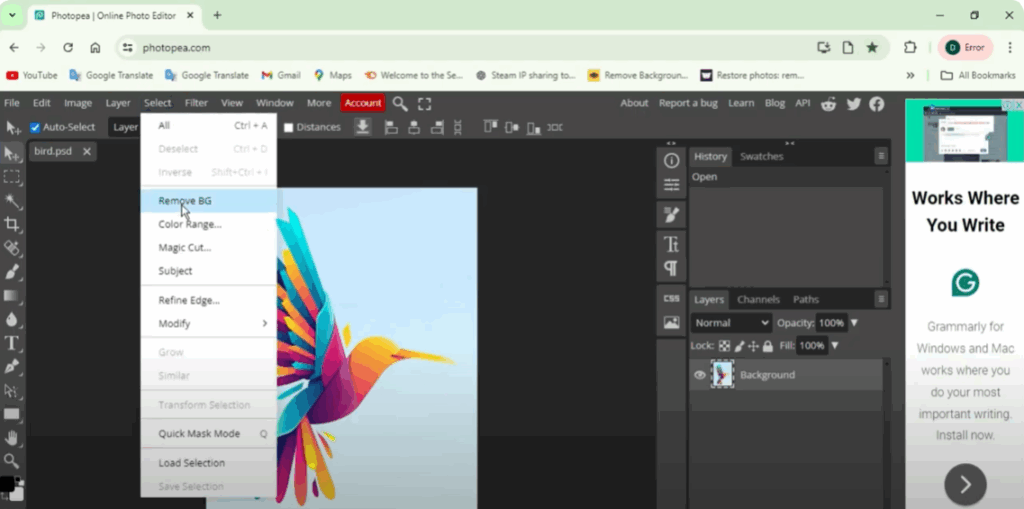
Open the photo whose background you want to remove. Like I have opened a photo of a bird here. Now go to the Select option and click on BG Remove. You will see that you will see the image with white background, which means the background of the photo has been removed.
Now you can simply go to File and export as PNG, PDF, or even save as PSD.






