
Trying to install the .NET Framework on Windows 11 or 10 but getting the error code 0x800f0954? You’re not alone—this is a common issue that can stop important apps from working properly. The good news is, it’s usually caused by simple settings or connection problems, and you can fix it with a few easy steps. In this blog, we’ll guide you through how to solve the 0x800f0954 error so you can install .NET Framework smoothly and get your system back on track.
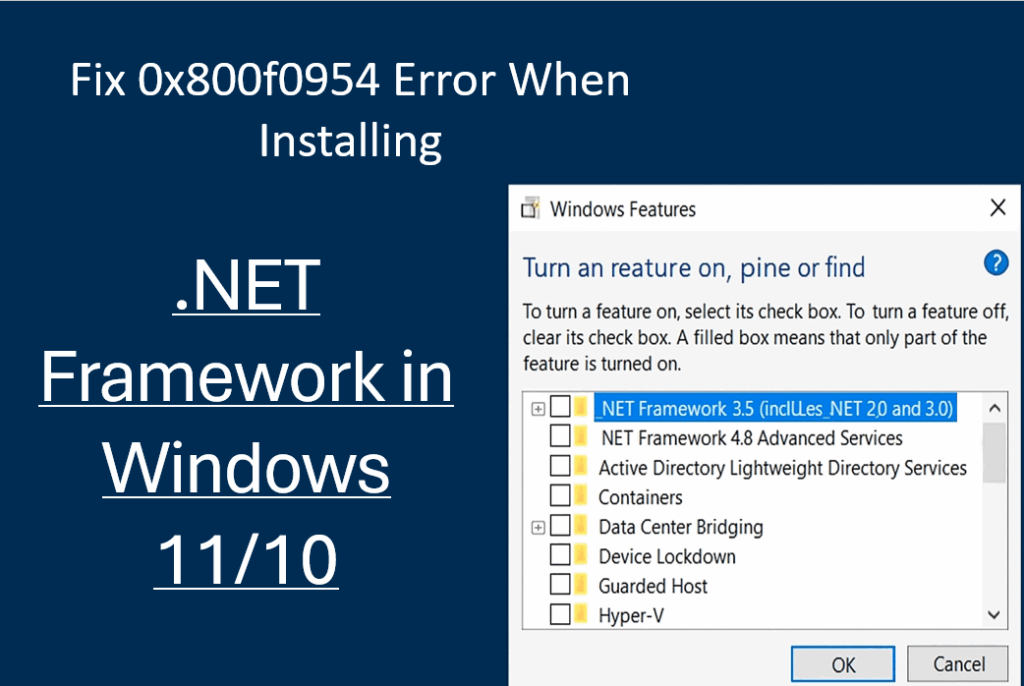
🛠 Fix 1: Enable .NET Framework via Windows Features
- Press Windows + R
- Type:
optionalfeaturesand press Enter. - A window will open named Windows Features.
- Check the box for:
.NET Framework 3.5 (includes .NET 2.0 and 3.0) - Click OK and let Windows complete the setup.
If installation fails, continue to the next fix.
🛠 Fix 2: Modify Windows Update Group Policy (Important)
This fix is especially useful for systems connected to WSUS.
- Press Windows + R
- Type:
gpedit.mscthen press Enter. - Go to:
Computer Configuration → Administrative Templates → System - Find and double-click:
Specify settings for optional component installation and component repair - Set it to:
Enabled - Check the box:
Download repair content and optional features directly from Windows Update instead of WSUS. - Click Apply → OK
- Restart your PC
Now retry installing .NET again.
🛠 Fix 3: Install .NET Framework Using Command Prompt (Offline Installation)
This method uses Windows installation ISO or setup files.
Steps:
- Insert a Windows Installation USB/ISO
or mount the ISO file. - Note the drive letter (example:
D:) - Open Command Prompt as Administrator
- Run the command below (replace D: with your media drive):
DISM /Online /Enable-Feature /FeatureName:NetFx3 /All /Source:D:\sources\sxs /LimitAccess - Hit Enter and wait for the installation to complete.
🛠 Fix 4: Reset Windows Update Services
- Open Command Prompt as Administrator
- Type each line one-by-one:
net stop wuauserv net stop bits - Restart the services:
net start wuauserv net start bits
Try installing .NET Framework again.
🟢 Conclusion
The 0x800f0954 error happens mostly when Windows tries to download .NET Framework files from WSUS instead of Microsoft servers. By enabling direct download from Windows Update or installing .NET manually, you can fix the issue easily.






