
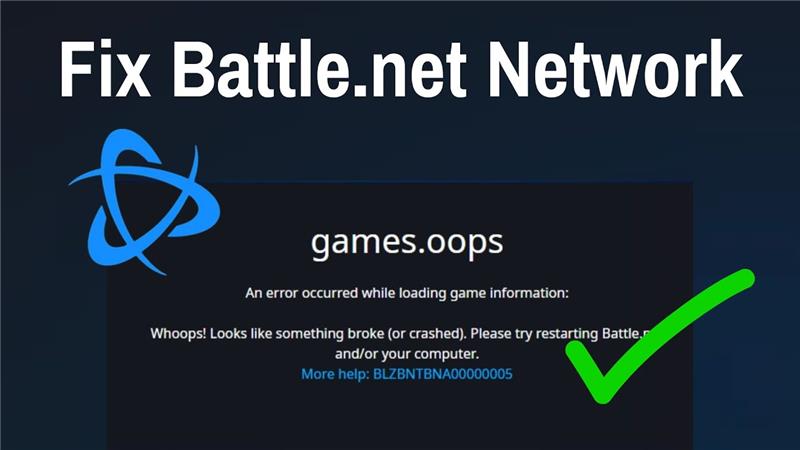
Battle.net error BLZBNTBNA00000005 usually appears when the Battle.net launcher crashes, the update agent stops working, or there’s a network connection problem preventing games from loading or updating. This frustrating issue can block you from playing Blizzard games like Overwatch, World of Warcraft, or Diablo. In this blog, you’ll learn simple fixes like restarting Battle.net processes, flushing DNS, checking firewall settings, and running the repair tool to solve BLZBNTBNA00000005 and get back to gaming quickly.
Fix one: Run Battle.net as administrator
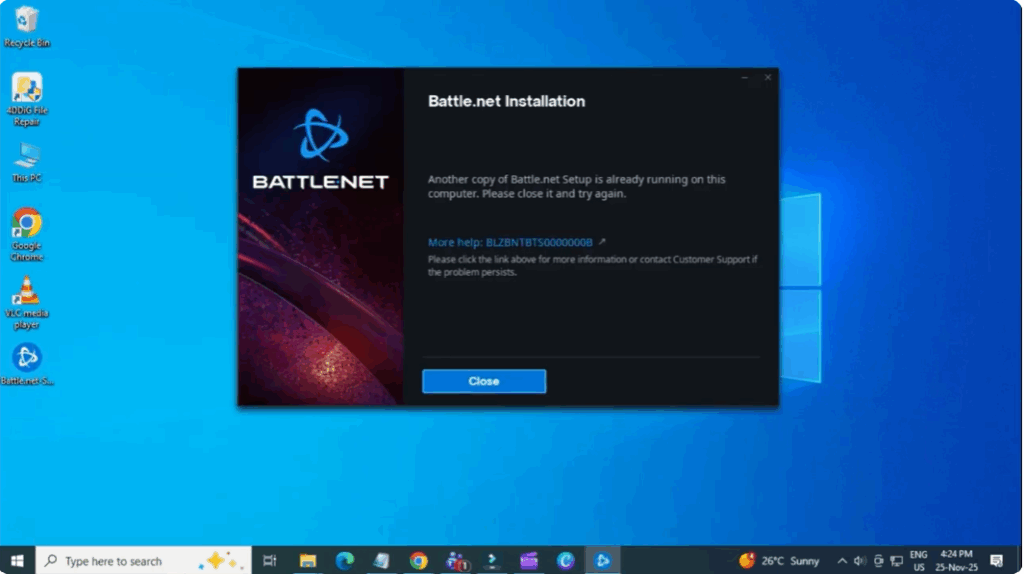
It sounds simple, but it often works. Rightclick the Battle.net icon and choose run as administrator. This gives the app the permissions it needs to launch properly.
Fix two: Update your graphics drivers
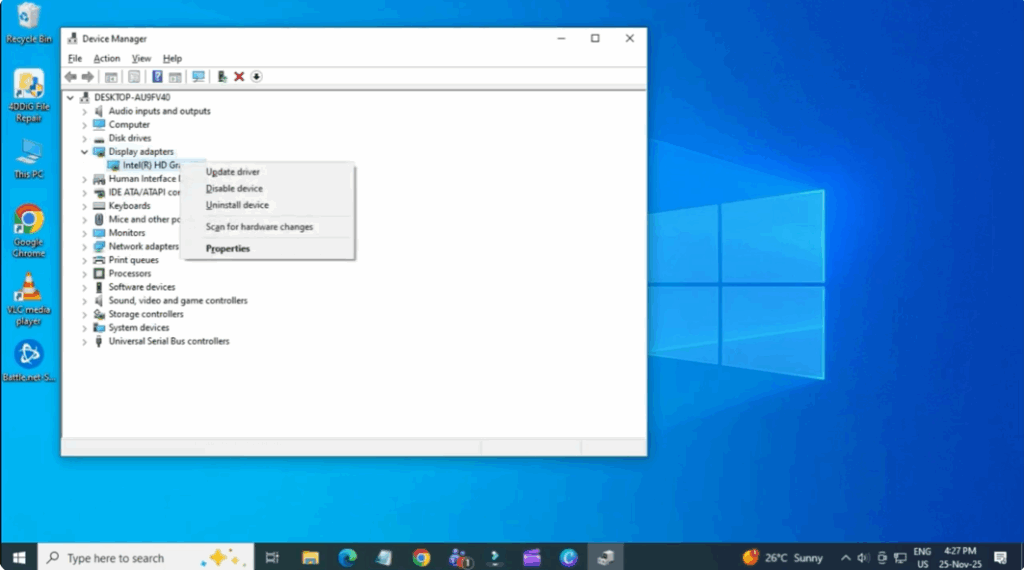
Go to the Windows search bar and open device manager. Expand display adapters. Rightclick your GPU and select update driver. Select search automatically for drivers. If you use Nvidia, I recommend installing the GeForce Experience app. Open it. Go to drivers. Download the latest game ready driver. Having the latest drivers can prevent crashes and launch issues with Battle.net games.
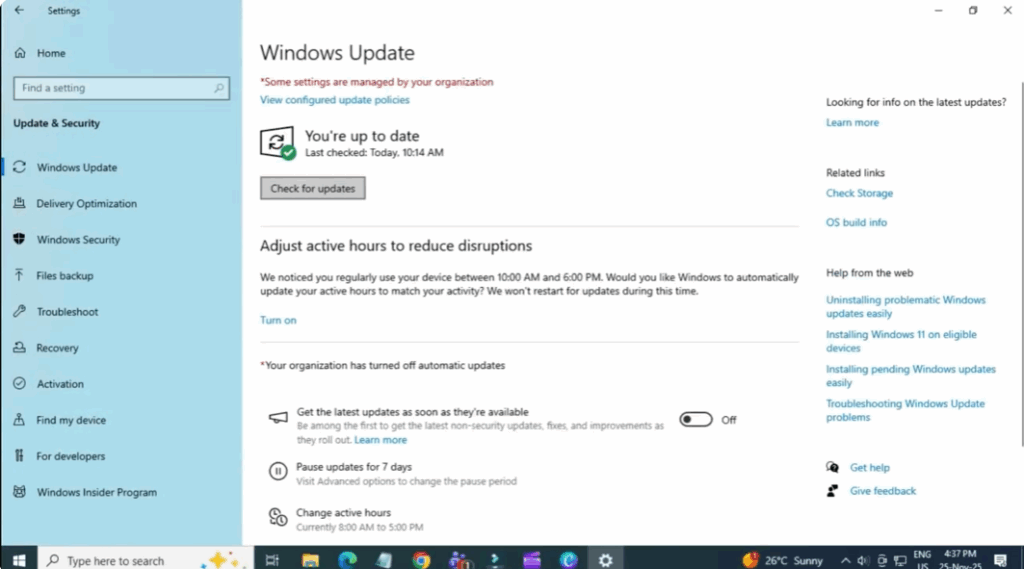
Fix three: Install the latest Windows updates
Open your system settings. Go to update and security and make sure your system is fully updated. An updated or outdated system components can cause battle.net errors.
Fix four: Reset your network adapter
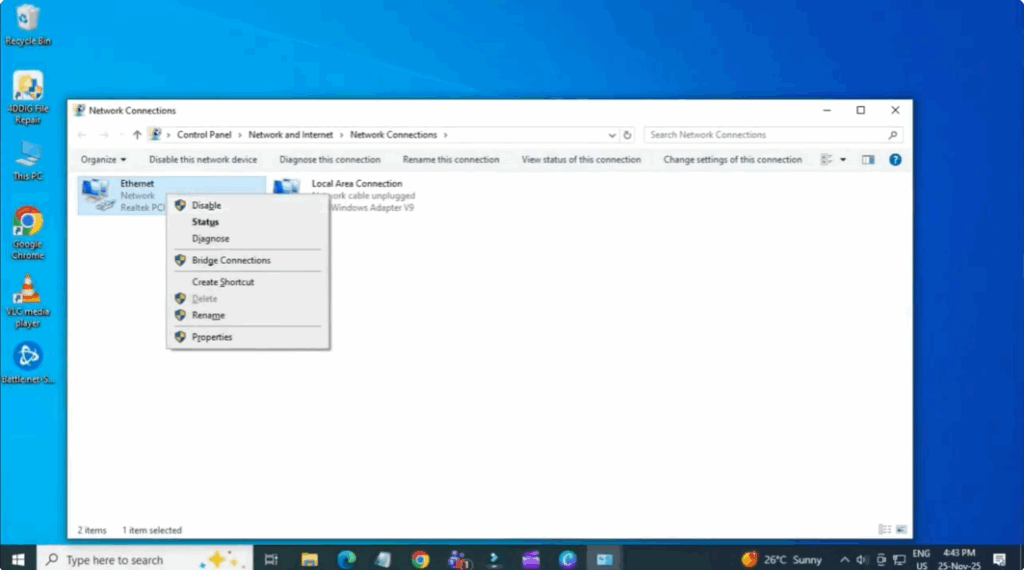
This fix surprisingly works very well for network related battle.net errors. Go to Windows search. Type control panel and open it. Go to network and internet. Then select network and sharing center. Click change adapter settings. Right click your active connection, Wi-Fi or Ethernet, and disable it. Wait a few seconds and rightclick again to enable it. This forces Windows to refresh your network settings.
Once your internet is reconnected, you can close everything and reopen Battle.net. Start the Battle.net app normally and try logging in. In most cases, the error goes away after following these steps.






