
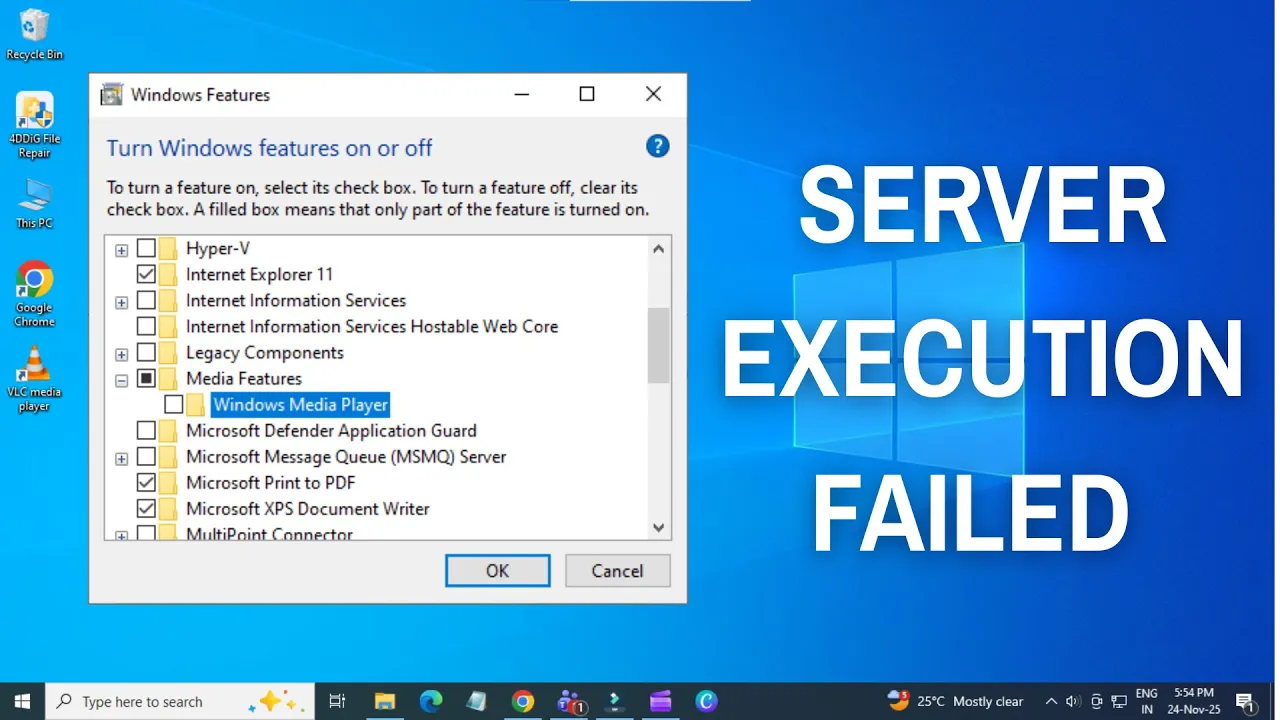
The “Server Execution Failed” error in WSL (Windows Subsystem for Linux) is something many Windows 10 and Windows 11 users run into when trying to run Linux commands or apps. This error can be frustrating because it stops WSL from working properly, making it hard to use your favorite Linux tools on Windows. The good news is, this issue is usually caused by simple problems like service glitches or settings conflicts, and it can be fixed without much trouble. In this beginner-friendly blog, we’ll explain in easy language how to fix the Server Execution Failed error in WSL step by step, so you can get back to using Linux smoothly on your Windows PC.
Step-by-Step Fixes for Server Execution Failed in WSL
1. Disable & Re-enable WSL & Virtual Machine Platform
Many users have had success by simply toggling off WSL & related virtualization features, then turning them back on.
How to do this:
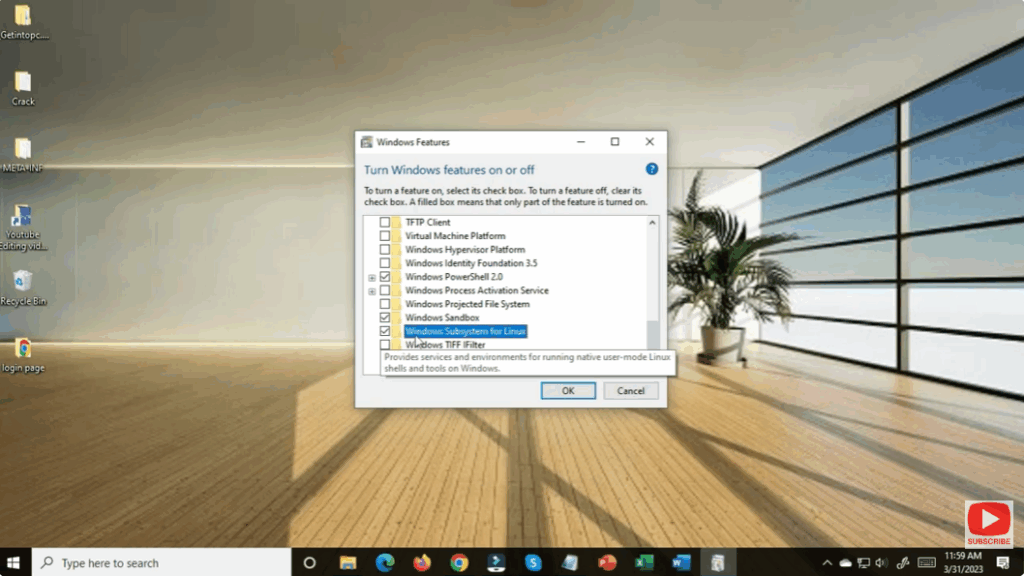
- Open Start → Search “Windows Features” → Turn Windows features on or off.
- Uncheck Windows Subsystem for Linux and Virtual Machine Platform (also uncheck Hyper-V / Windows Hypervisor if enabled).
- Click OK and reboot when prompted.
- After reboot, go back to Windows Features and re-enable WSL and Virtual Machine Platform.
- Click OK → reboot again. Then try launching your Linux distro.
Then restart your PC and try again.
This “reset” of WSL sometimes clears up configuration issues triggering “Server execution failed.”






