
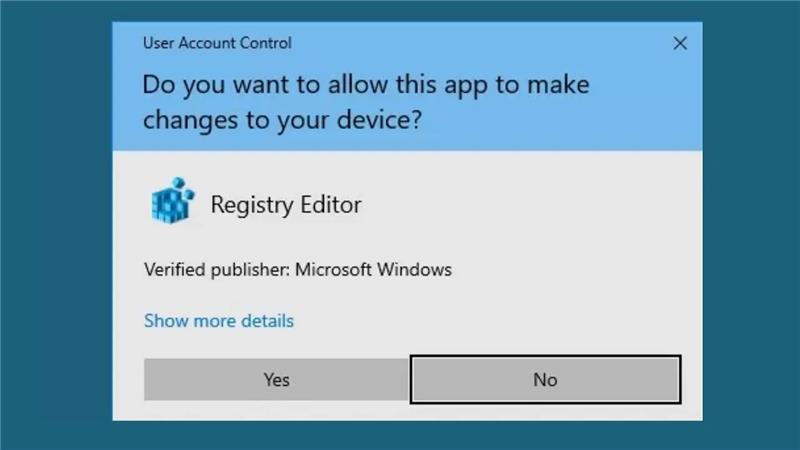
Encountering the User Account Control (UAC) prompt with the message “Do you want to allow this app to make changes to your device?” is common when running software that requires administrative privileges. While UAC is an essential security feature designed to protect your system from unauthorized changes, frequent prompts can become disruptive. In this blog, we’ll explore practical solutions to manage—or temporarily disable—these prompts in Windows 10 and 11, helping you strike a balance between security and convenience.
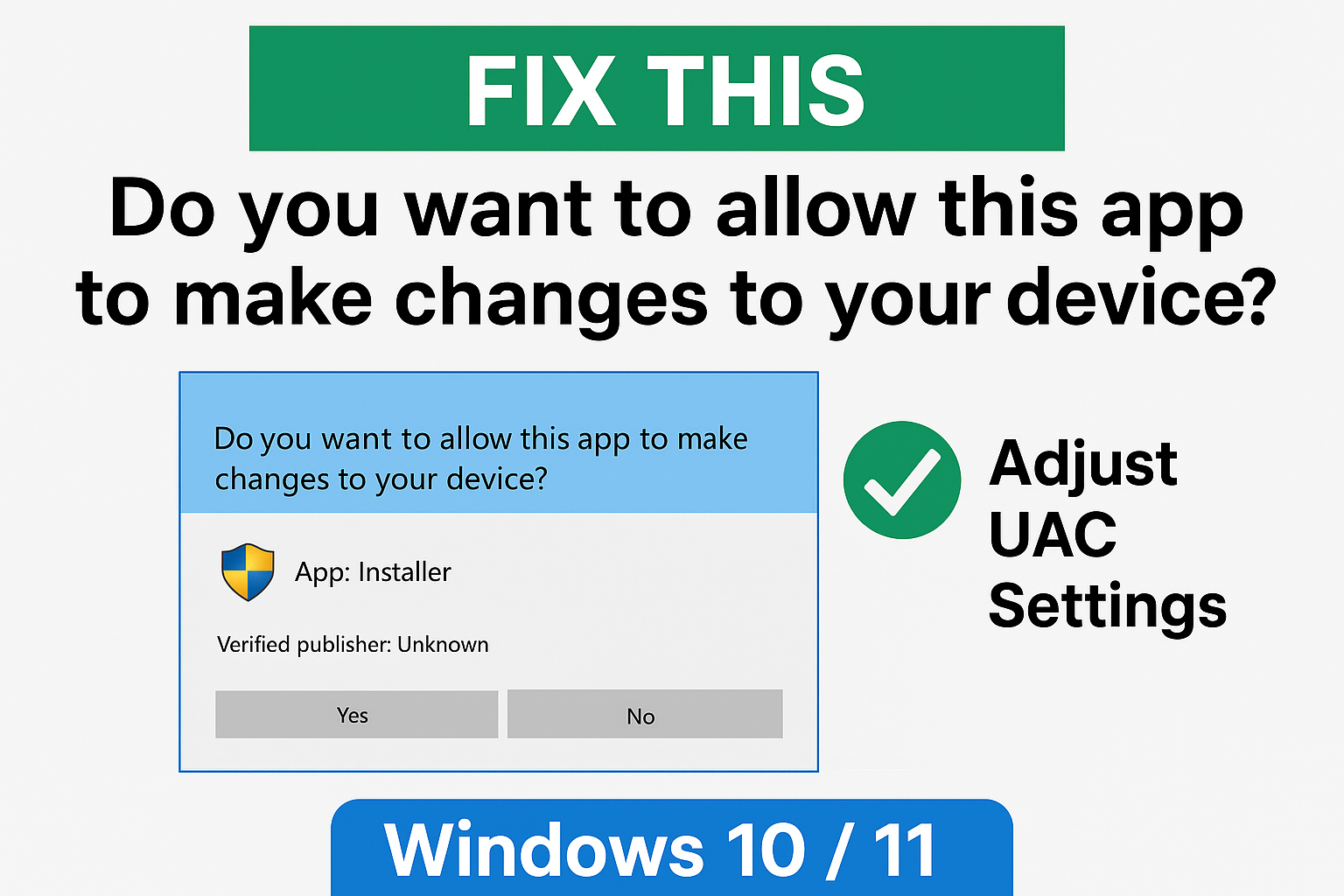
Why Does This Prompt Appear?
UAC prompts occur whenever an application requests elevated access to perform system-level changes—such as installation, configuration, or modifying protected files. This behavior is a core security feature in modern Windows versions (Vista and later), helping to prevent malware and unwanted modifications unless explicitly permitted by the user.
How to Manage or Disable the UAC Prompt
1. Adjust UAC Settings via Control Panel
The most straightforward method:
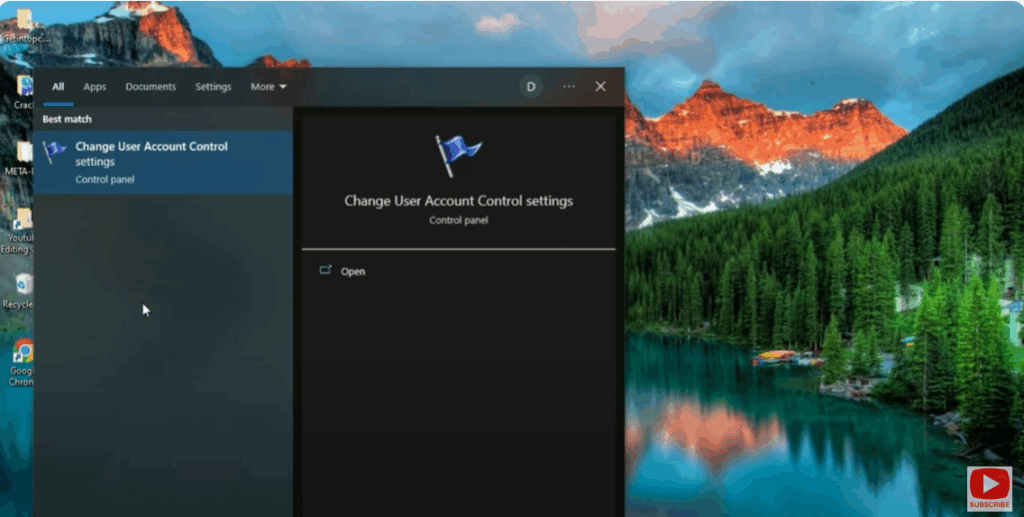
- Open Control Panel → User Accounts → Change User Account Control Settings.
- Move the slider:
- Top: Always Notify
- Bottom: Never Notify
- Slide to Never Notify and click OK, then restart your computer.
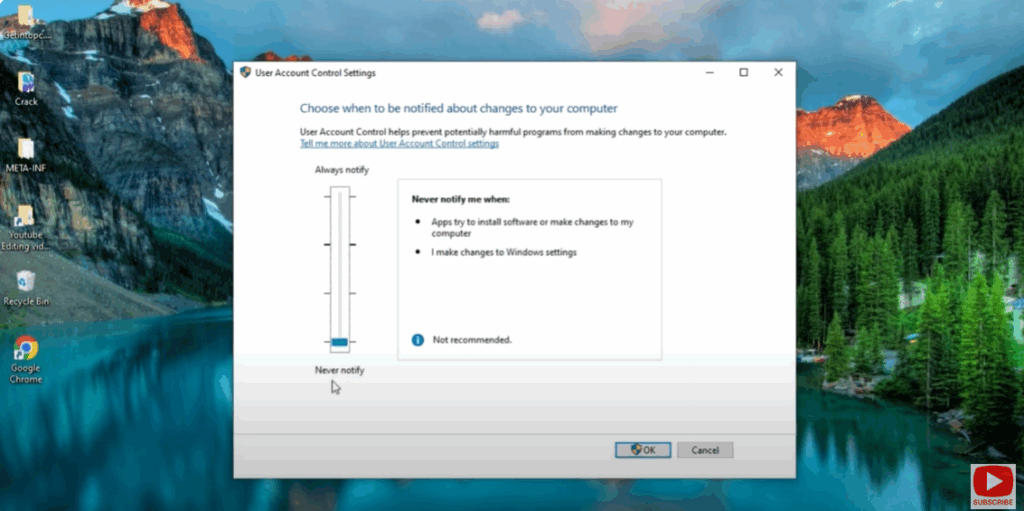
Caution: This disables UAC globally, reducing your system’s defense against unauthorized changes. Re-enable UAC once your task is complete.
Final Thoughts
UAC prompts are a cornerstone of Windows security, offering built-in protection against unauthorized changes. While temporarily disabling or bypassing them may improve usability, it should always be done selectively and cautiously. If needed, disable UAC only briefly and restore it as soon as possible.






