
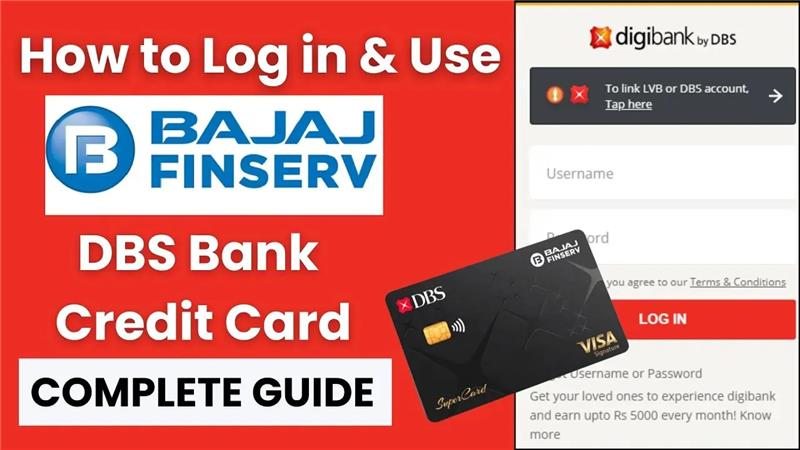
Congratulations on your new Bajaj Finserv DBS Bank Credit Card! Now that you have this powerful financial tool, the next step is to learn how to manage it easily online. The best way to do that is through the official portal at go.dbs.com/supercard. This website is your one-stop dashboard for everything related to your credit card, from checking your balance to paying your bills.
In this simple guide, we will walk you through the entire process of logging into your account for the first time. We’ll cover how to register, what your login details are, and show you the key features you can use once you’re inside. By the end, you’ll be able to manage your card confidently and securely from the comfort of your home. Let’s get started!
How to Log In and Access Your SuperCard Account
You can log in and manage your Bajaj Finserv DBS Bank Credit Card in two ways:
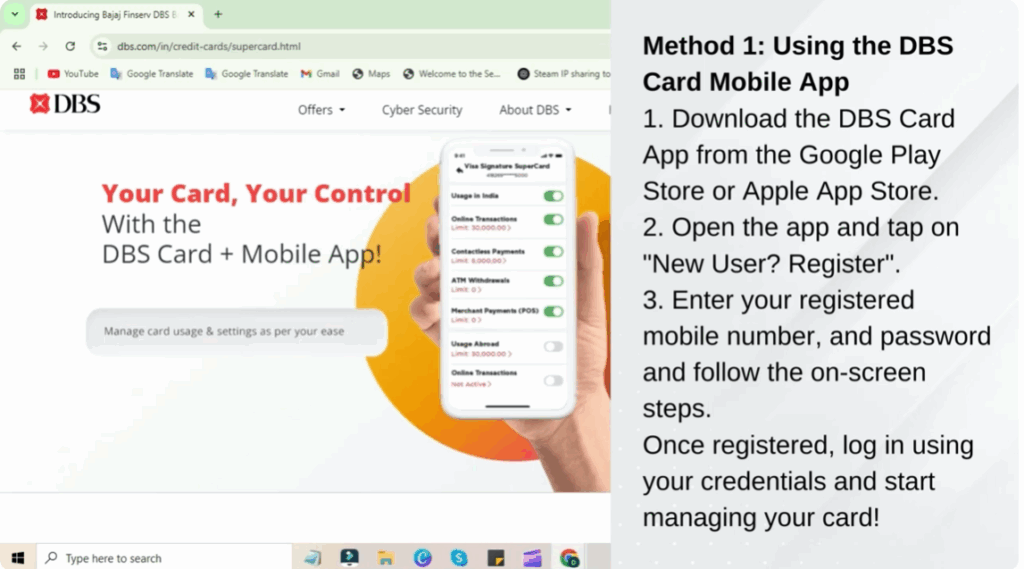
Method 1: Using the DBS Card Mobile App
- Download the DBS Card App from the Google Play Store or Apple App Store.
- Open the app and tap on New User Registration.
- Enter your registered mobile number and password, then follow the onscreen steps.
- Once registered, log in using your credentials and start managing your card.
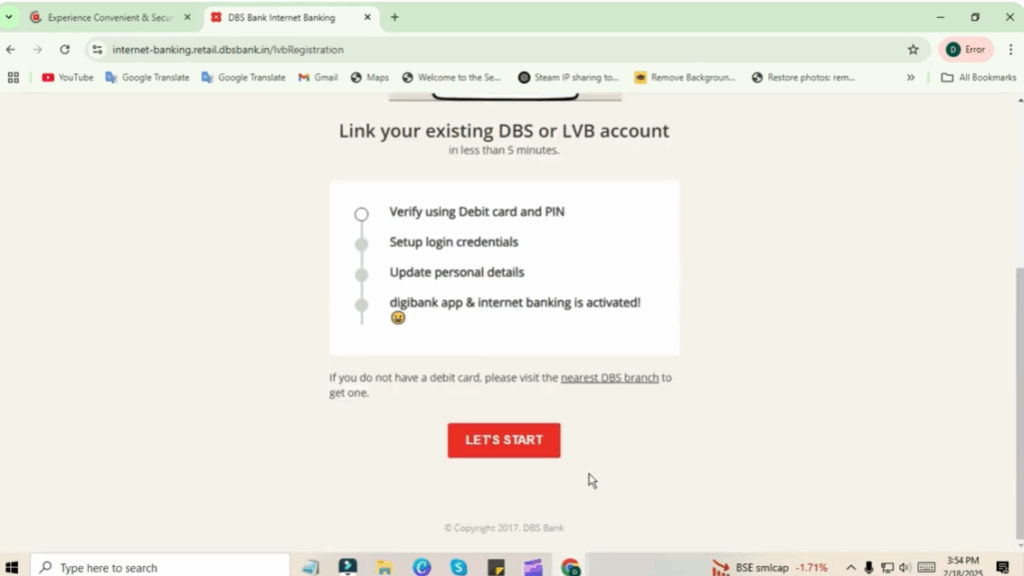
Method 2: Using the Online Portal
- Visit the official DBS Credit Card portal: dbs.com.
- Click on New User Registration.
- Provide your card details and registered mobile number to create your online account.
- After registration, enter your username and password to access your account.
How to Use Your Bajaj Finserv DBS Credit Card
Step 1: Online Shopping and Payments
- Use your 16-digit card number to shop on any e-commerce platform.
- Enable international transactions via the DBS app if required.
Step 2: Contactless Payments
- Simply tap your card on any NFC-enabled POS machine for faster transactions.
Step 3: EMI Conversion
- Convert large purchases into easy EMIs using the Bajaj Finserv EMI Store or the DBS Card App.
Step 4: Rewards and Cash Points
- Earn 2 cash points for every ₹200 spent.
- Redeem points for travel, shopping, and dining.
How to Pay Your Credit Card Bill
Step 1: Via DBS Card App
- Open the DBS Card App.
- Go to Payments.
- Select your card and pay via Net Banking, UPI, or Wallet.
Step 2: Online Payment via Bajaj Finserv
- Go to the Bajaj Finserv Credit Card Payments page.
- Choose from Debit/Credit Cards, Net Banking, UPI, or Bajaj Pay Wallet.
- Select Credit Card Bills under Financial Services & Taxes.
- Choose Bajaj Finserv DBS Bank SuperCard as your issuer.
- Enter your 16-digit credit card number and click Fetch Your Bill.
- Follow the prompts to complete the payment.
Step 3: Offline Payment by Cheque
- Make your cheque payable to DBS Bank Credit Card (Your 16-digit card number).
- Deposit it at any DBS or Bajaj Finance branch.
Rewards and Benefits
Step 1: Earning Cash Points
- Earn 2 cash points for every ₹200 spent on purchases.
- Achieve monthly milestones to multiply your points up to 10x, depending on your card variant.
Step 2: Redeeming Cash Points
- Redeem accumulated points for flights, hotels, shopping, dining, and more through the DBS Delights platform.
Customer Support – 24/7 Helpline
- Local helpline: 1860 267 6789
- International helpline: +91 44 6946 6789
- Email support: supercardcare@dbs.com
For more details, always refer to the official Bajaj Finserv DBS Bank SuperCard page. Ensure you’re using secure platforms while managing your account.






