
Hello friends welcome to my channel Tech Gitter. Do you want to connect your Roku device to Roku website go.roku.com? Then follow these steps:
Open browser and type the website roku.com
This URL redirects you to Roku account setup or activation page.
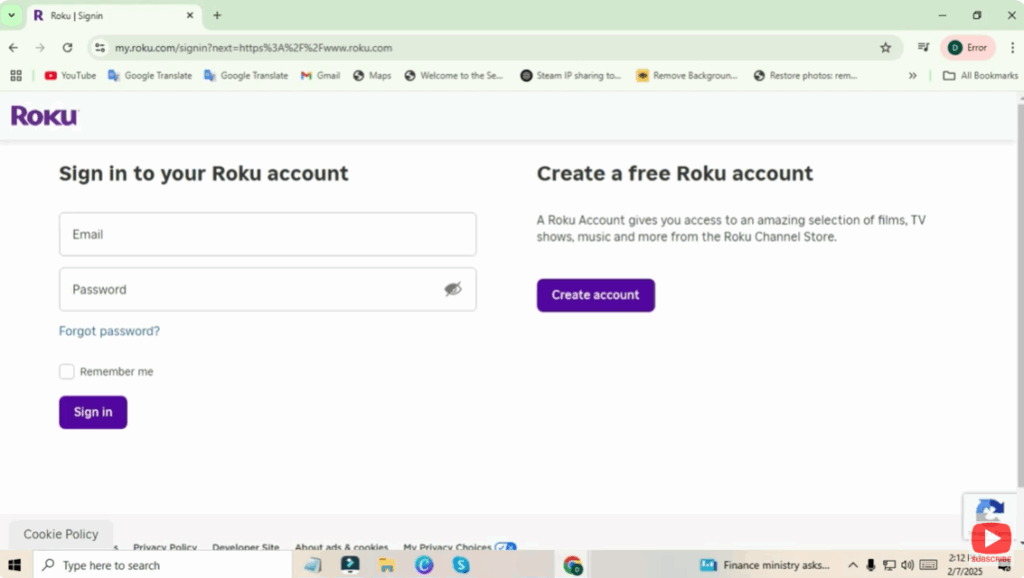
Sign in or create account
You need to sign into your Roku account by entering email ID and password. If you don’t have an account yet, you can create an account by clicking on the sign-up button and providing required information like your email, password, and other details.
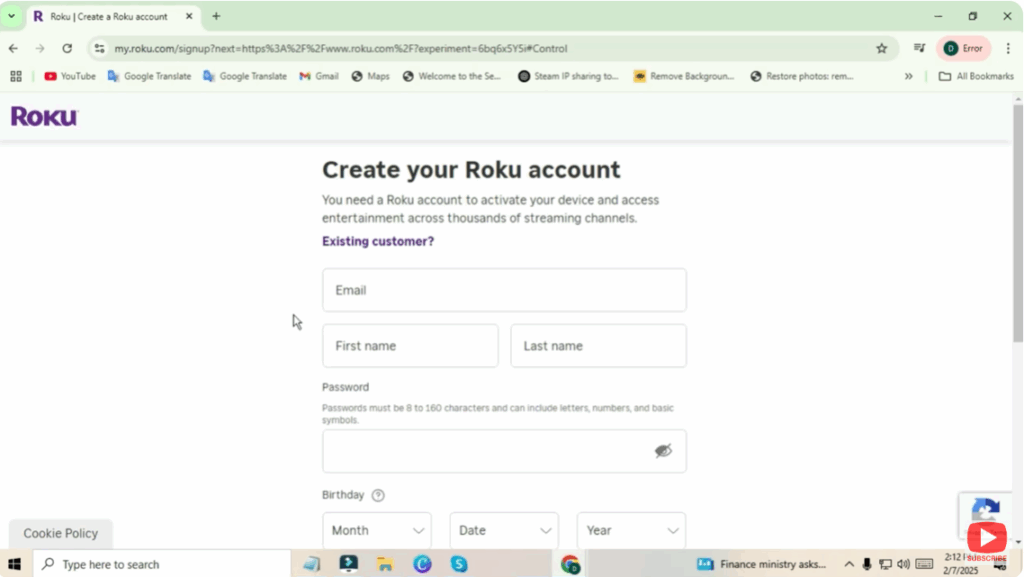
To link your Roku device
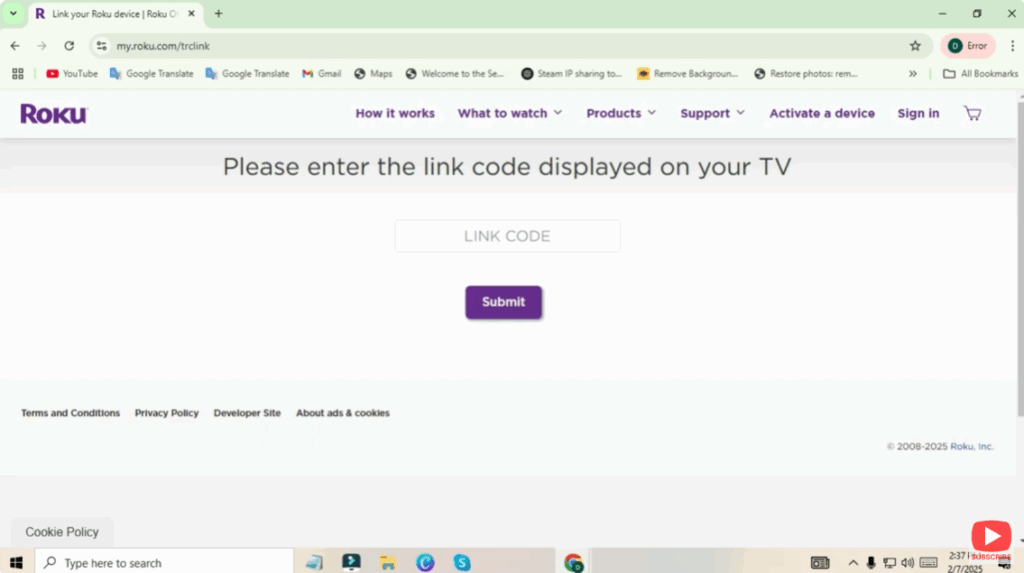
If you are activating a new Roku device, you will be asked to enter the code that appears on your Roku screen. On your Roku device, go to system settings to find the activation code. Click on it. You need to enter that code on the website go.roku.com when prompted.
Complete setup
After entering the code, your Roku device will automatically complete activation and sync with your account.
After completing these steps you will have full access to your Roku account, including managing channels, preferences, and settings.
If you need more help with this process, let me know in the comment section. If you enjoyed the video, don’t forget to like and share it, and if you’re new to the channel, make sure to subscribe so you don’t miss out on future content.
See you in the next video. Have an awesome day.






