
Need to activate your Straight Talk service? Whether you’re setting up a new phone or SIM card, this step-by-step guide will walk you through the activation process, including how to activate online, how to use your existing number, and how to resolve common activation issues.
✅ What You’ll Need to Activate Straight Talk
Before getting started, make sure you have the following:
- A Straight Talk SIM card or Straight Talk phone
- Your SIM card number or IMEI (for BYOP – Bring Your Own Phone)
- A stable Wi-Fi connection
- A credit/debit card (or a Straight Talk plan PIN)
🔧 Step-by-Step Activation Process
📱 Method 1: Activate Straight Talk Online (Recommended)
This is the quickest and most convenient method.
Follow these steps:
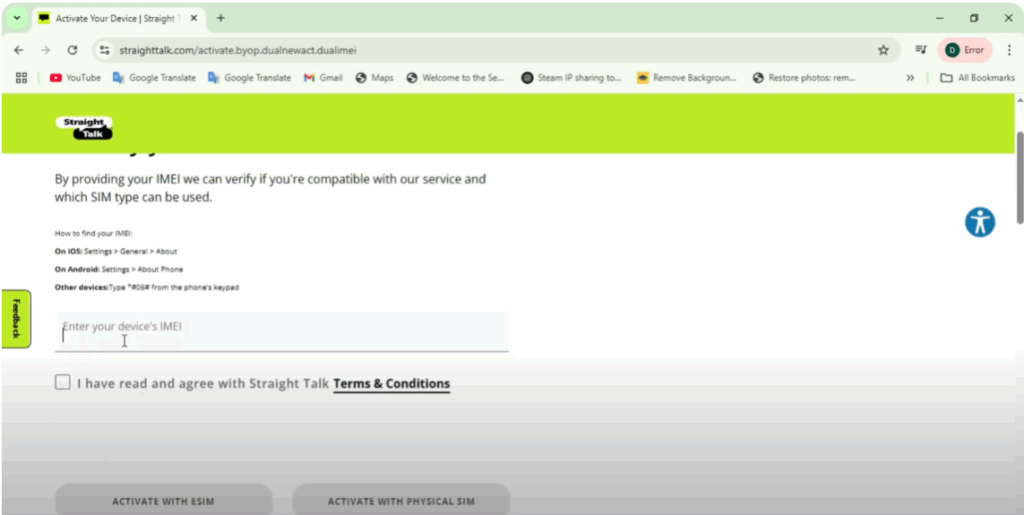
- Go to straighttalk.com/activate
- Click on “Activate” and choose your device type (New Phone or BYOP SIM)
- Enter your SIM card number or IMEI number
- Choose to get a new number or keep your current number
- Select a Straight Talk plan or enter your service plan PIN
- Confirm and wait a few minutes for the activation to complete
✅ Once complete, restart your phone.
If you don’t see service immediately, try toggling Airplane Mode on and off or restart the phone again.
☎️ Method 2: Activate Straight Talk by Phone
If you prefer to activate over the phone:
- Call Straight Talk’s activation number from another phone
- Follow the voice prompts and enter your SIM card number or IMEI
- Provide your Straight Talk plan details
- Wait for the activation to complete
📌 Note: If you’re transferring an existing number, it may take a few hours to 24 hours to complete.
⚠️ Common Activation Issues & Fixes
Here are a few problems you might run into and how to solve them:
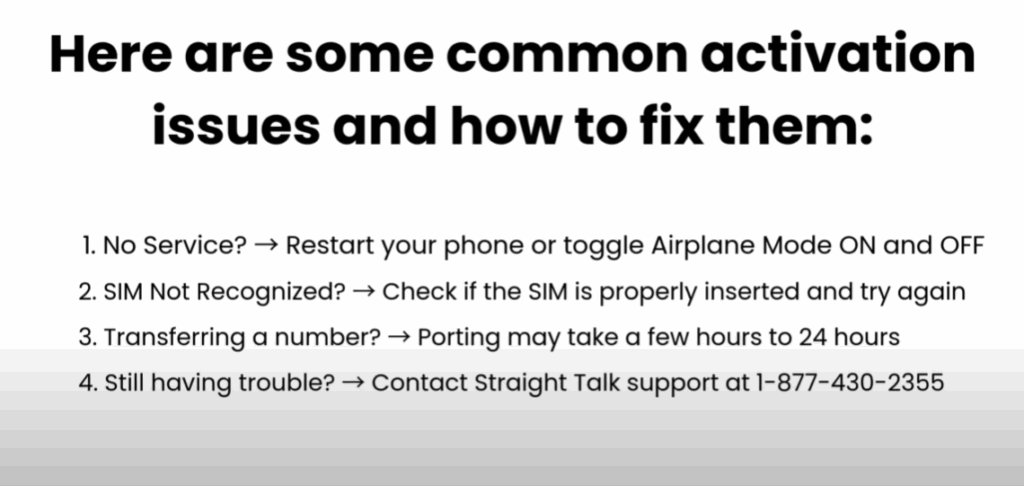
| Issue | Solution |
|---|---|
| ❌ No service after activation | Restart your phone or toggle Airplane Mode on/off |
| 📴 SIM not recognized | Remove the SIM, reinsert it properly, and try again |
| 🔁 Number porting taking time | Wait up to 24 hours; porting can be delayed |
| 🆘 Still stuck? | Call Straight Talk Support: 1-877-430-2355 |
🎉 You’re All Set!
Once activated, your Straight Talk phone is ready to use!
If you found this guide helpful, be sure to like, share, and subscribe to Tech Gitter Official for more simple tech tutorials.
Have a question or need help? Drop a comment below — we’re here to help!






