
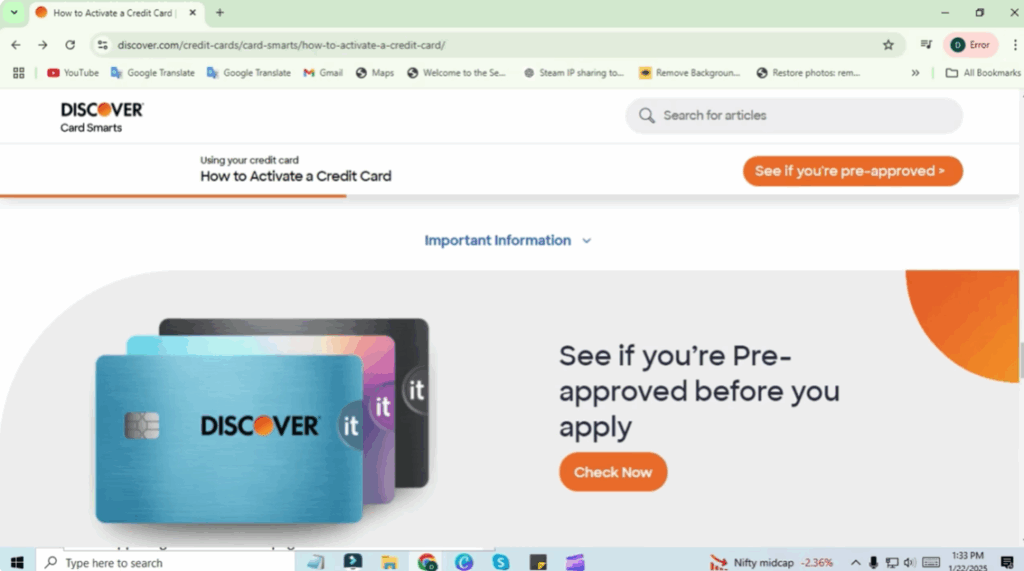
Getting your new Discover credit card is exciting, but before you can start using it, you’ll need to activate it. The good news is that in 2025, activating your Discover card online is quick, safe, and easy. You don’t have to call customer service or wait in long lines—just a few clicks on the official Discover website or app, and your card will be ready to go. In this guide, we’ll walk you through the simple steps to activate your Discover credit card online so you can start enjoying its benefits right away.
To activate your Discover credit card in 2025 online, follow these steps:
- Visit the official Discover website at discover.com/activate and look for activation options.
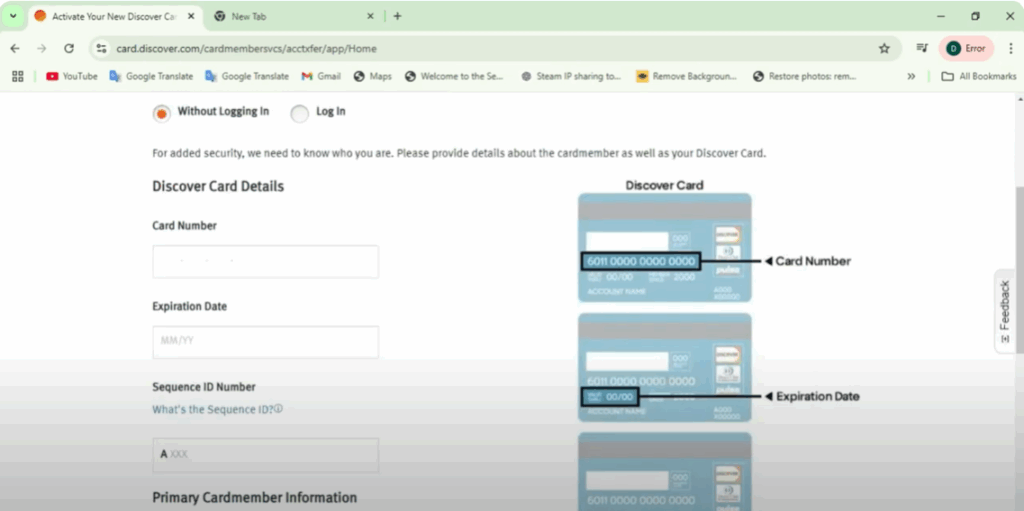
- Provide the following information from your new Discover credit card:
- Your card number
- Expiration date
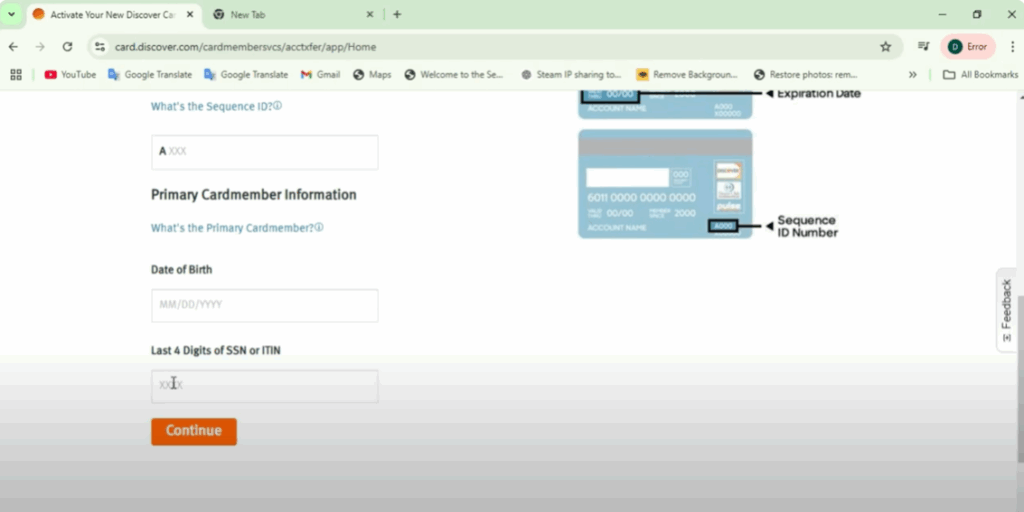
- The ID number on the back of the card
- Verify your identity. Depending on the security settings, you may be asked to provide additional personal information such as your Social Security Number and date of birth.
- Register for an online account if you haven’t already. You’ll need to:
- Provide your email address
- Create a username and password
- Possibly set up two-factor authentication for added security
- Complete activation. After entering the required information and verification steps, click the Activate button. You should then receive confirmation that your card has been successfully activated.
Once your card is activated, you can begin using it to make purchases. You’ll also be able to manage your account online through the Discover website or mobile app.
How to Log Into Your Discover Credit Card Account in 2025
Once your card is activated, follow these steps to log in:
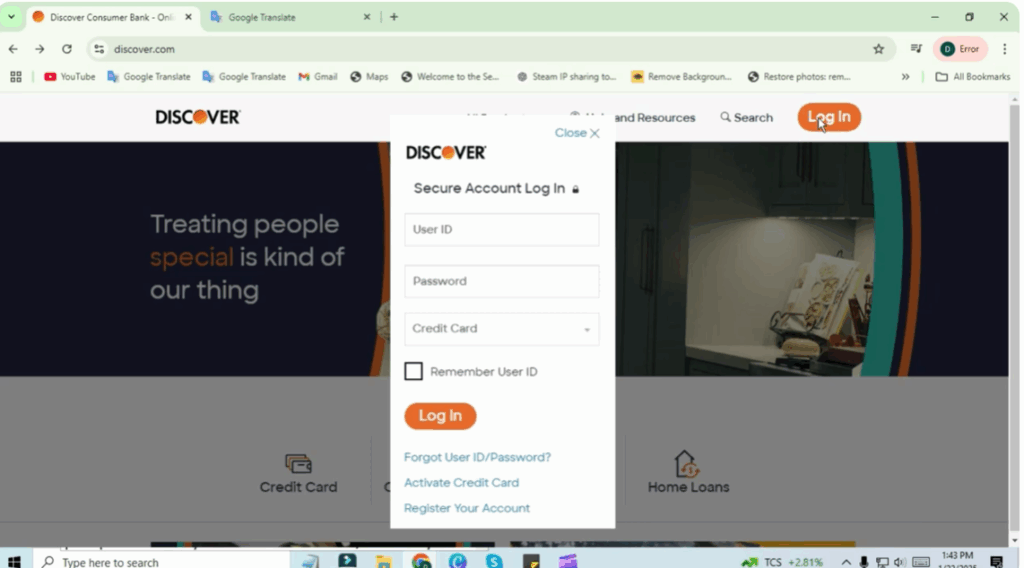
- Go to www.discover.com in your web browser and navigate to the login section (usually in the upper right corner).
- Enter your username and password. Use the credentials you created when setting up your Discover account.
- Click the Login button to access your account.
After logging in, you can:
- Check your balance
- Make payments
- View statements
- Manage account settings
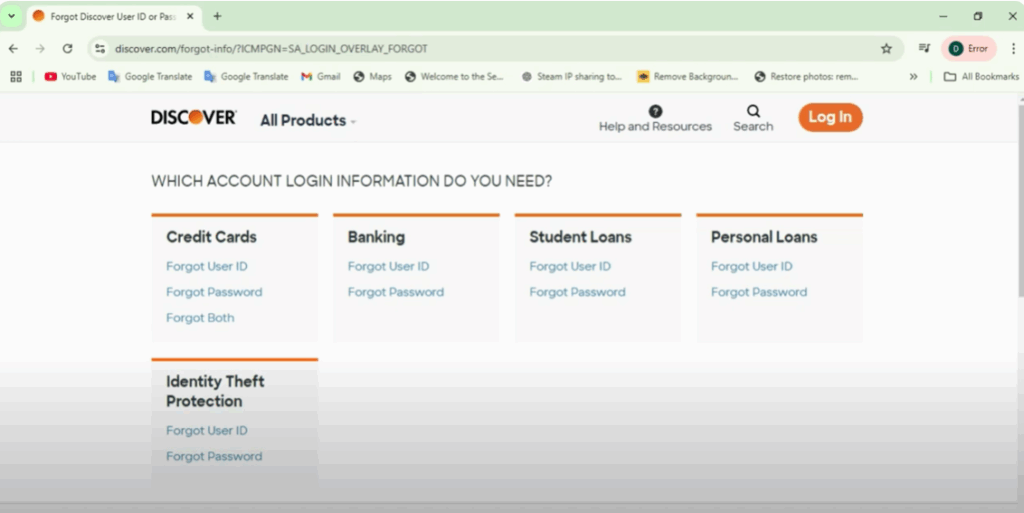
If you forgot your username or password, click the Forgot Username or Password link on the login page. Follow the prompts to retrieve your account information, which may include answering security questions or entering a verification code.
Log In Through the Mobile App
You can also log into your Discover credit card account using the Discover Mobile App:
- Download the app from the Apple App Store or Google Play Store.
- Follow the same login process with your username and password.
If you’re having trouble logging in, Discover customer service is always available. You can contact them using the phone number printed on the back of your card.
That’s it! You’re now ready to activate, log in, and manage your Discover credit card in 2025.






