
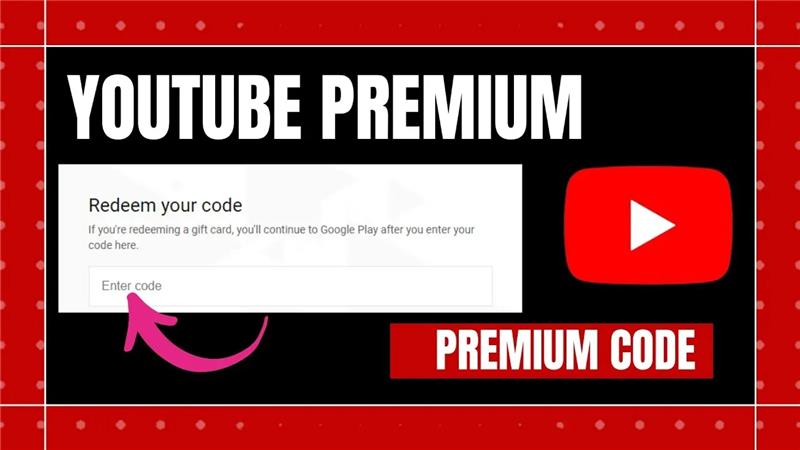
If you love enjoying your favorite music or videos without the interruption of ads, YouTube Premium is the perfect solution. It’s a subscription service from YouTube that enhances your viewing experience by offering ad-free videos, background play, offline downloads, YouTube Music, and more.
One of the easiest ways to get a YouTube Premium subscription is by redeeming an activation code or gift card. Follow the steps below to activate your plan:
Step 1: Open the Redemption Page
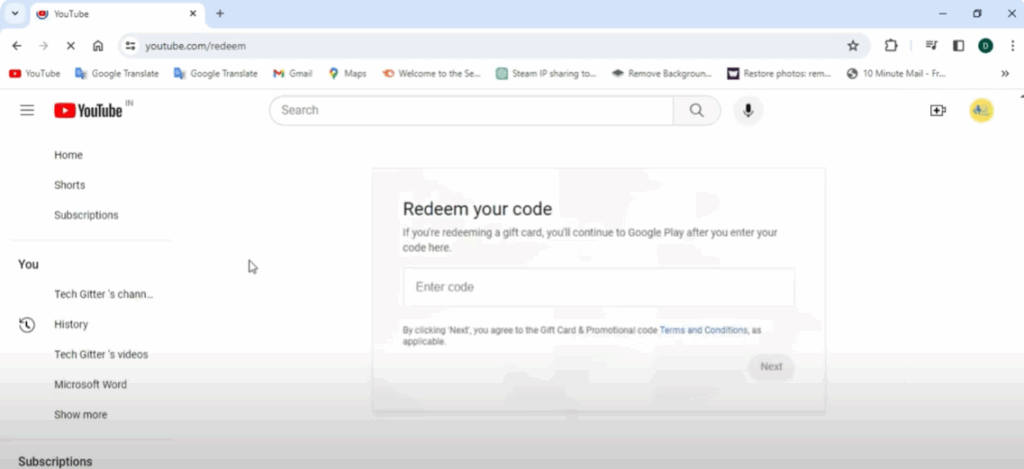
Launch any web browser on your device and visit youtube.com/redeem.
Step 2: Enter Your Code
On the redemption page, you’ll see a box where you can enter your YouTube Premium activation code or gift card code. Type your code carefully and click Next.
Step 3: Agree to Terms and Select Purchase
Review YouTube’s gift card and promotional code terms. Then, confirm your purchase details.
Step 4: Choose a Payment Method
Select your preferred payment option and complete the payment process if required.
Step 5: Finalize and Enjoy
Once the code is successfully redeemed, your YouTube Premium subscription will be active. You can now enjoy an ad-free, uninterrupted, and enhanced YouTube experience.
Tip: YouTube Premium works across devices, so you can enjoy benefits on your phone, tablet, and desktop.
If you found this guide useful, share it with others and spread the word about YouTube Premium. Enjoy streaming without interruptions!






