
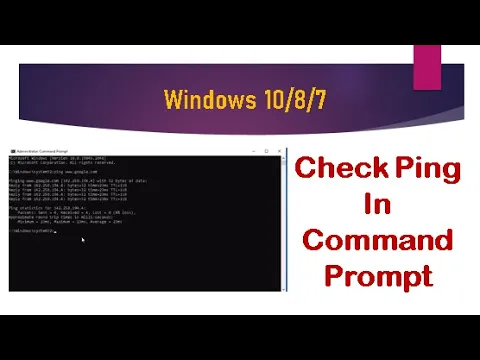
Want to know if your internet connection is working properly? One quick way is to check ping using the Command Prompt in Windows. A ping test helps you see how fast your computer can talk to another device or website, and it’s super useful for spotting network problems. Whether you’re on Windows 10, 8, or 7, the steps are simple and don’t require any special tools. In this blog, we’ll show you how to perform a ping test step by step, so you can easily check your connection speed and stability.
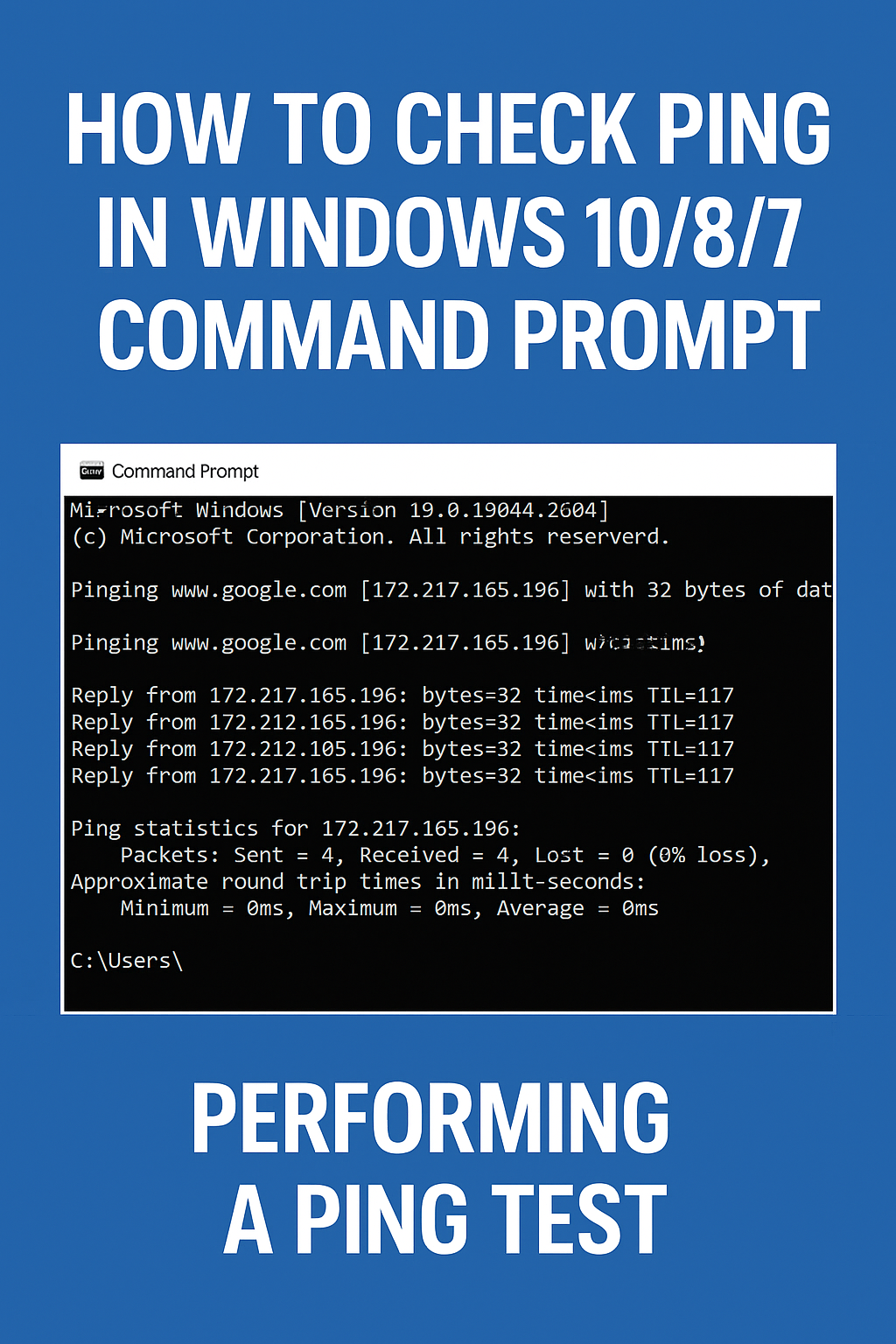
First, on your system, open Command Prompt as Administrator.
Now, type ping, press the space key, and then type whatever website you want to ping.
Here, we’ll ping Google’s website.
So type:
ping www.google.com
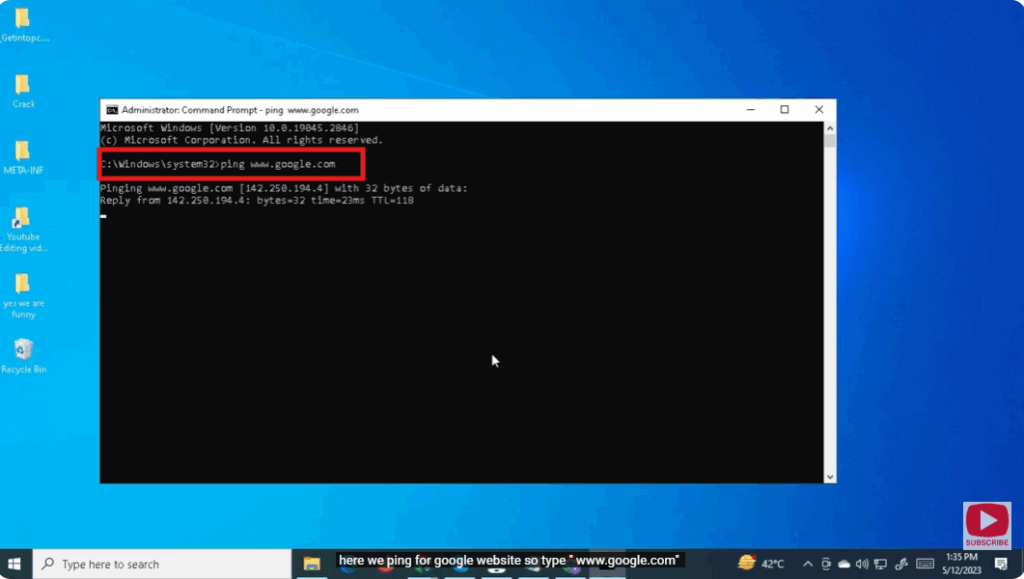
Here we can see the address and ping results for Google’s website.
Now, let’s check the ping for another website.
Type ping, press the space key, and type:
www.microsoft.com
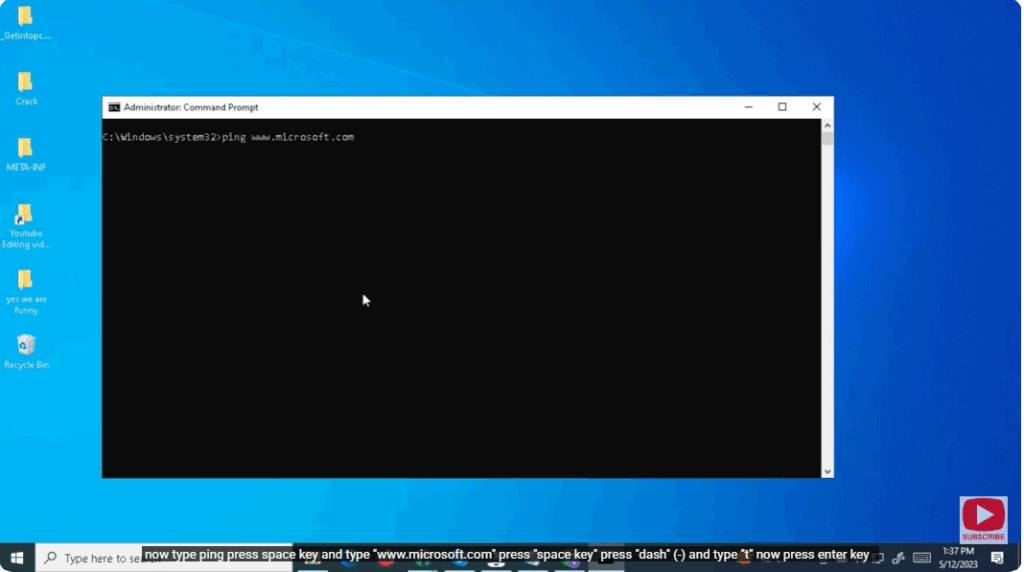
Then press the space key, type -t, and press Enter.
You’ll now see continuous ping results for the Microsoft website.
(Packet Internet or Inter-Network Groper) — commonly known as ping — is a computer network administration utility used to test the reachability of a host on an Internet Protocol (IP) network.






