
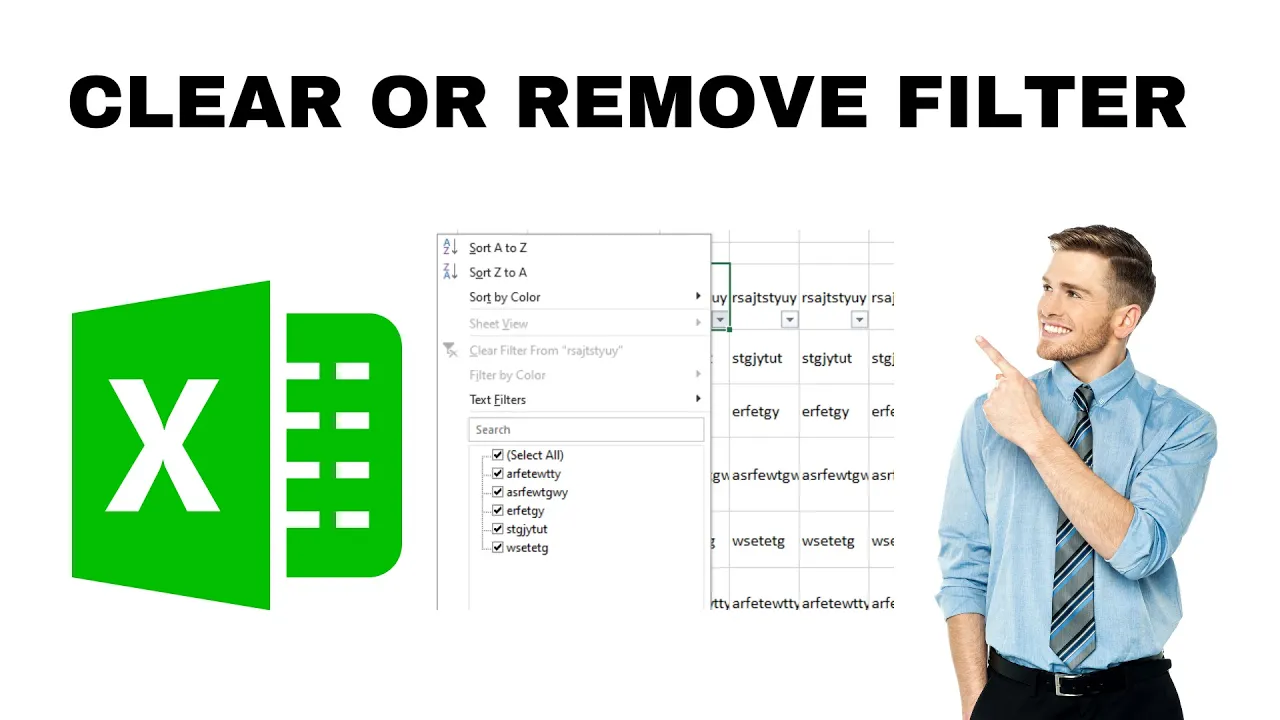
Clearing or removing a filter in Excel helps you see all your data again after you’ve narrowed it down using filters. Whether you want to clear the filter from one column or remove all filters from the entire sheet, Excel makes it easy with simple clicks or keyboard shortcuts. In this blog, you’ll learn easy steps to clear filters quickly so you can view or work with your complete data anytime without any confusion.
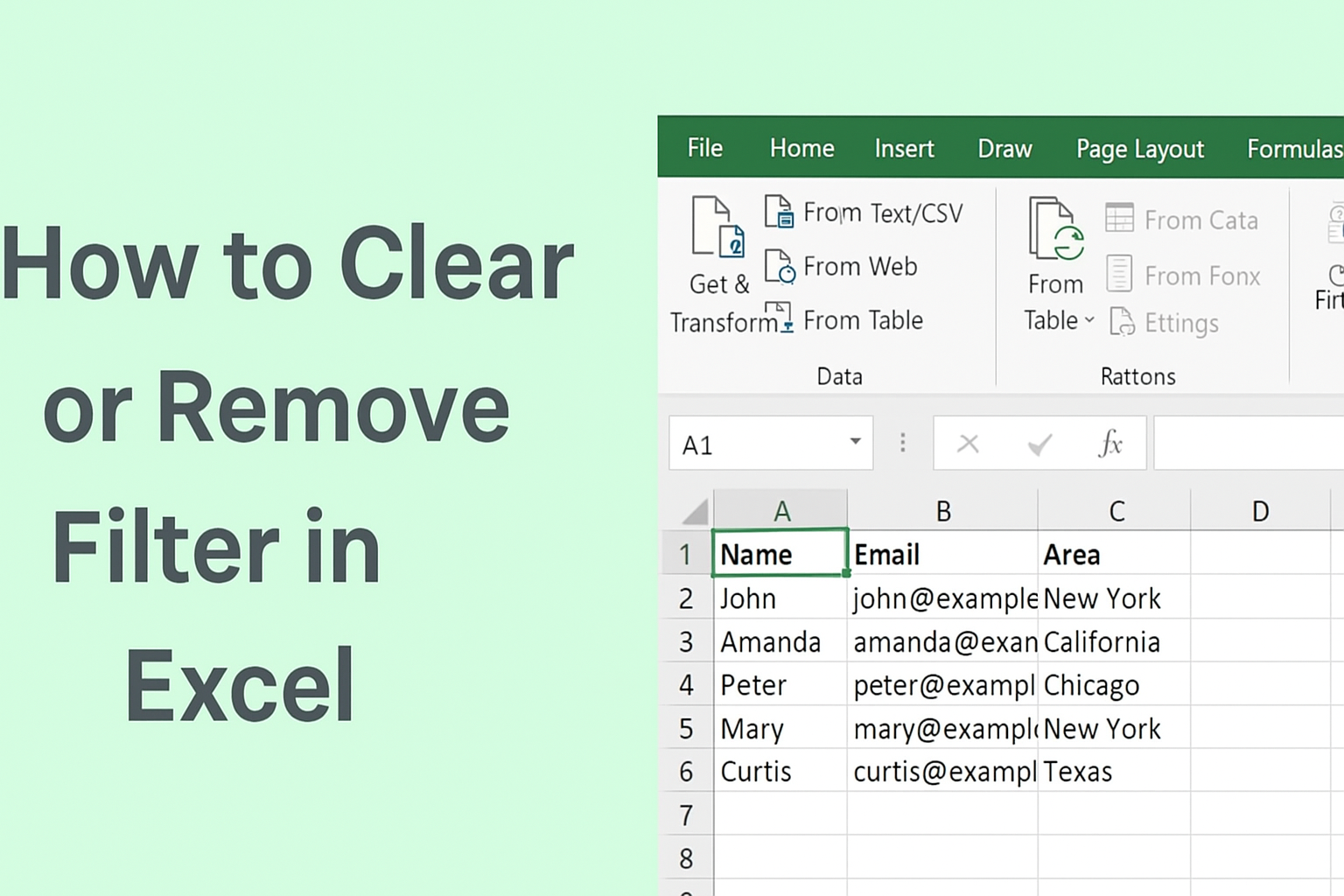
How to Apply a Filter in Excel
- Select the header row of your data (the top row with column titles).
- Go to the Home or Data tab.
- Click Filter (it looks like a small funnel icon).
- Small dropdown arrows will appear next to each column heading.
Now your data is filter-ready!
✅ How to Clear Filters in Excel
Clearing a filter removes the filtering condition but keeps the filter option active. This means all data becomes visible again, but the filter buttons remain.
Steps to Clear a Filter:
- Go to the Data tab.
- Click Clear (next to the filter icon).
OR
Click the dropdown arrow on the filtered column and select:
Clear Filter From “Column Name”
This will show all data again without removing the filter feature.
❌ How to Remove Filters in Excel Completely
Removing filters means turning off the filtering feature entirely.
Steps to Remove a Filter:
- Select any cell within your data range.
- Go to the Data tab.
- Click the Filter icon.
- The filter arrows will disappear.
- Your data will display completely without any filtering feature.
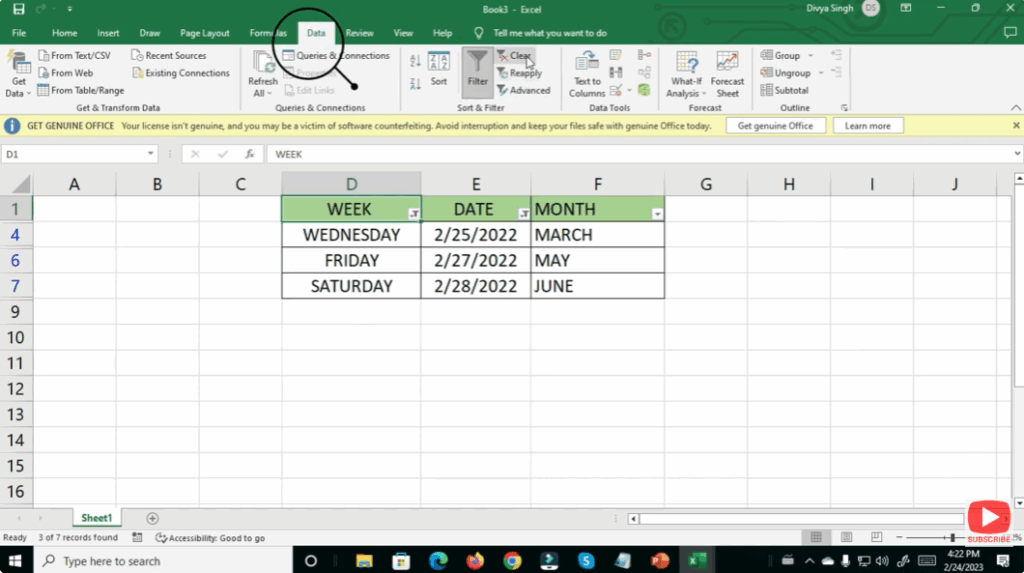
This removes the filter tools totally from your sheet.






