
Connecting your PS4 or PS5 controller to a Windows 11 PC is easy and lets you enjoy gaming with a familiar controller. Whether you prefer using a USB cable or going wireless with Bluetooth, Windows 11 supports both methods smoothly. You can also use helpful tools like DS4Windows for better compatibility with all games. In this blog, you’ll learn simple, step-by-step instructions to connect your PlayStation controller to Windows 11 and start gaming right away.
✅ Use DS4Windows (Best for Games That Don’t Detect Controller)
Some PC games may not recognize PS4/PS5 controllers.
To fix that, we use DS4Windows which makes Windows detect the controller like an Xbox controller.
Steps:
- Download DS4Windows from: https://ds4-windows.com/
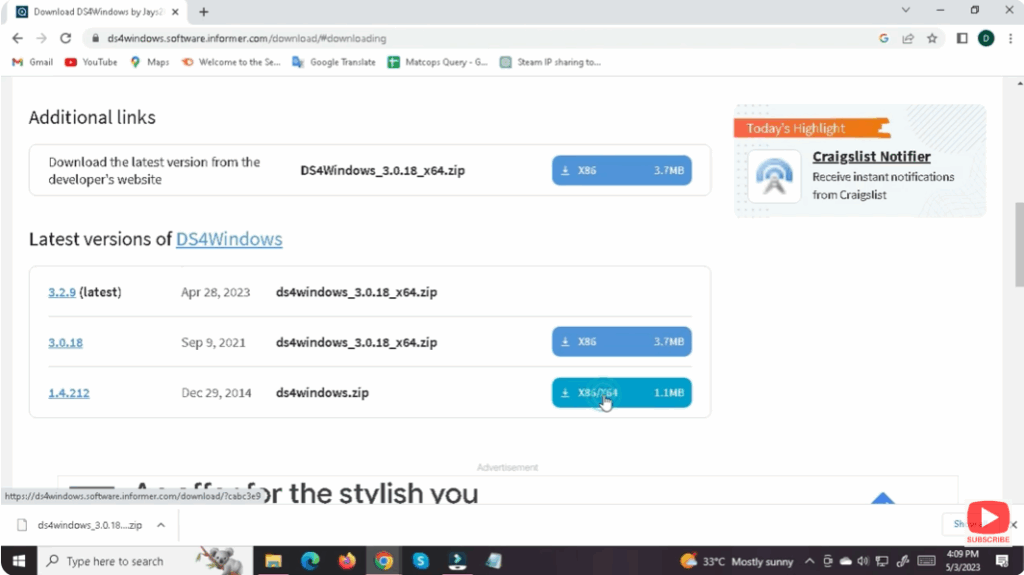
- Install the program and open it.
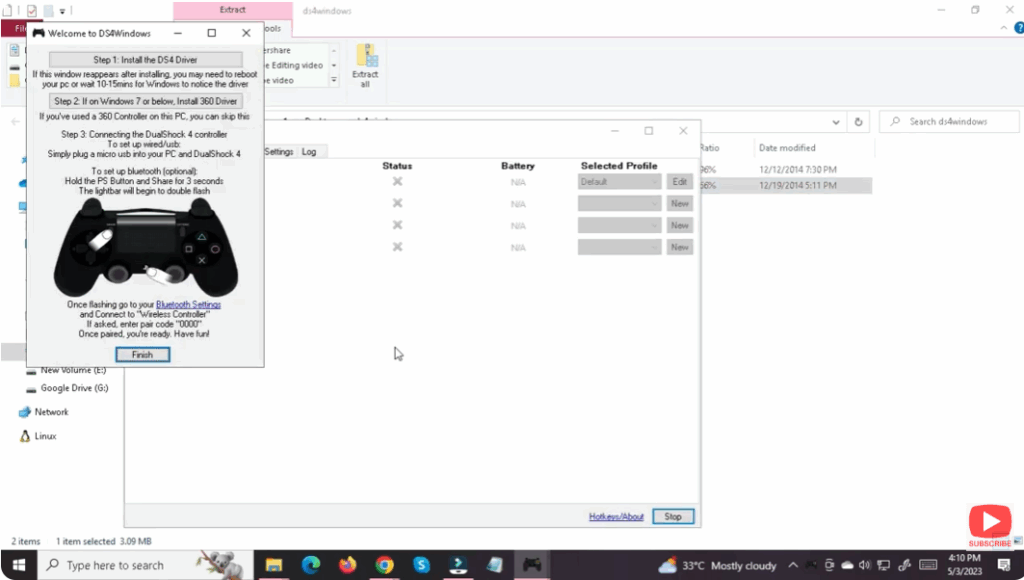
- Plug in your controller or connect via Bluetooth.
- DS4Windows will apply the necessary drivers.






