
Have you ever watched a Studio Ghibli movie and wished you could create your own magical, soft-focused art just like it? You might think you need complex software or even AI like ChatGPT to get that dreamy look, but that’s not true! The beautiful, hand-crafted style of Ghibli is all about traditional artistic techniques that anyone can learn. This guide will show you how to capture that wonderful Ghibli feeling—from lush green landscapes to cute, curious characters—using your own creativity and some simple, powerful tips. Let’s unlock the artist inside you and start drawing your own peaceful world.
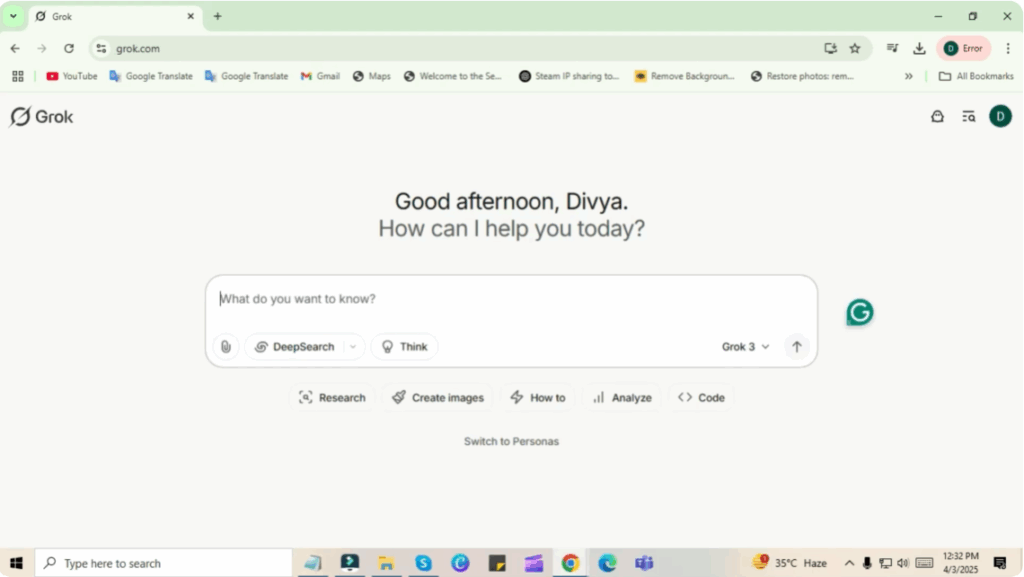
First of all, you have to go to Chrome and go to grok.com. You will see a screen like this.
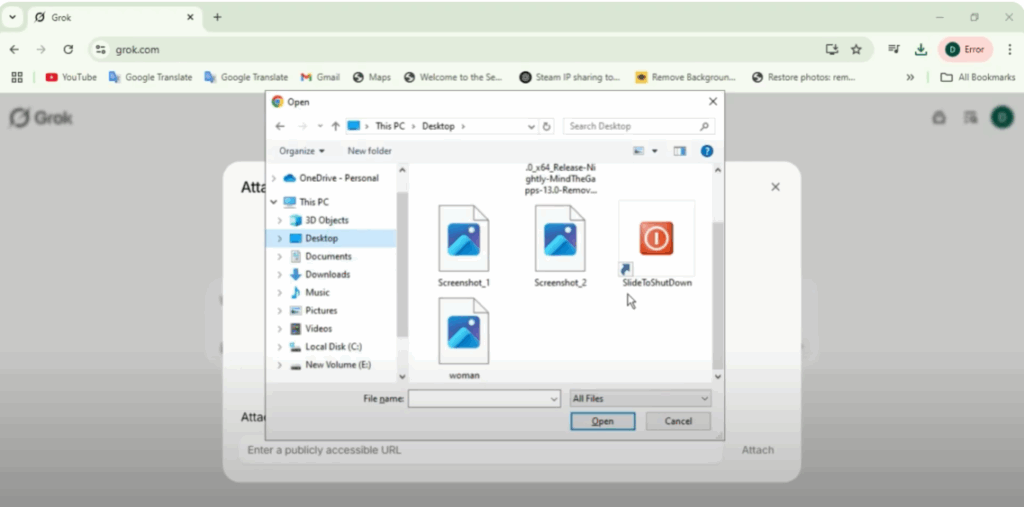
Click on attach file. Now you have to go to upload file and add your photo to upload. So I will add a photo here.
After adding, you have to write the prompt here which is create into this ghibli style studio. If you want you can copy and paste it.
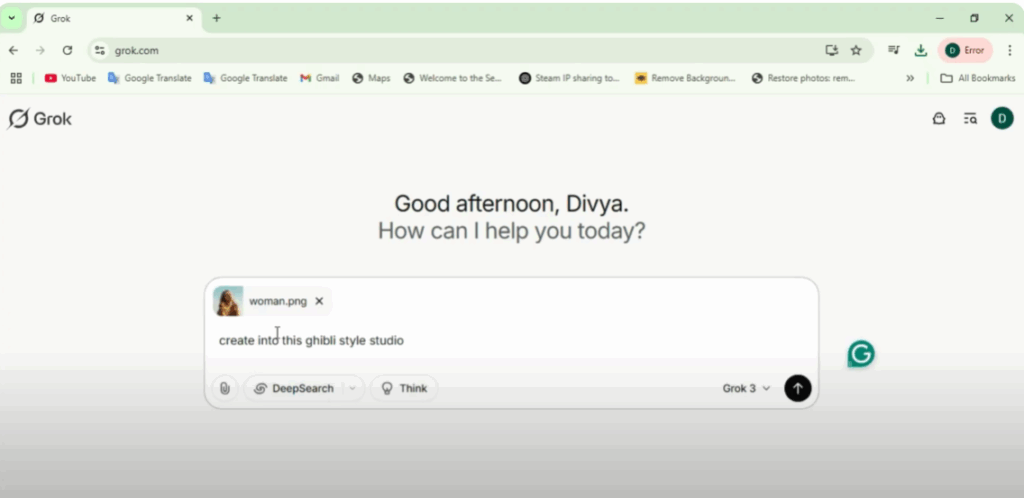
After this you have to click on this arrow and send it.
Here you have to wait for some time. Your result gibli image will come in front of you. You can also save it by clicking on this image.
You can see how perfectly it has generated the image and the best thing is that it is free and along with it you can generate unlimited as many as you want.






