
Temporary files can slow down your Windows 10 PC and take up valuable space if not cleaned regularly. These files are created by your system and apps to store temporary data, but they are not always needed once the task is done. In this blog, you will learn easy and safe ways to delete temp files in Windows 10, freeing up space and helping your PC run faster and smoother.
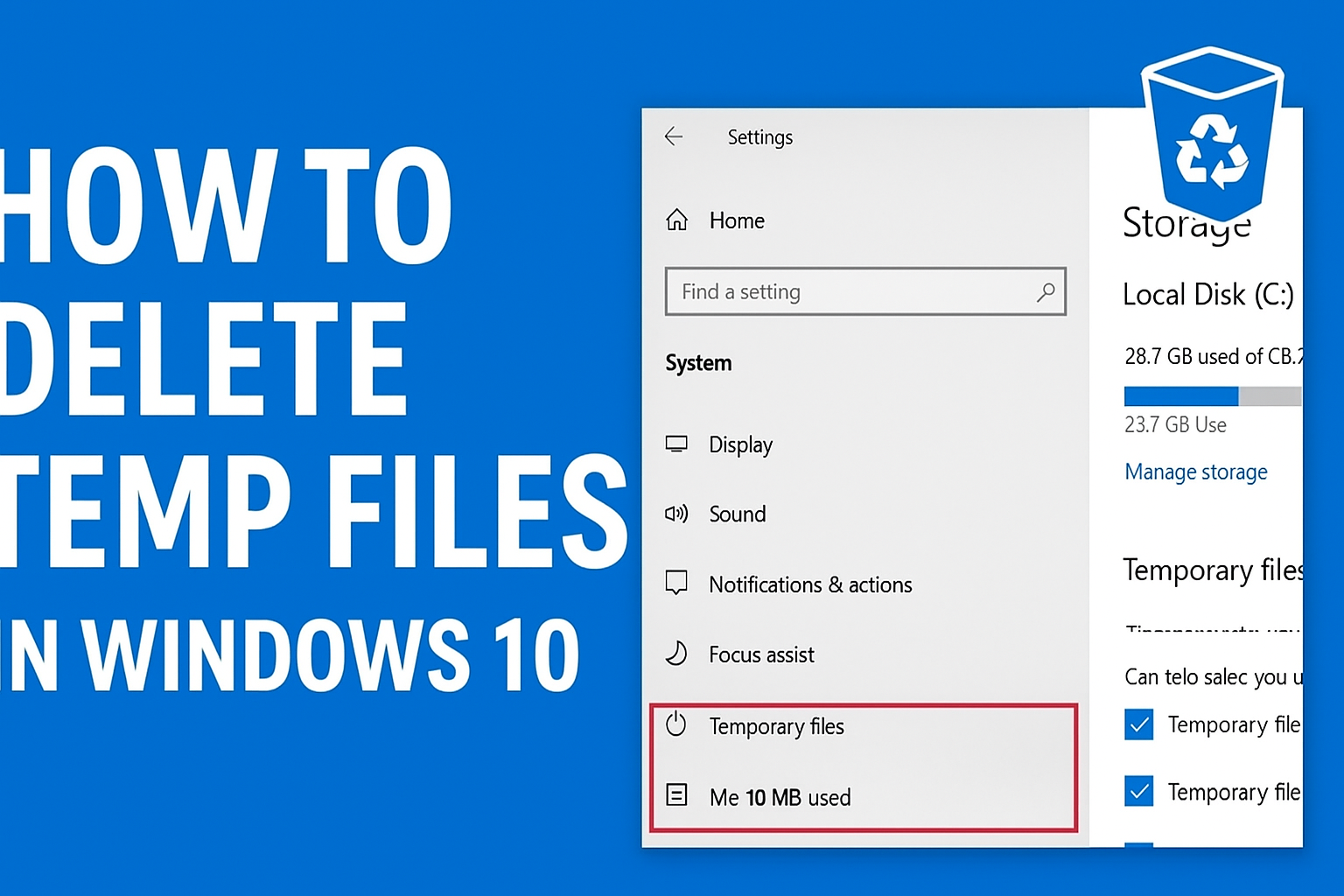
Method 1: Use Run Command to Manually Clear Temp Folders
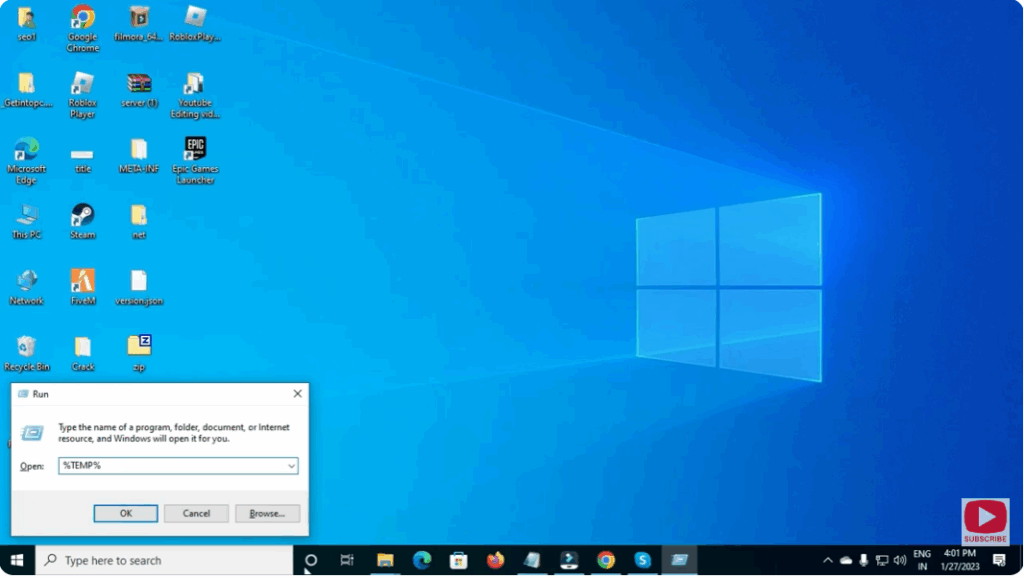
- Press Windows + R, type
%TEMP%and press Enter. This opens the current user’s Temp folder.
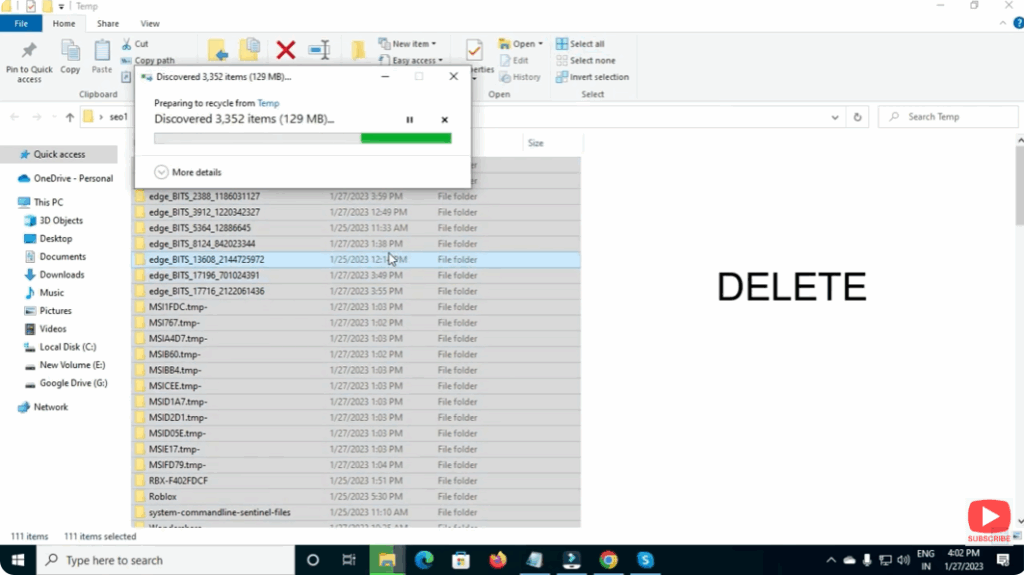
- Press
Ctrl + Ato select all files, then right-click → Delete.
- Repeat by typing
C:\Windows\Tempin the Run dialog to open the system Temp folder. - Select all and delete. If some files are in use, skip them.






