
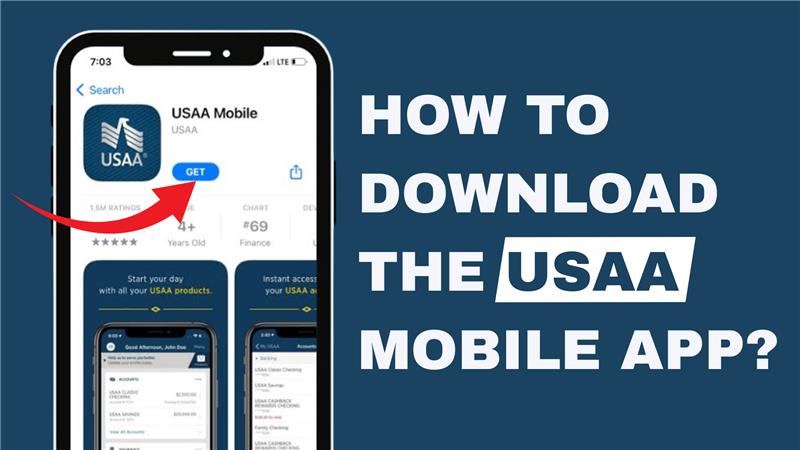
Hey everyone, welcome back to another tutorial video! In today’s guide, we’ll walk you through the simple steps to download and install the USAA mobile app on your device.
Step 1: Open the App Store or Google Play Store
- If you’re using an iPhone, open the App Store.
- If you’re using an Android device, open the Google Play Store.
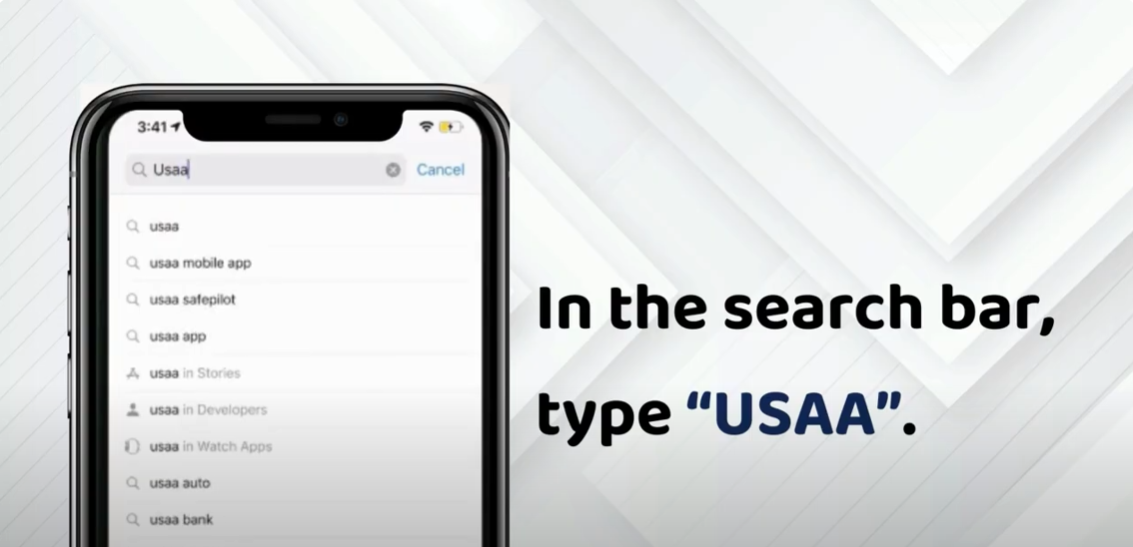
Step 2: Search for the USAA Mobile App
- In the search bar, type “USAA”.
- Look for the official USAA Mobile App in the search results.
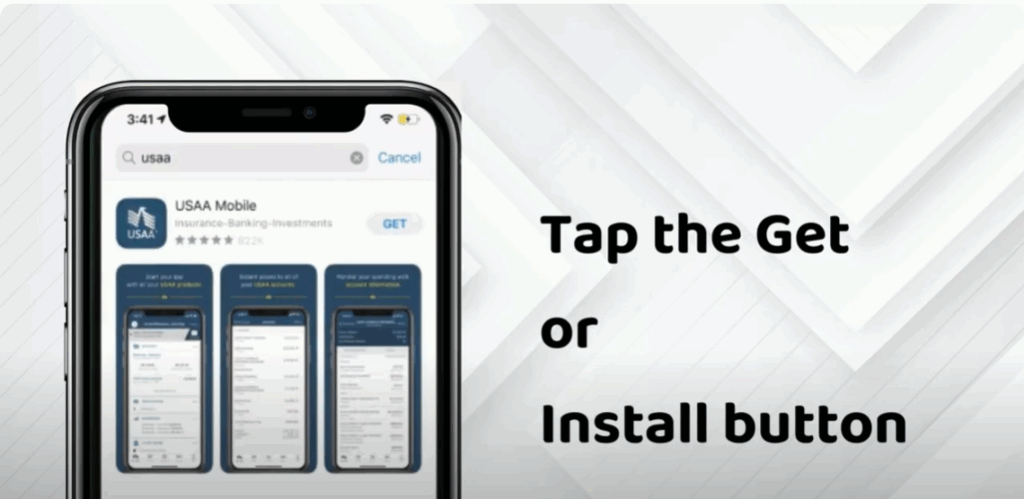
Step 3: Install the App
- Tap the Get button on iPhone or Install button on Android.
- Wait for the installation process to complete.
Step 4: Open the App
- Once installed, tap Open to launch the app on your device.
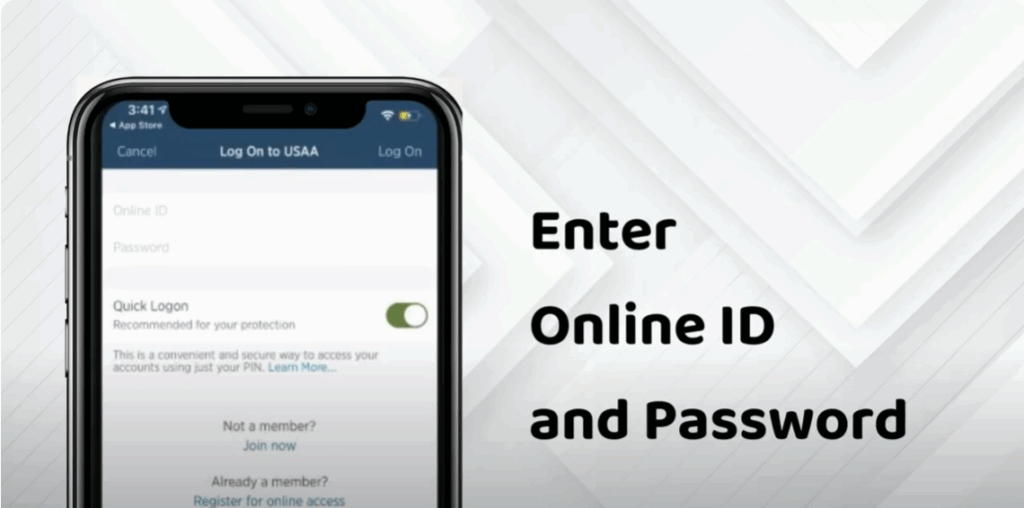
Step 5: Log In or Create an Account
- Enter your online ID and password to log in.
- If you don’t have an account yet, tap on Register for Online Access to create a new account.
If you found this tutorial helpful, don’t forget to like, comment, and subscribe to our channel so you never miss out on more helpful guides like this one. Thanks for reading!






