
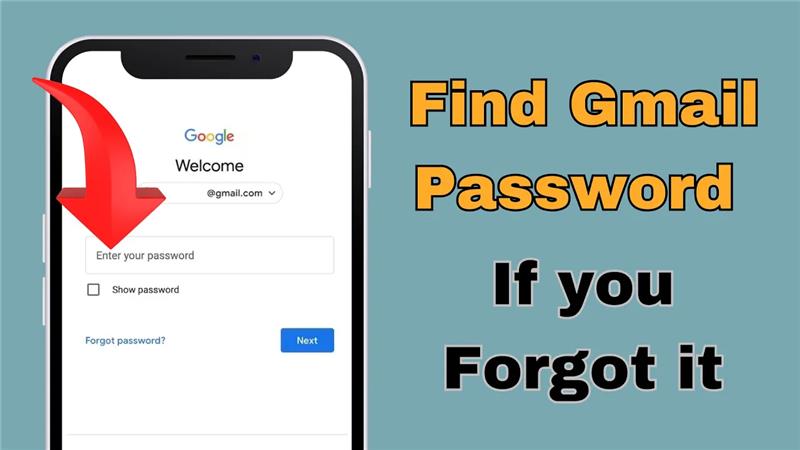
Hello friends welcome to my channel Tech Gitter. In today’s video I am going to tell you how you can find out the password of your Gmail ID.
If for some reason you forget the password of your Gmail ID or are unable to remember it after a long time, let me tell you that the password is hidden in your phone but you are unable to find it. In this video I will tell you step by step.
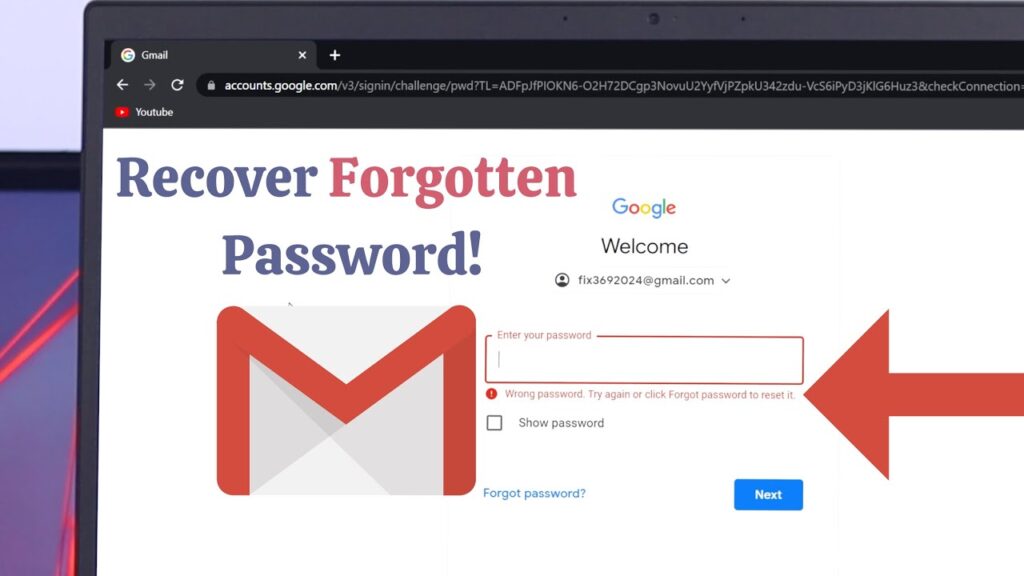
Step 1: Open Chrome Browser
First of all, open the Chrome browser in your phone.
Step 2: Open Settings
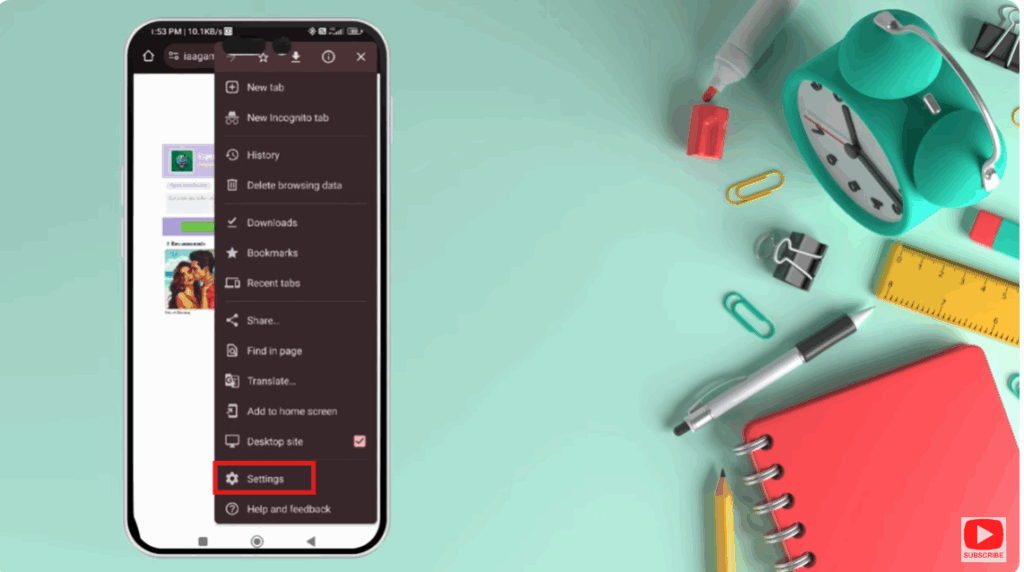
Then you will see the three dot option on the right side corner. Click on it.
After doing this you will see a setting option here. Click on settings.
Step 3: Go to Passwords
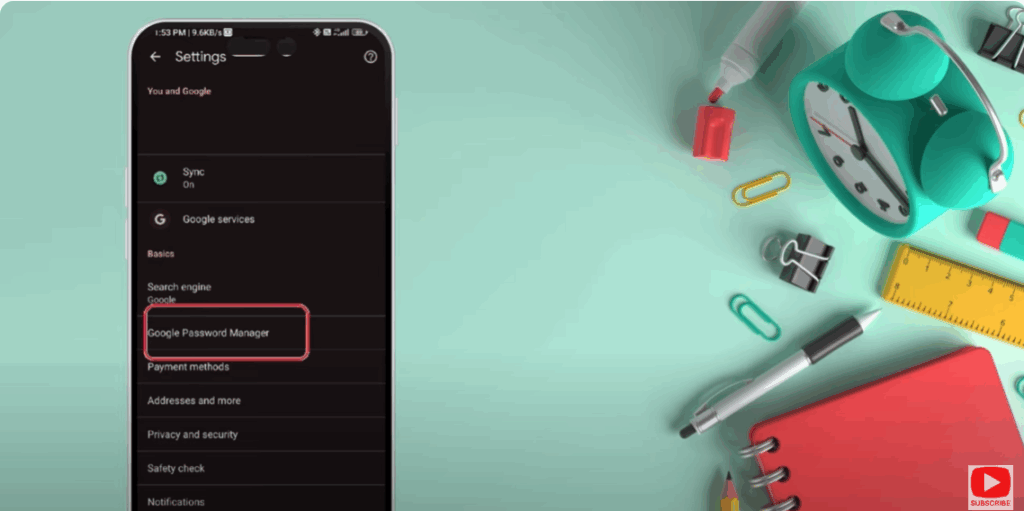
You will see a screen like this. At the bottom you will see a password option. Just click there.
Step 4: Access Google Passwords
Now you have to go to the next screen with google.com and here you can see the password.
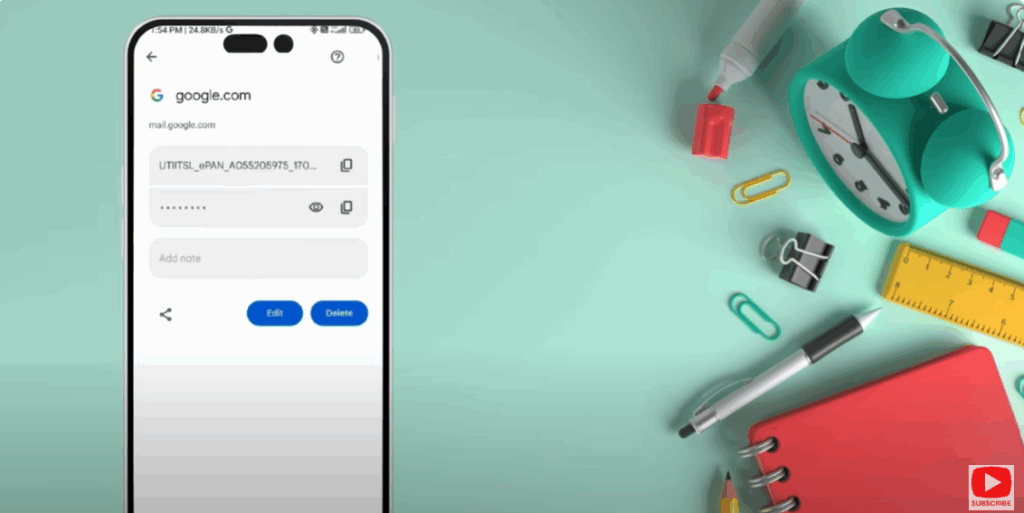
Step 5: Unlock Saved Passwords
Here you will see an option of an eye icon like this. By clicking on the pattern you can unlock it with your fingerprint or face unlock.
I’m not showing you the password.
If you like this video please like it and subscribe my channel to watch more such videos.
Thanks for watching. Have a nice day.






