

Getting a flip clock screensaver for your Mac or Windows PC is a cool way to give your desktop a stylish, retro look while keeping track of time. These full-screen clocks look like the classic flip clocks from the past, and they’re both useful and fun to watch. The best part? You don’t need to be a tech expert to install one—it’s super easy! In this beginner-friendly blog, we’ll explain in simple language how to download and set up a flip clock screensaver on your computer, so your screen looks awesome and stays on time.
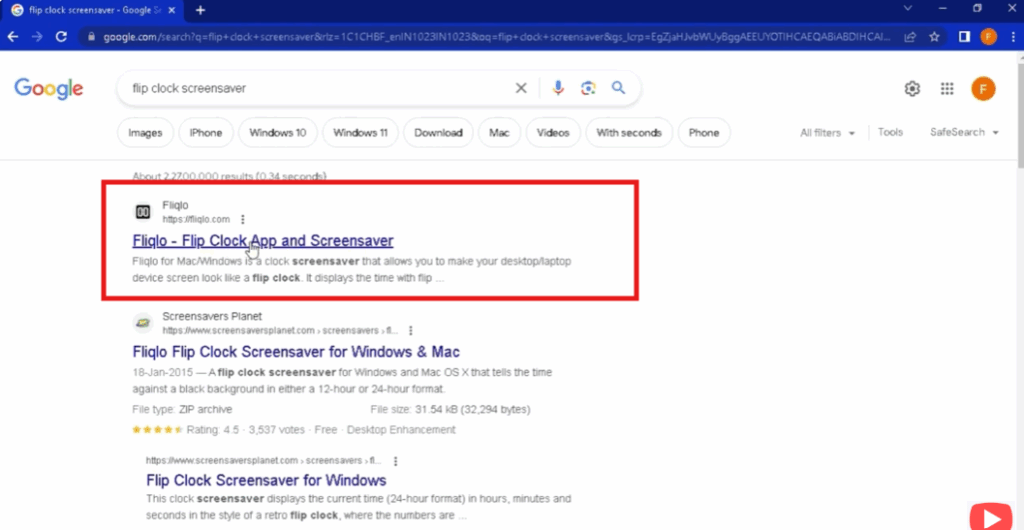
First, open Chrome on your Windows PC and search for “Flip Clock Screensaver”.
Click on the first website that appears — fliqlo.com — and open it.
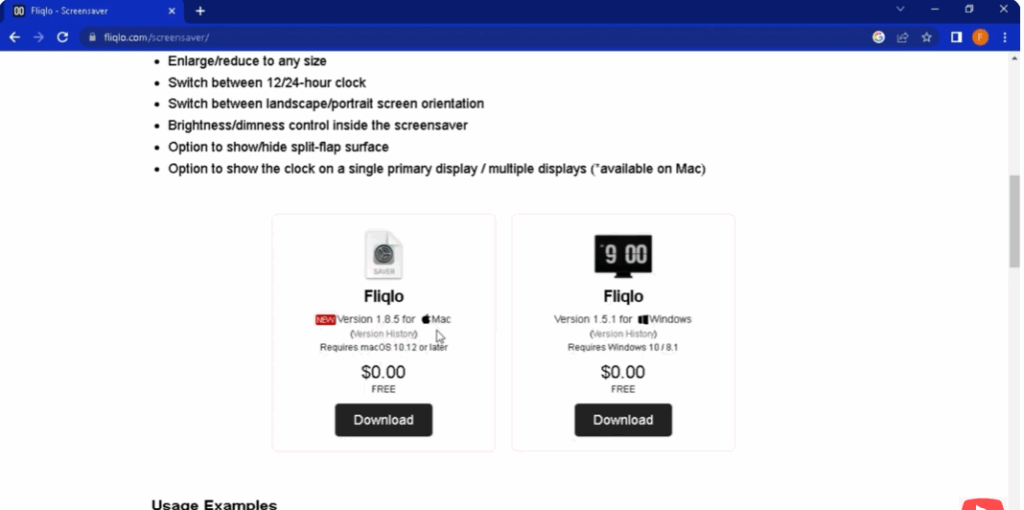
Scroll down and you will see two options:
“Download whatever you want to download for Mac and for Windows”.
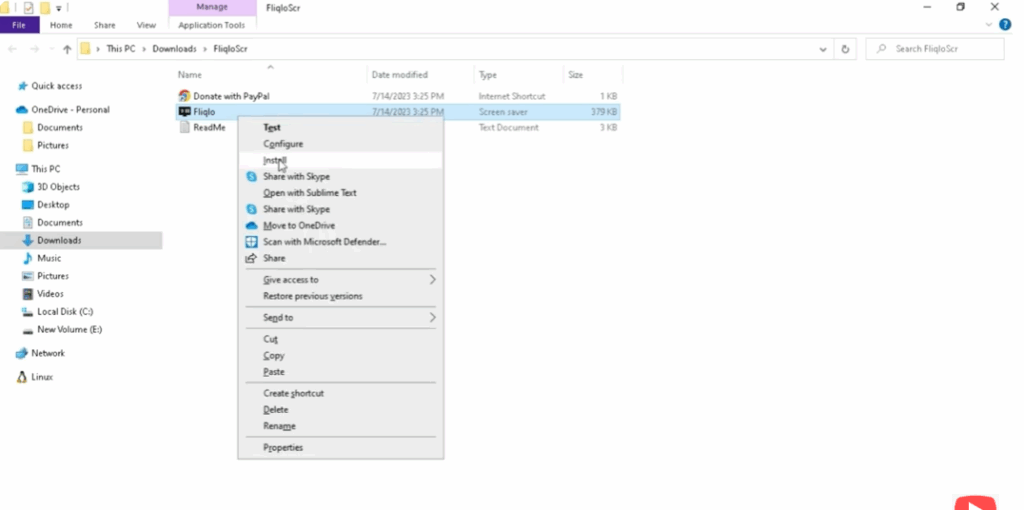
Your ZIP file will now be downloaded. Open it and extract the Fliqlo file.
Once the file is extracted, right click and install it.
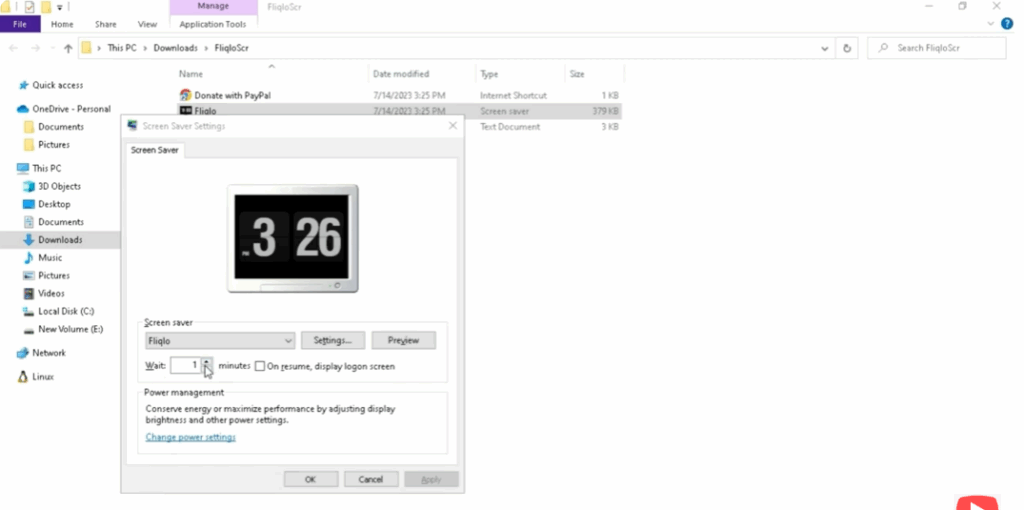
You will see the screensaver settings window.
You can check it by clicking on Preview.
The Flip Clock will appear on your Windows screen.
Click Apply or OK to enable it.
Conclusion
In conclusion, adding a flip clock screensaver to your Mac or Windows PC is a quick and easy way to make your desktop look stylish while keeping track of time. With just a few simple steps, you can enjoy the retro flip clock design in full screen and turn your computer into both a useful and eye-catching display. Whether you want it for productivity or just for fun, this screensaver is a great choice. Now you’re ready to set it up and enjoy a modern twist on a classic look!






